
Question
Toolbars missing in illustrator.
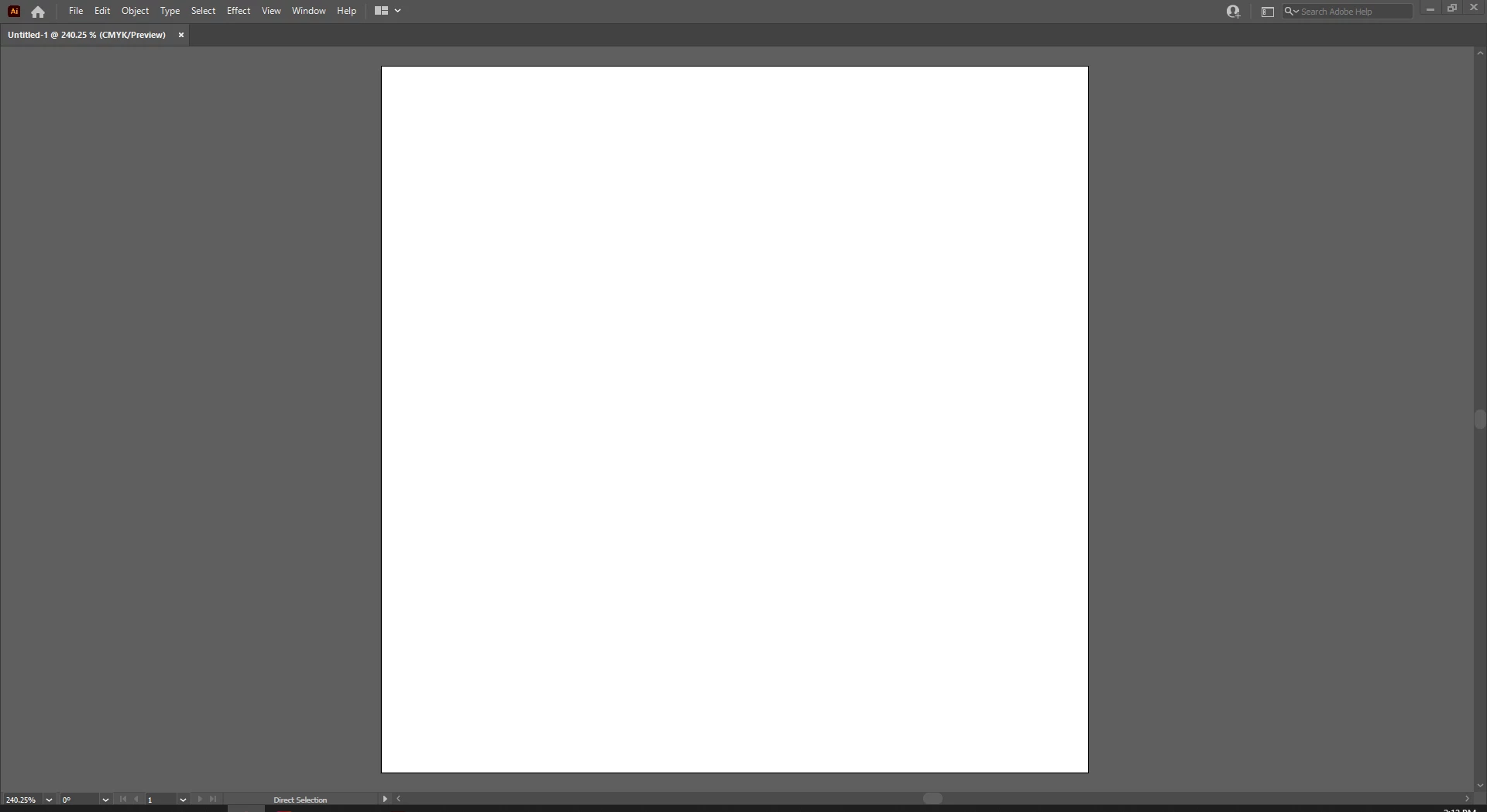
All my toolbars are missing in Illustrator. I've selected essentials classic, which is my preferred layout, but I have nothing on the screen except the very tab bar that contains: File, Edit, Object etc.
I've read that you can hit tab to make the toolbars appear but that doesn't seem to work.
 AdChoices