Participant
March 28, 2020
Question

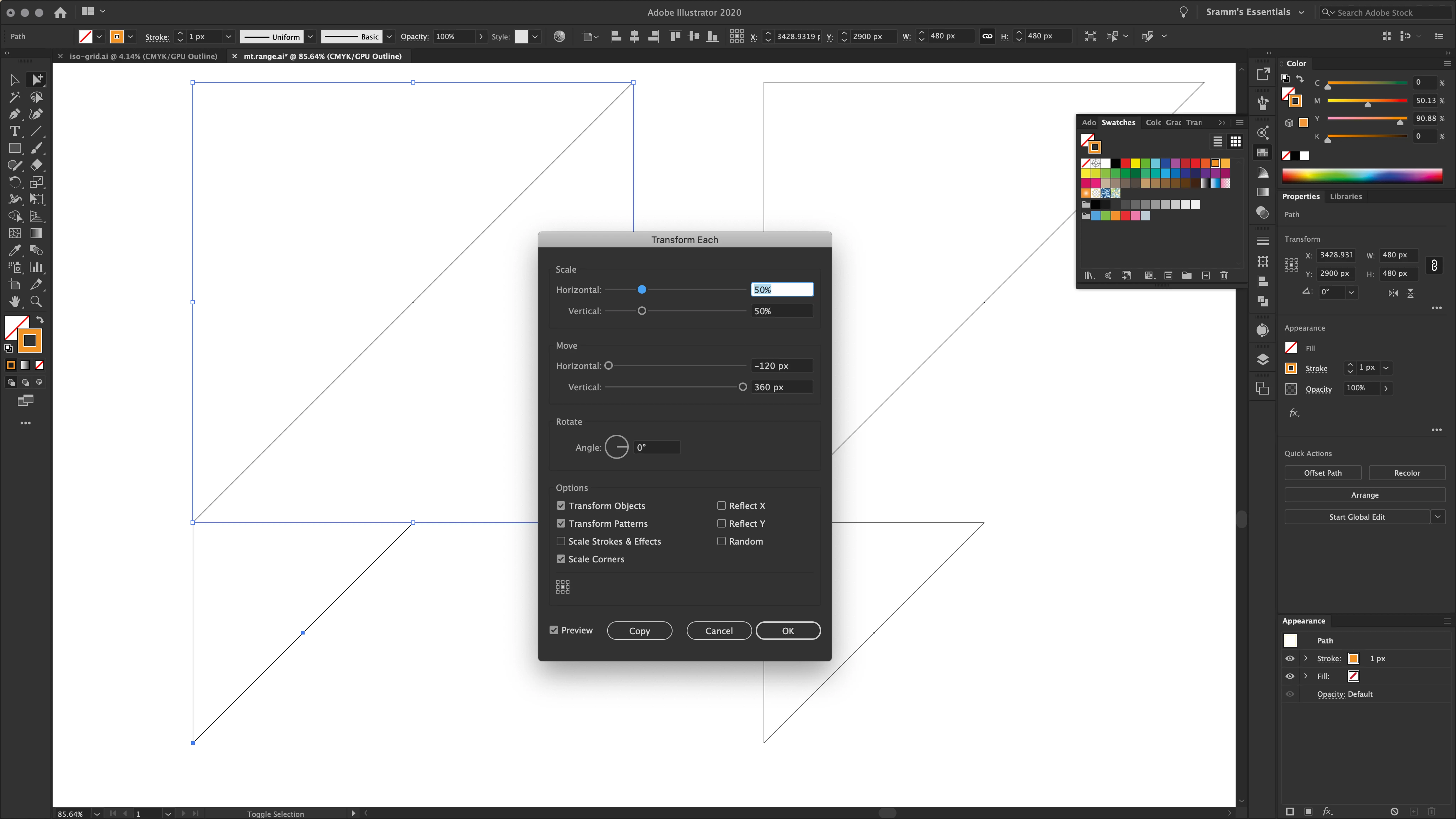
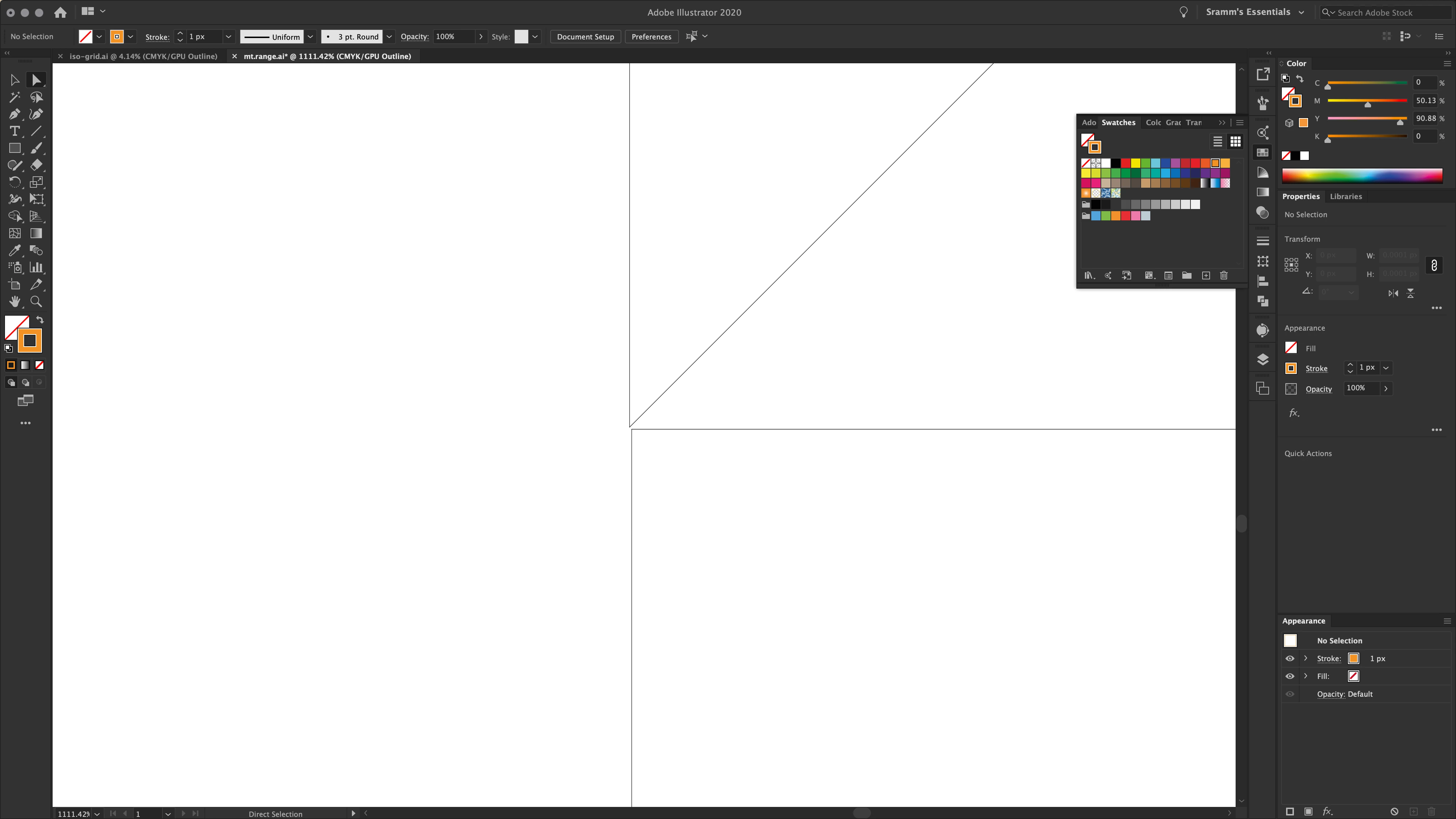
Transform Each - scaled and moved objects (all in one command) become unaligned from one another

  • March 28, 2020
  • 3 replies
  • 204 views

My command for the tool is as follow:

 - scale vertical & horizontal down 50%

 - move left(1/4*obj.width) + move down(3/4*obj.height)

What comes out is the new half-size copy of the object is un-aligned from the original.

However when I do the all the above myself manually (in the same order), the new copy is perfectly aligned - normally...
This topic has been closed for replies.

3 replies

Monika Gause
Community Expert
Community Expert
April 25, 2020

Looks like you have Align to Pixels turned on. You might want to turn it off.

Peter Villevoye
Community Expert
Community Expert
April 25, 2020

I see you're using an orange line width, and are working now in Outline mode. Maybe one process keeps the line width in mind and alignes them visually (in Preview mode), while the other method is using sheer numbers and as a result wouldn't visually align ?

jane-e
Community Expert
Community Expert
April 23, 2020

Hi

What happens when you change the Reference Point to something other than Center?

~ Jane