

Answered
Transparency disapears when grouped
Hi there,
Here is my problem.
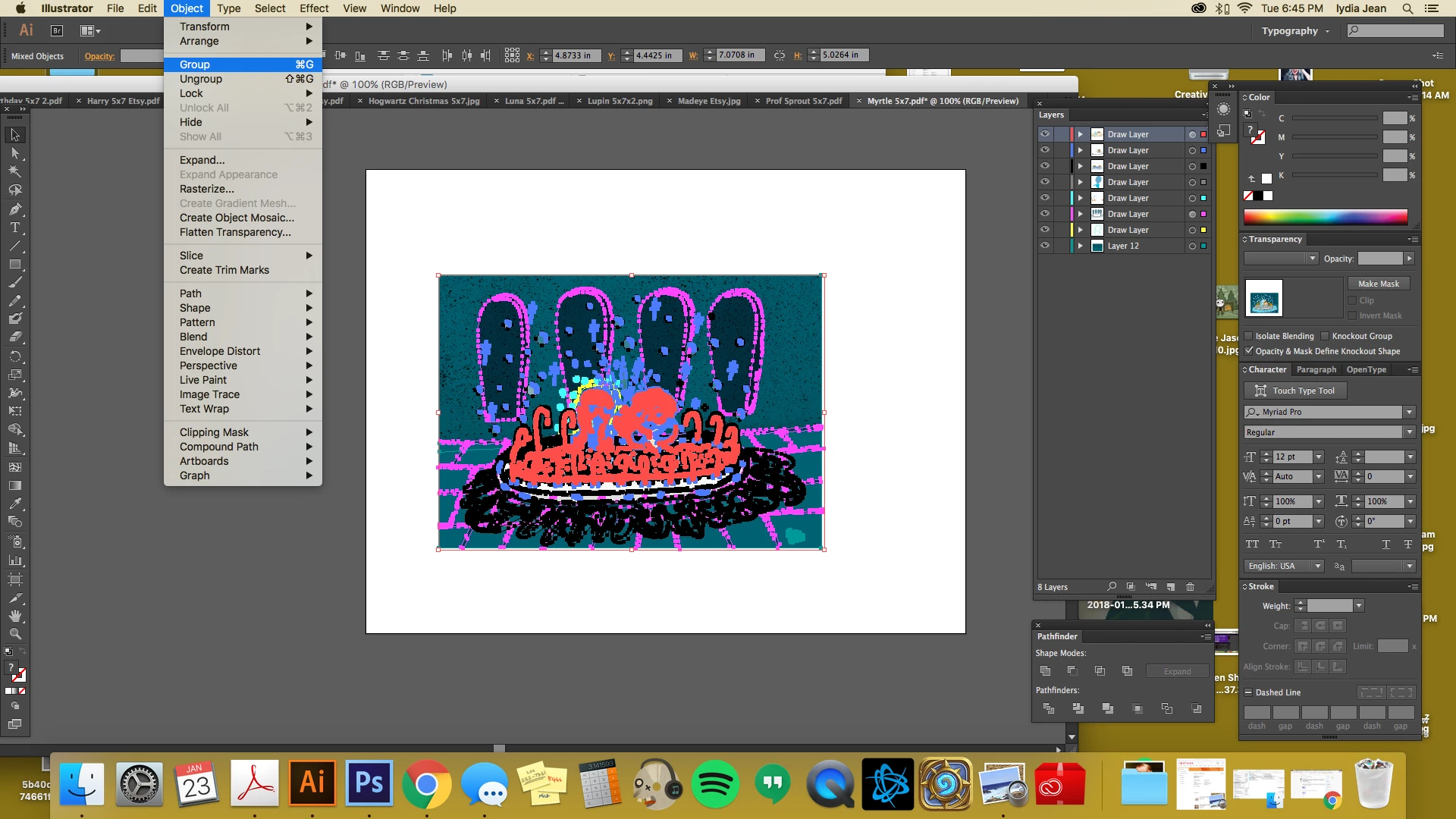
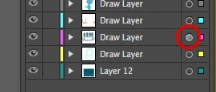
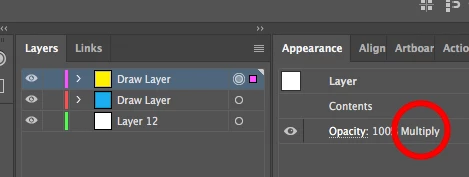
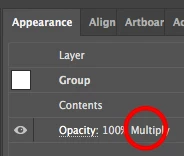
I have an image I created using adobe draw. When I bring it into AI on my desktop and then try to either group the whole image or copy/paste it into a new template the transparency gets wonky and lost. It's as though it forget's that it's suppose to be a *multiply* layer.
I can go back and select all the individual marks and go to multiply to then get them back to the opacity/transparency I want, but that takes forever.
any help would be appreciated.

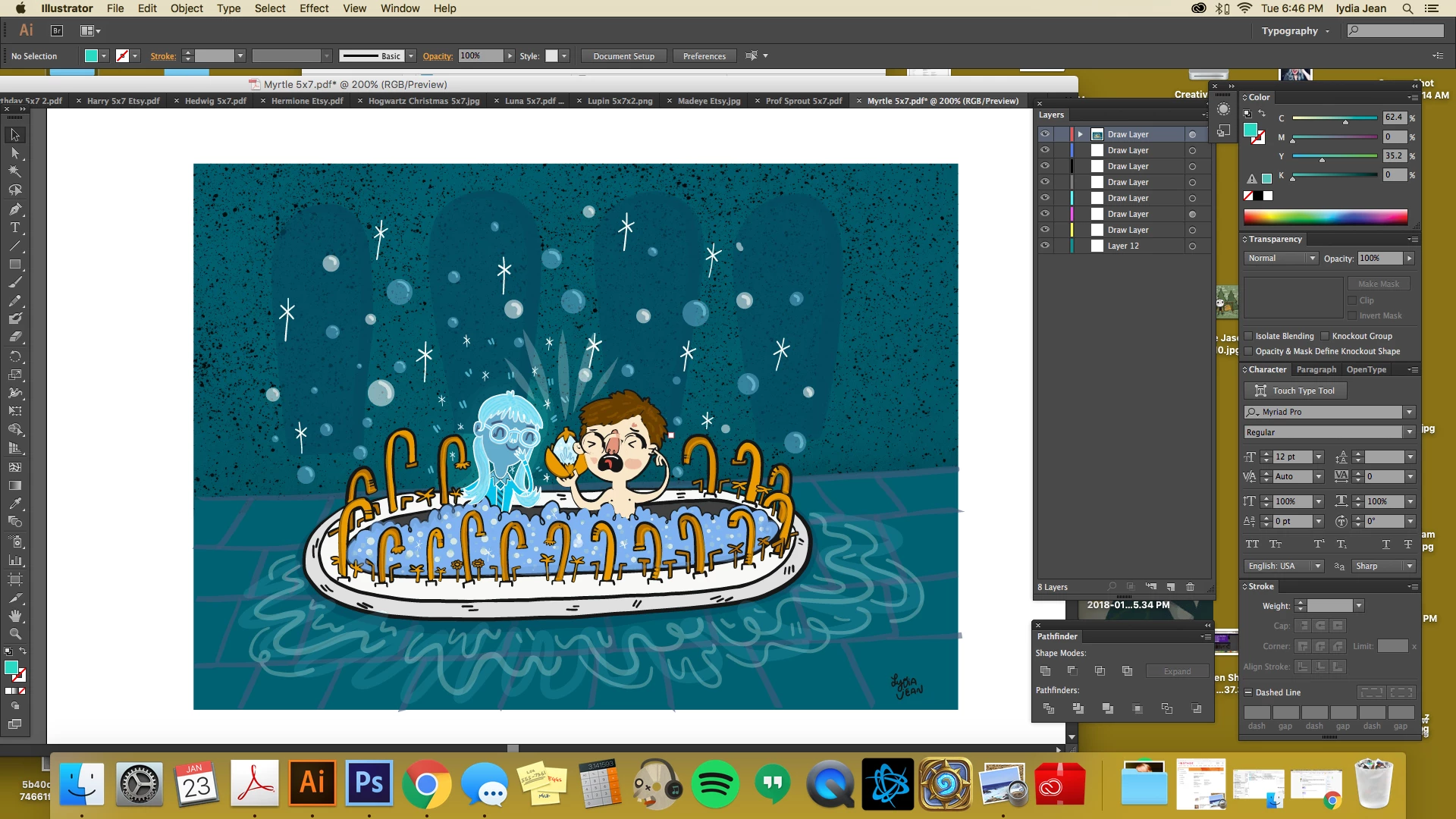
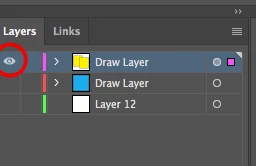
original image
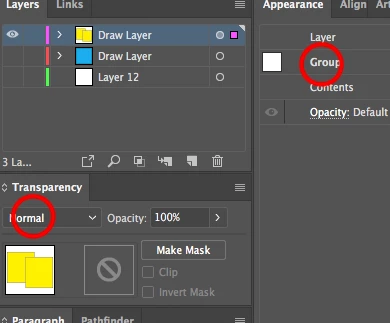
going to group all the layers
whoa, suddenly everything that was *multiplied* is bleh
 AdChoices