mege94464695
Participant
November 27, 2019
Question

Transparency issues

  • November 27, 2019
  • 3 replies
  • 645 views

Hey y'all. 
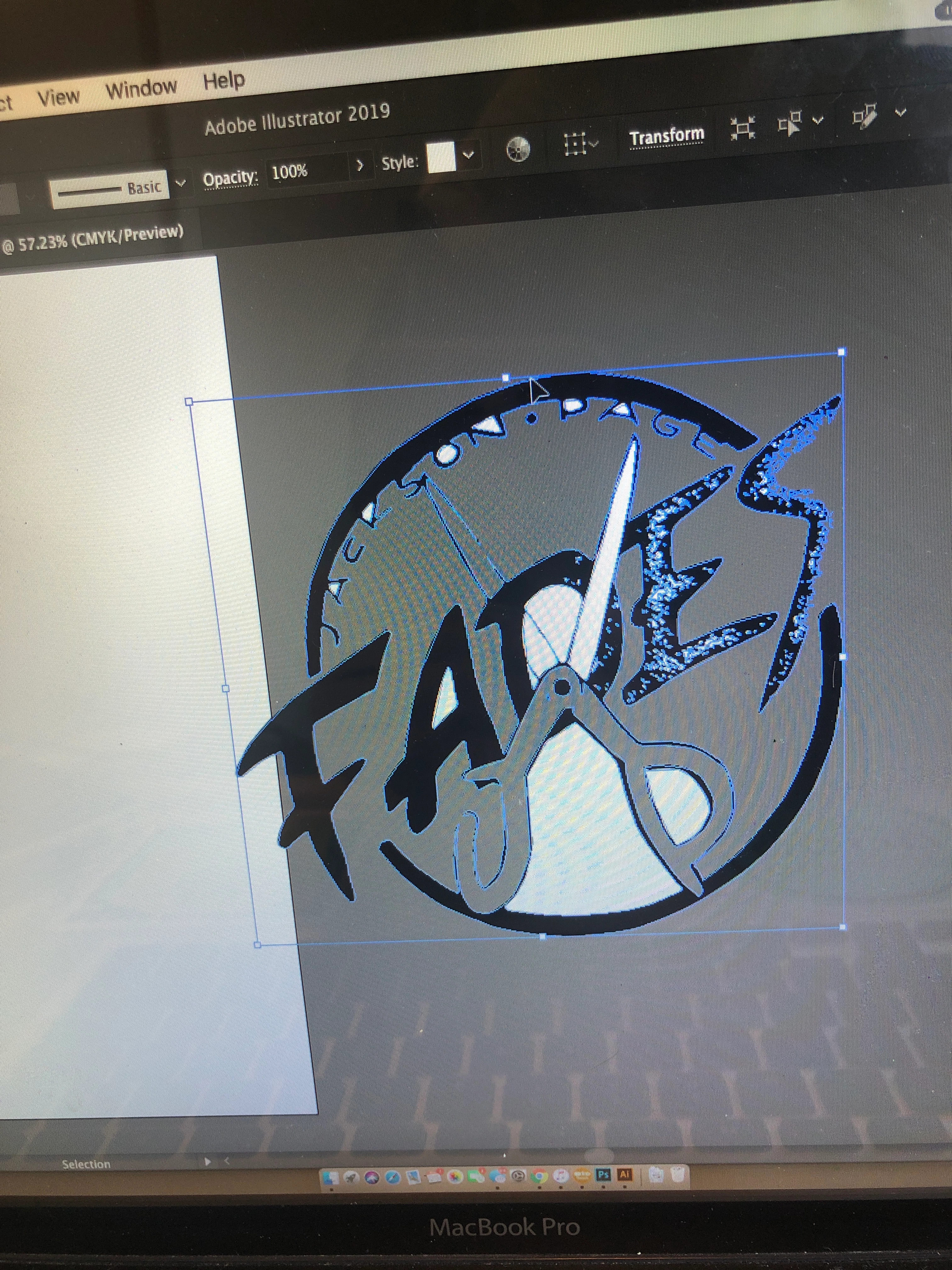
I am having trouble getting my all black logo void of white spaces in the background. This would be fine if I was printing it on white shirts, but I want the option of different colors, and possibly even changing the logo to all white on black shirts. 

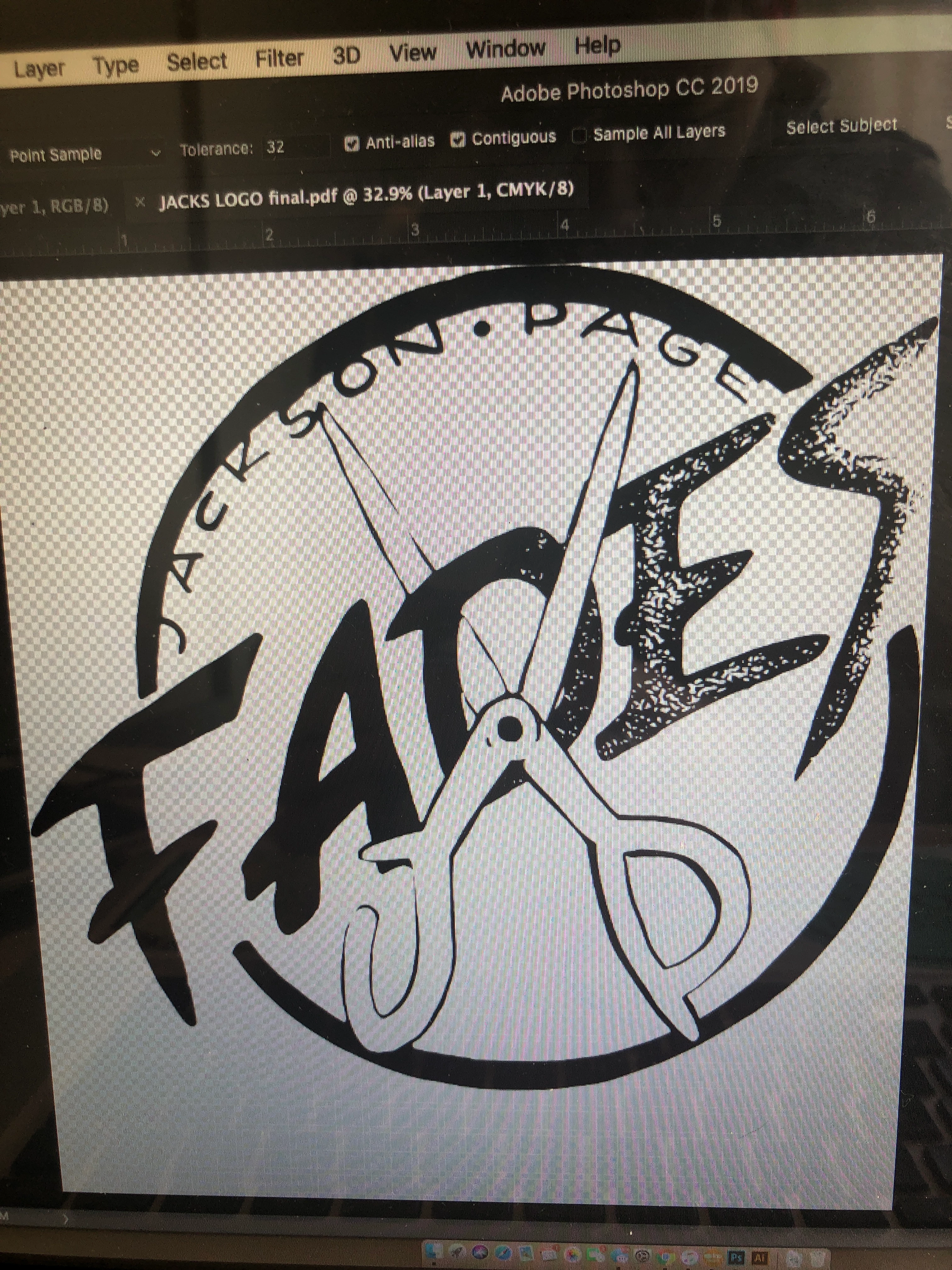
I started by hand drawing the logo, I then scanned it and opened it in Photoshop. I cleaned it up and erased all white from the background (including going through and selecting all the small dots found in the lettering.) I saved it as pdf, then placed the save file in Illustrator where I converted it to black and white logo and then expanded it into paths. I deleted the box around the logo, and then exported it as a png with transparent background. However, when I do this there

are still white sections that didn't become transparent, including the white dots I went through in photoshop deleting. Any ideas as to what I'm doing wrong? Do I need to save it as a different file in photoshop first before opening it in illustrator..? Thanks for your help! 


This topic has been closed for replies.

3 replies

Inspiring
November 27, 2019

Try saving a copy of your original scan file as a 1-bit black and white ( no white actually ) bitmap ( Photoshop > Image > Mode > Bitmap > select 50% Threshold ).  But, before you do, size the file as bigg as you can with a resolution of 600 - 1200ppi, this will be your bitmap resolution.  When you save in bitmap, 1-bit, you will be getting no white.

Anna Lander
Inspiring
November 27, 2019

If your tracing is already expanded and good enough,  open Isolated Mode by double-click on the logo, select any white element and use Select > Same > Fill Color command. Delete all selected white pieces. Close Isolated Mode by double-click on the artboard.

Monika Gause
Community Expert
Community Expert
November 27, 2019

When using Imge trace, check the option "ignore white", then expand.

mege94464695
Participant
November 27, 2019

How do I get to the "ignore white" option before I image trace..? I can't find anything like that on my illustrator. 🤔 🤔

Monika Gause
Community Expert
Community Expert
November 27, 2019

It's an option in the Image Trace panel. Please see the documentation: https://helpx.adobe.com/illustrator/using/image-trace.html