Participant
February 27, 2020
Respondido

Transparency of object and to all layers below

  • February 27, 2020
  • 2 respostas
  • 2131 Visualizações

Hi guys,


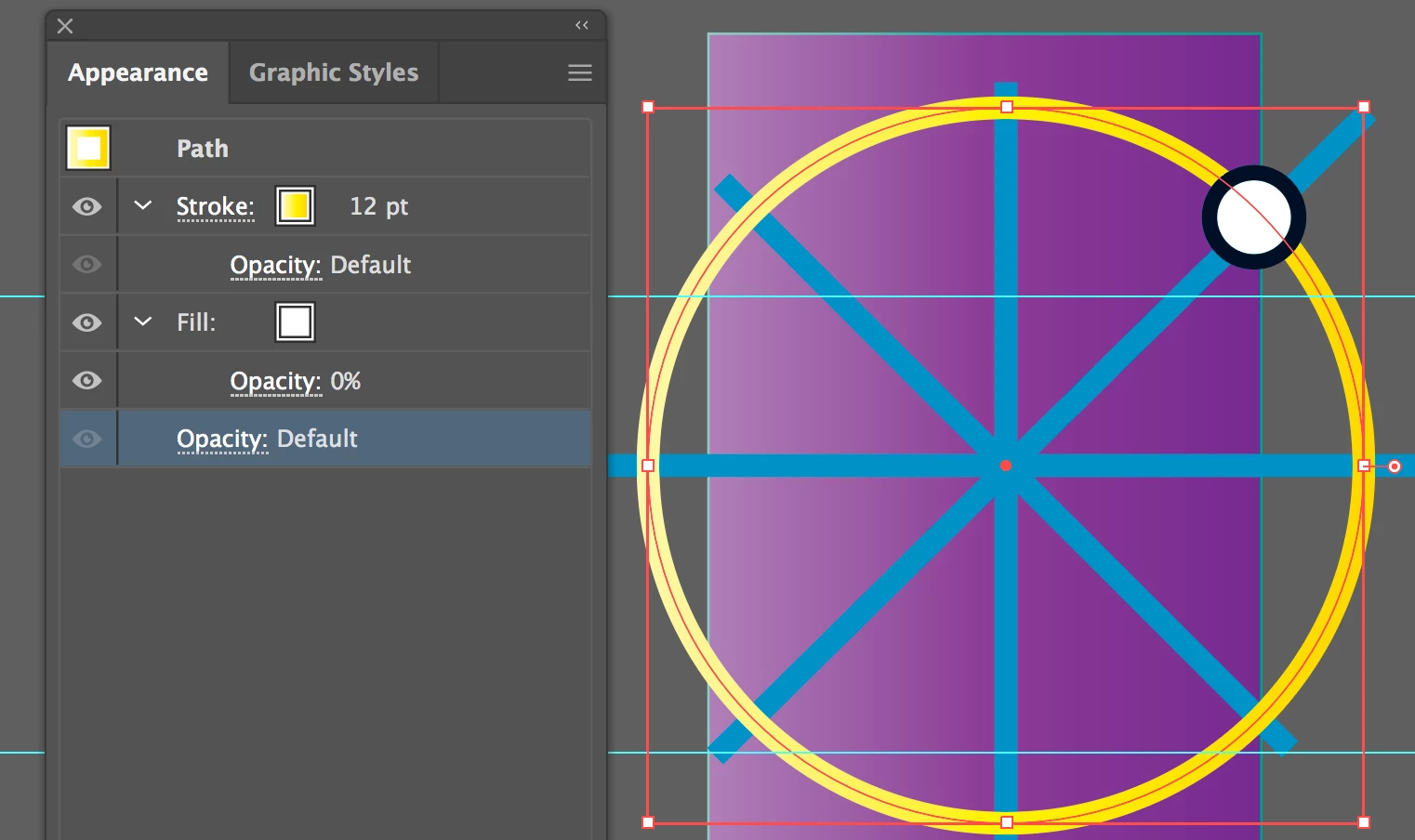
I am stuck at a problem with the transparency across multiple layers in a case where it is very tiresome to modify all paths in the layers below in order for the background to show through. I want to set the fill of my shape (the selected circle) to 0% so that the background shows through, but without the lines and paths of all the layers below to be seen as well. Is there a way to do this? I found knockout maps and masks online but couldn't figure out how these would enable the "subtraction" of the below layers.


Would be really glad if anyone had a solution, thanks!
 

Este tópico foi fechado para respostas.
Melhor resposta por SJRiegel

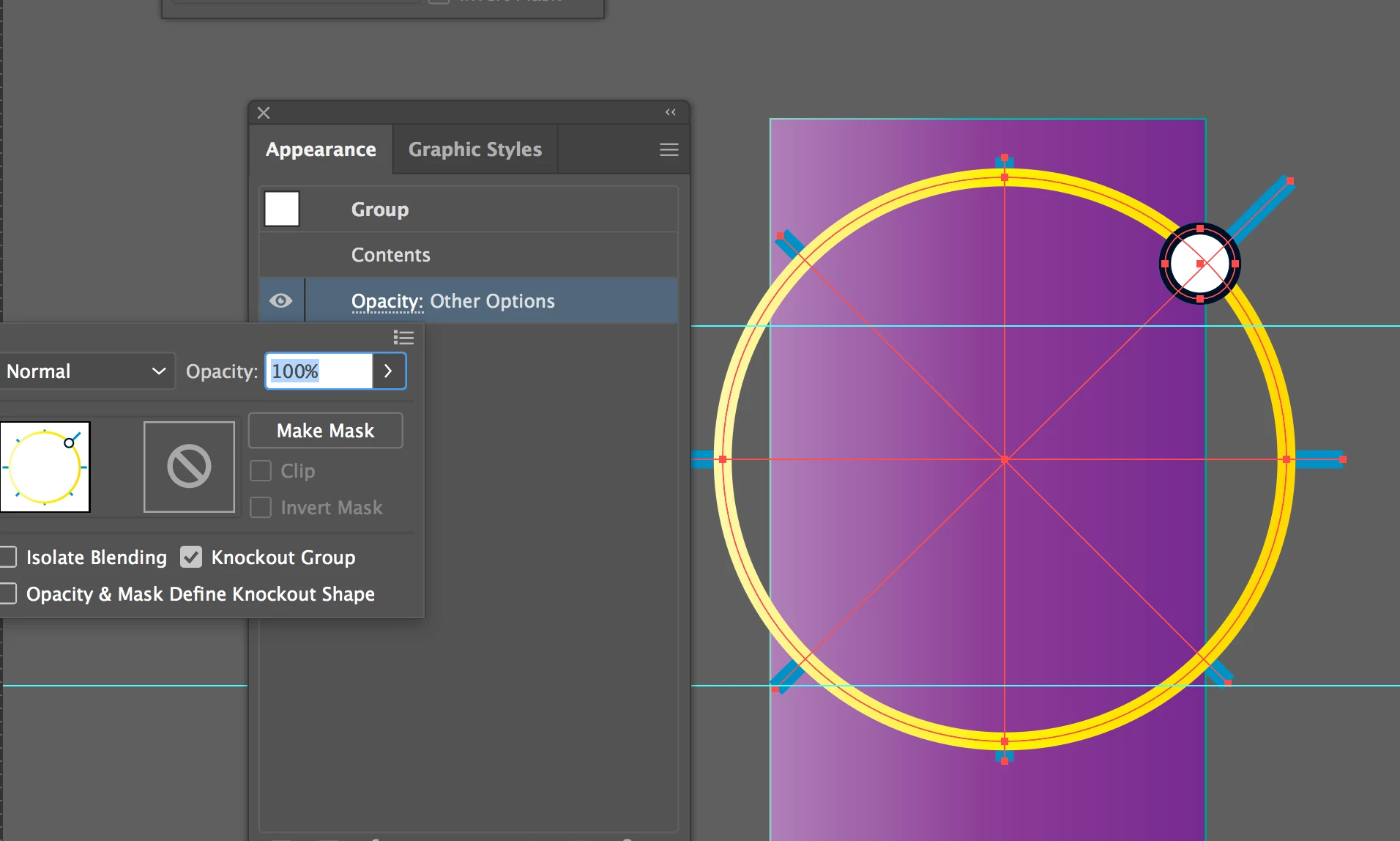
Fill your selected circle with a color, and set the opacity of the fill to zero percent. Make a group of the circle and the lines that you want knocked out. Then, in the Group's opacaity options, select Knockout Group


2 Respostas

SJRiegelResposta
Legend
February 27, 2020

Fill your selected circle with a color, and set the opacity of the fill to zero percent. Make a group of the circle and the lines that you want knocked out. Then, in the Group's opacaity options, select Knockout Group


AbufasoAutor
Participant
February 28, 2020

Thanks - I somehow didn't manage to understand the option before. Both options achieved the goal, actually. I'll continue knocking out the circles that are left in my artwork. 

Thank you both!

キィィ─!!!
Participating Frequently
February 27, 2020

Hello, abufaso
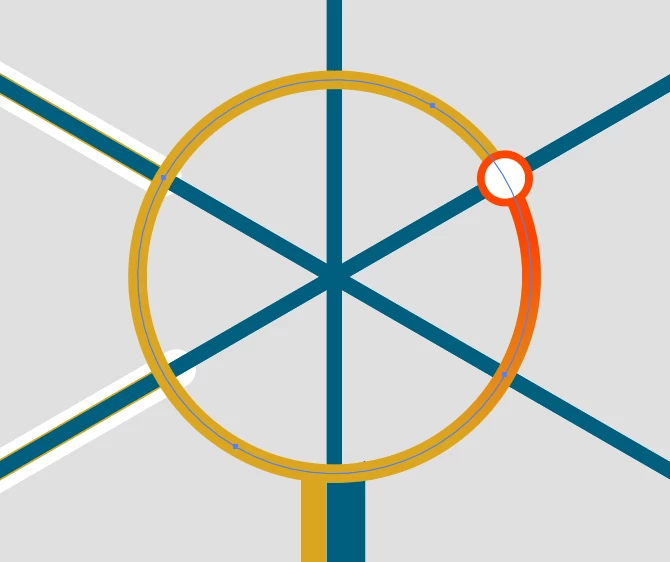
How about creating a clipping mask with perforated objects?

Sorry for the Japanese version of the image.