
Participant
August 15, 2018
Question

Transparent Areas when exporting as PNG

  • August 15, 2018
  • 1 reply
  • 1926 views

I'm relatively new to Illustrator CC 2018, and I'm having an issue with transparent areas showing up when exporting my file as a PNG. For example, the file below will
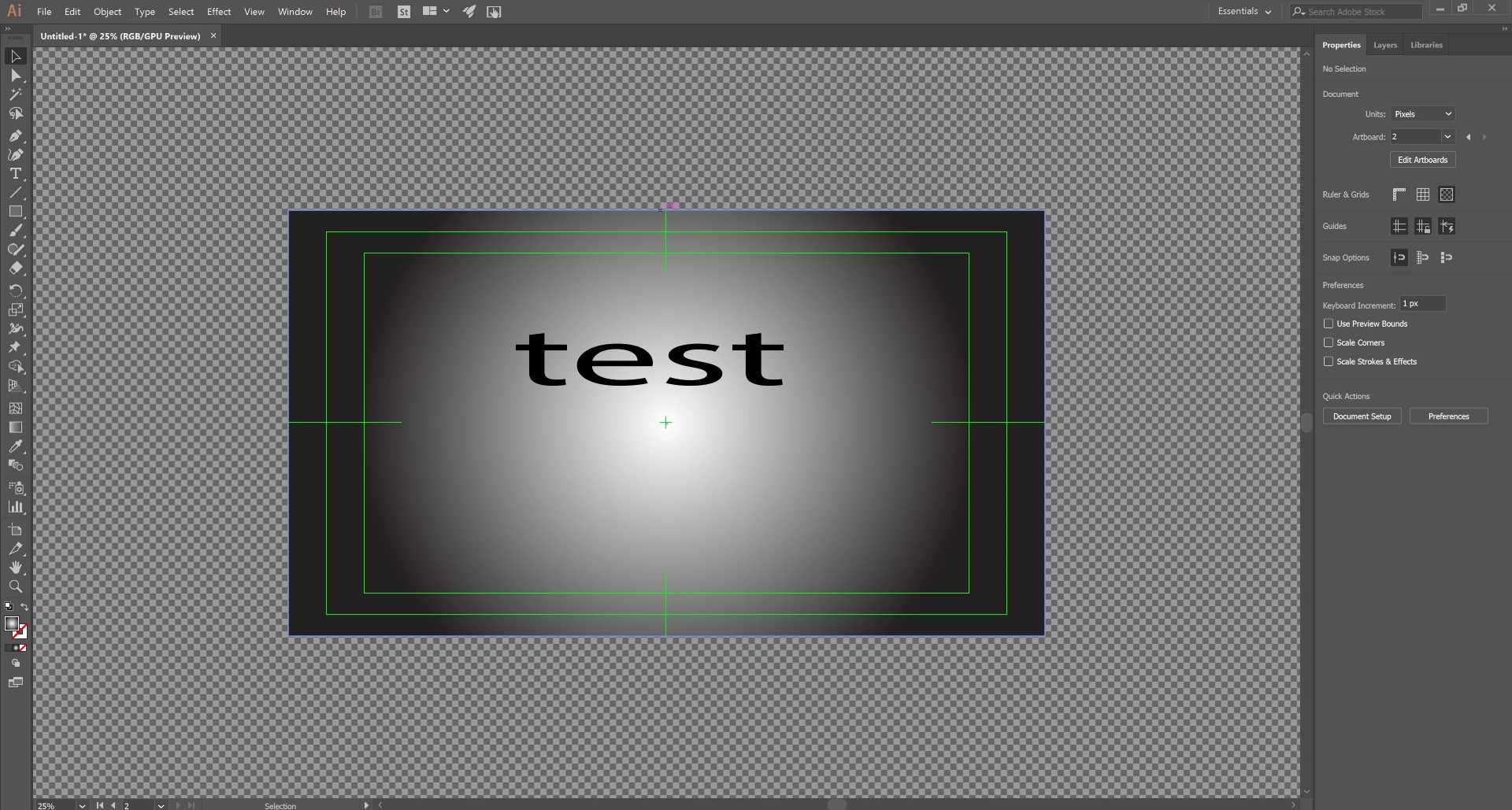
export as the following image with extra transparent area at the bottom.
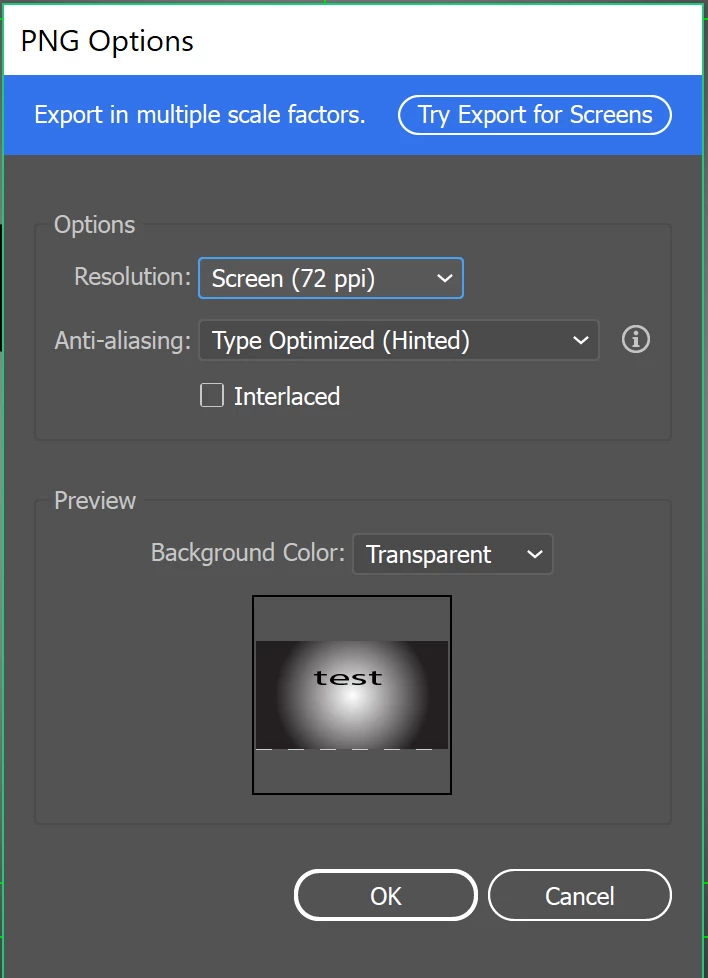
Even when I extend the bottom of the rectangle (the gradient background) to extend past the bottom edge of the artboard, the transparent area will still be there when exporting. This happens to all my files on a seemingly random side of the PNG. Is this intended behavior? The file in this example is 3840x2160px. I've searched this forum and on Google, but I couldn't find a solution.Thank you!

PS: What are the green lines called so I can remove them?

    This topic has been closed for replies.

    1 reply

    Monika Gause
    Community Expert
    Community Expert
    August 15, 2018

    The green lines are the video guides.  How to use rulers, grids, and guides in Illustrator

    As for your issue: is the artboard aligned to the pixel grid?

    Participant
    August 15, 2018

    I believe the artboard is aligned to the pixel grid. I selected the artboard and went to Object > Make Pixel Perfect and I got a prompt saying the "Selected art is already pixel perfect." In addition, my artboard is located on an integer pixel (not a decimal).

    Monika Gause
    Community Expert
    Community Expert
    August 15, 2018

    And that rectangle is pixel perfect as well?

    Easiest would be to just make it slightly larger.