Inspiring
October 1, 2022
Answered

Trimming the Pattern

  • October 1, 2022
  • 1 reply
  • 391 views

Hi,


I am making a Pattern.


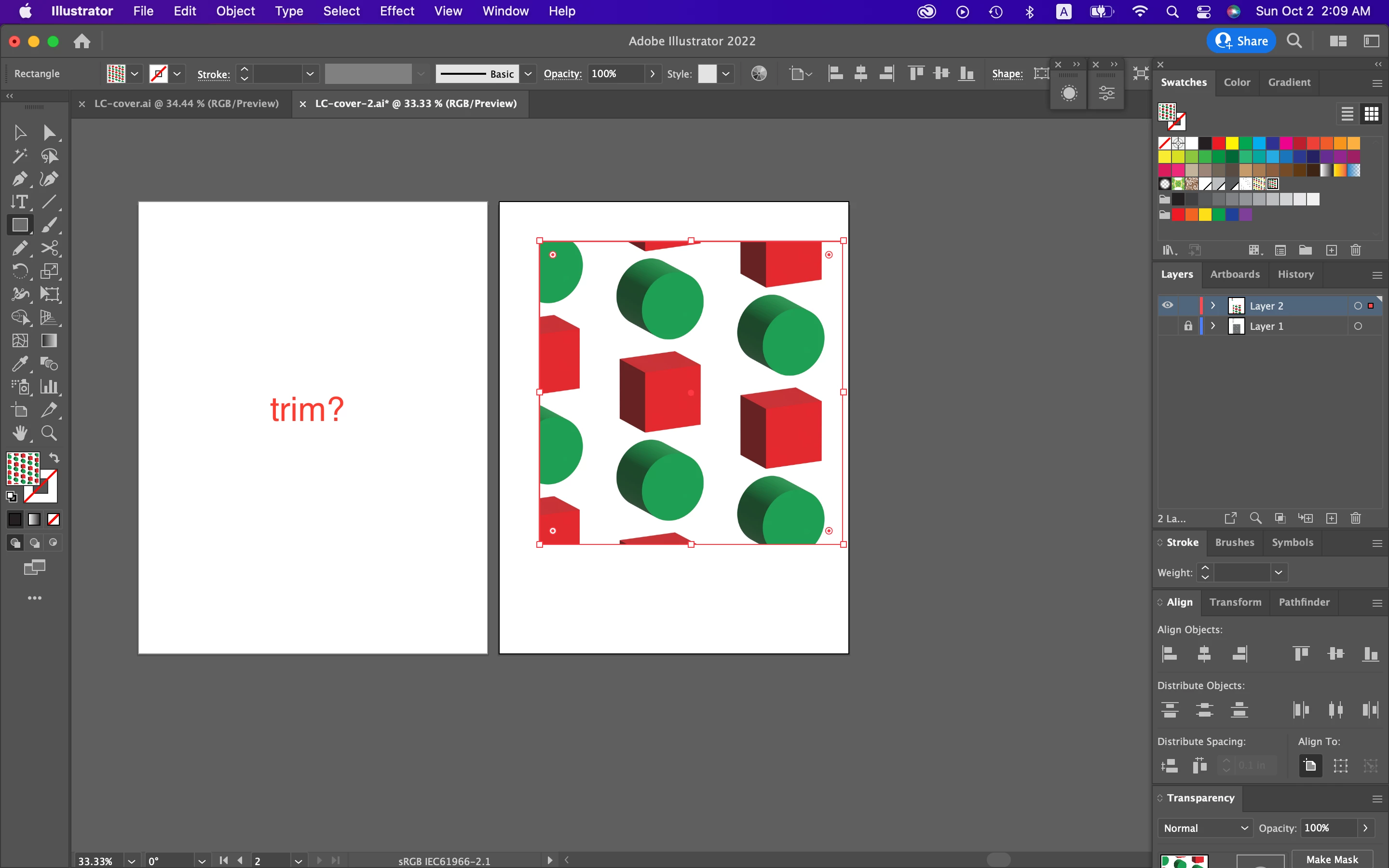
In Screenshot 8, I can't trim the pattern, keeping the size of figures unchanged.


Is there any solution?


Hosun


1. There are two figures.
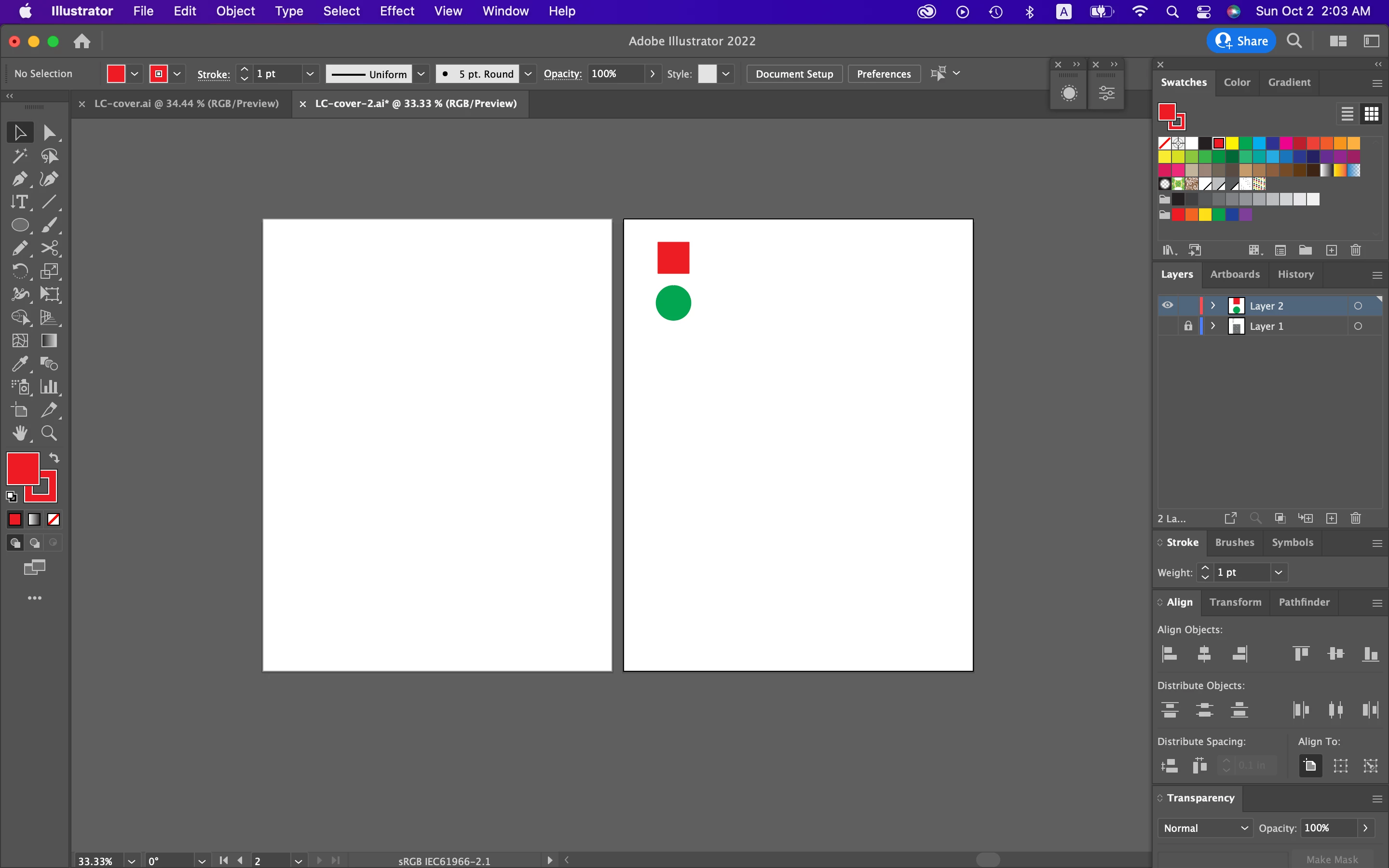
 

2. Expand


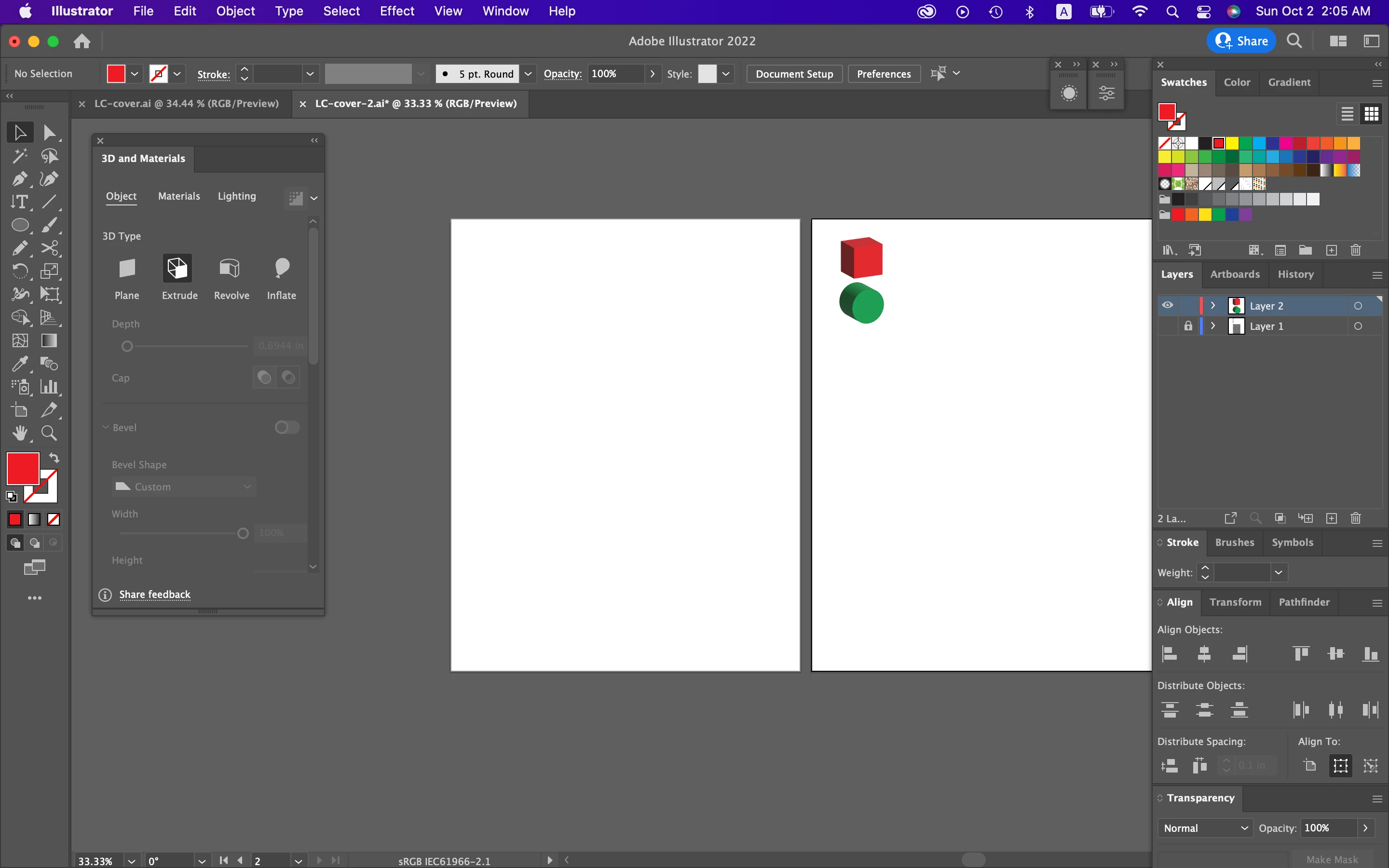
3. 3D and Materials


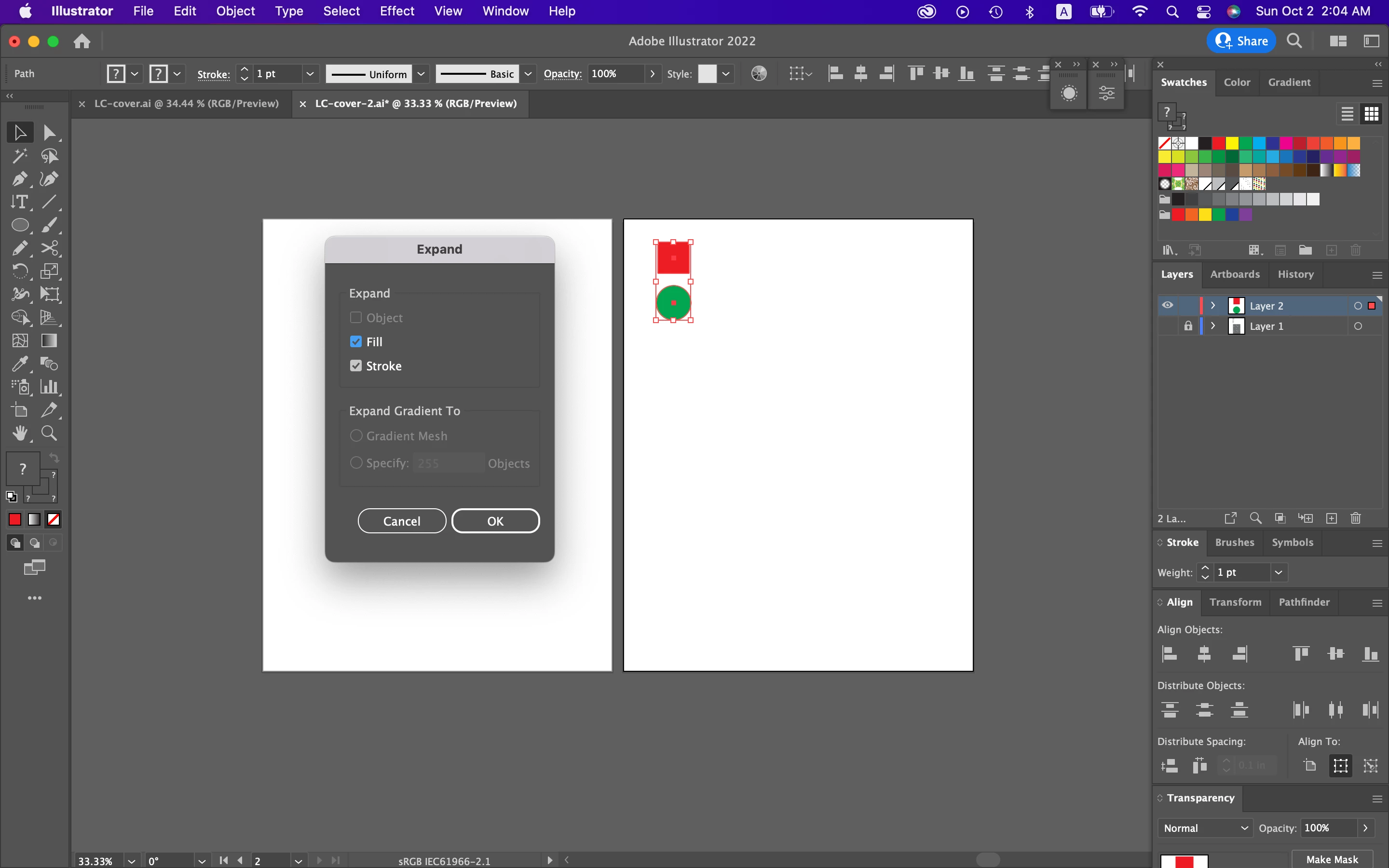
4. Expand Appearnace
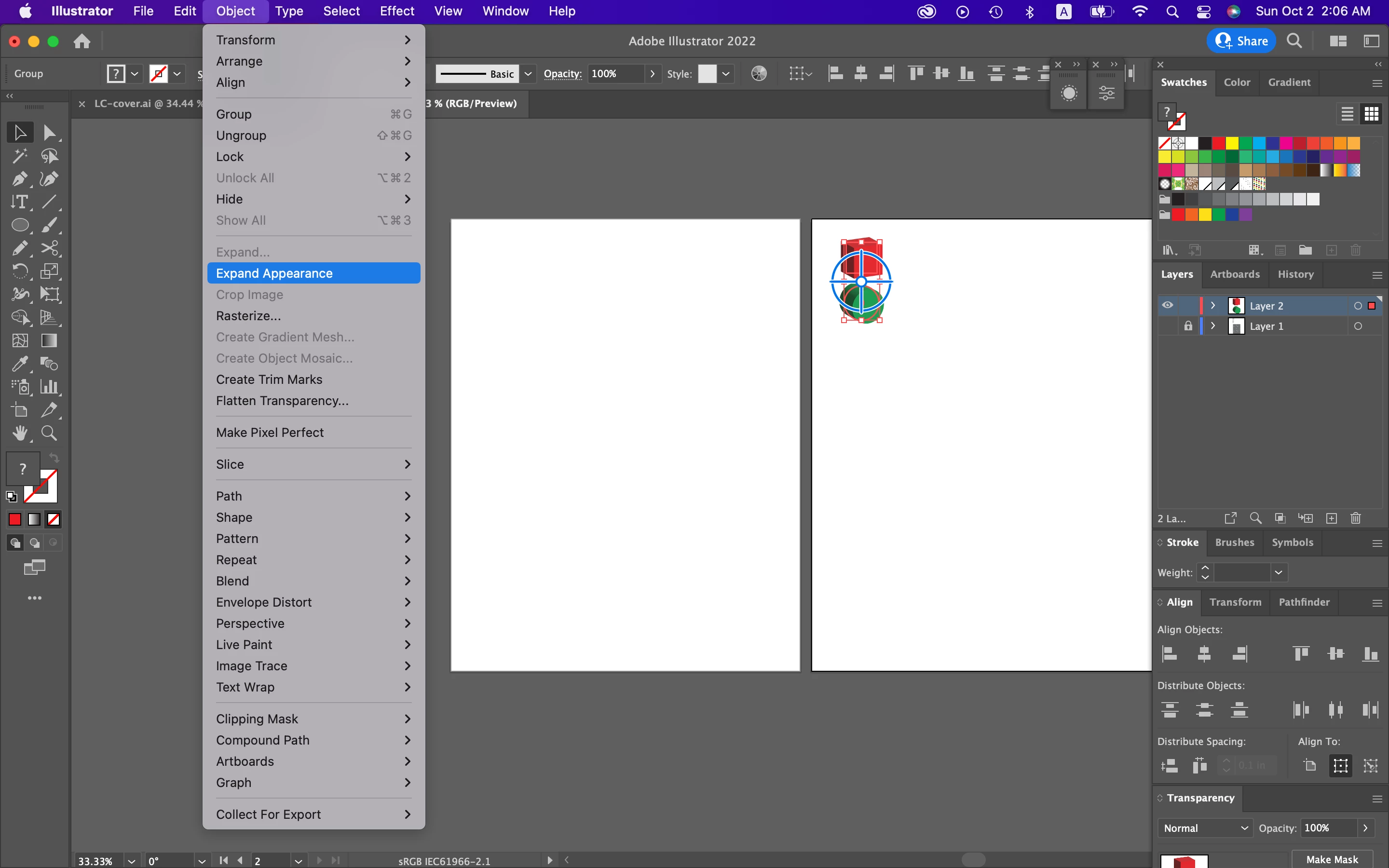


5. Make Pattern
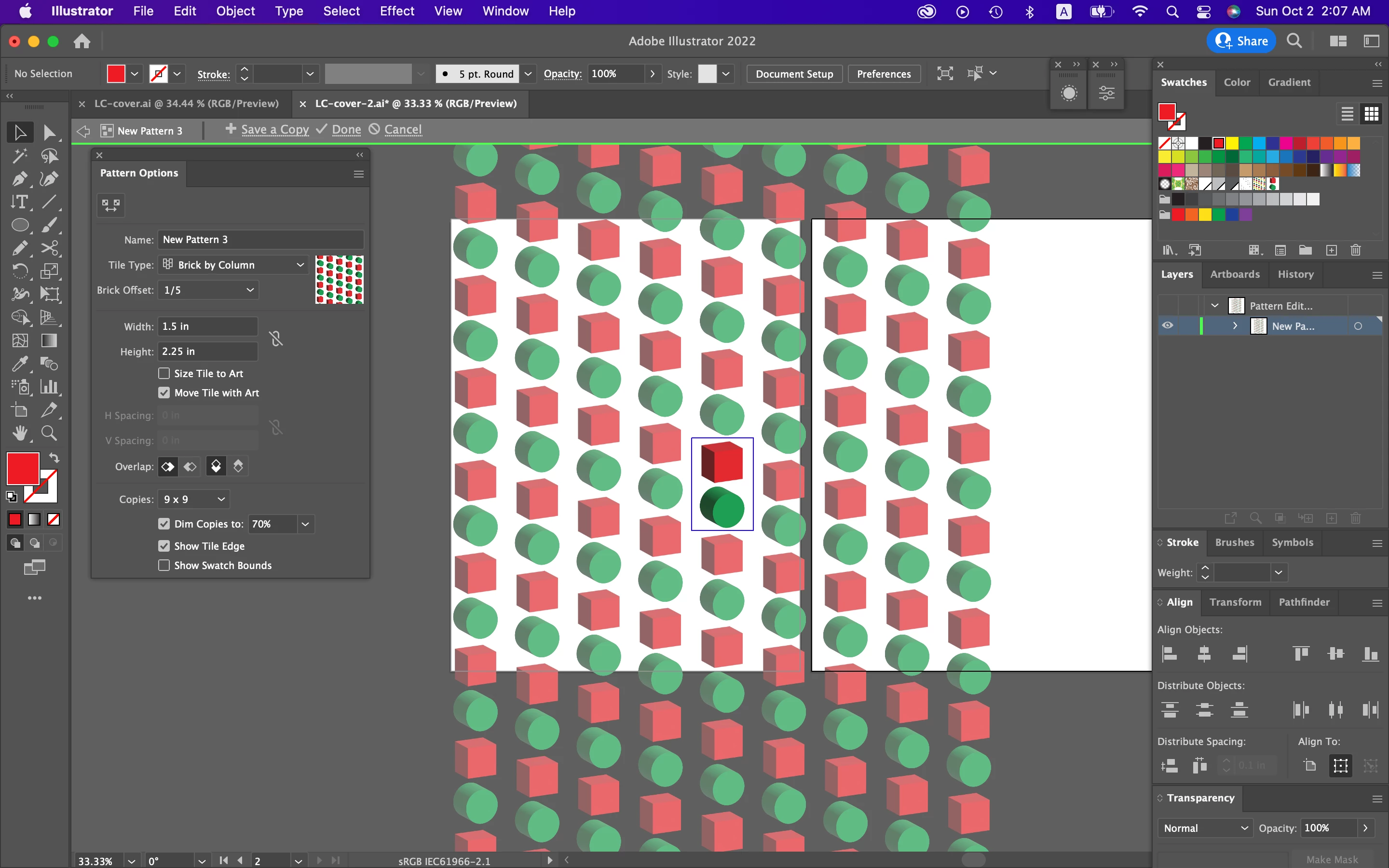


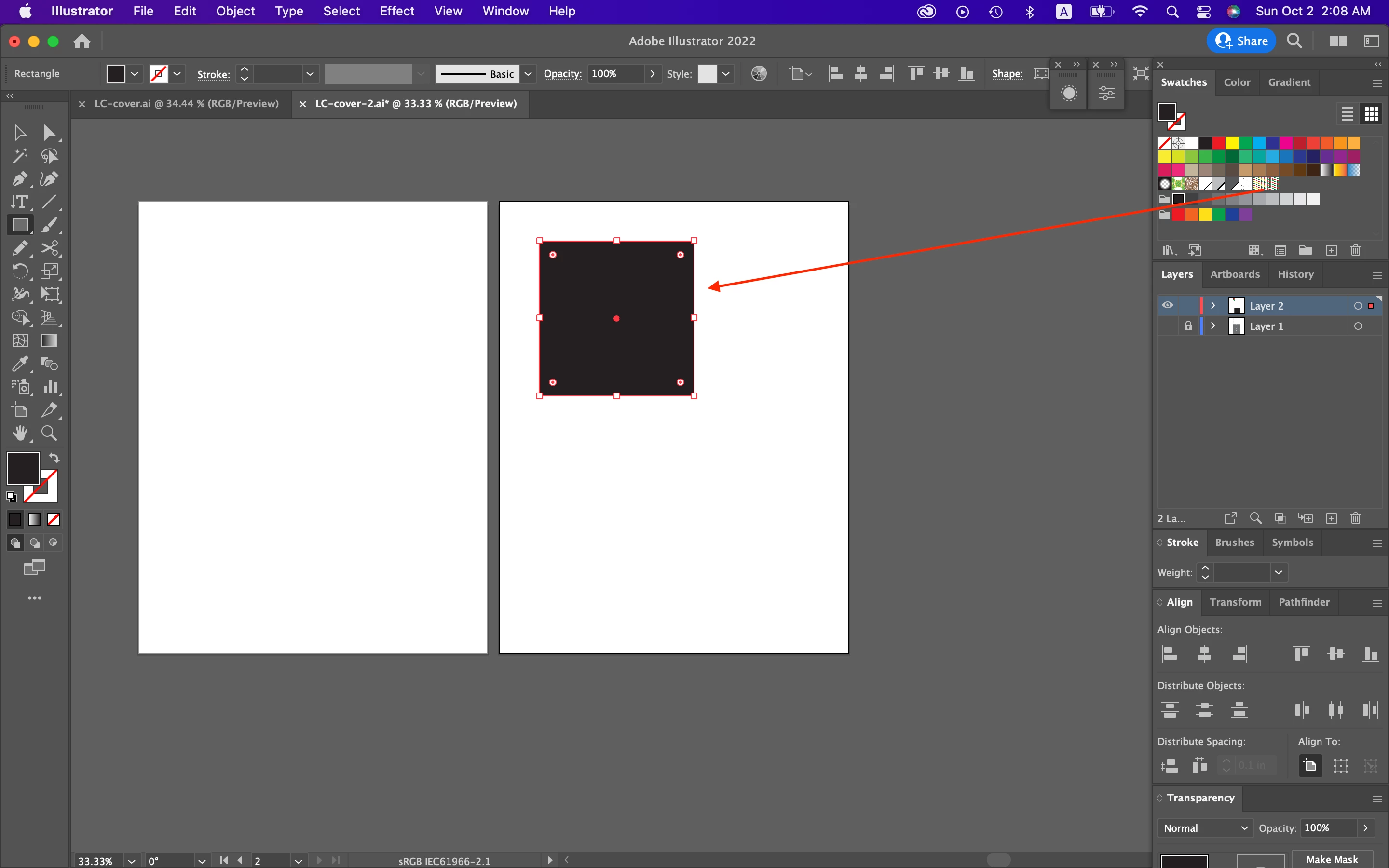
6. Pattern


7. Enlarge the pattern.
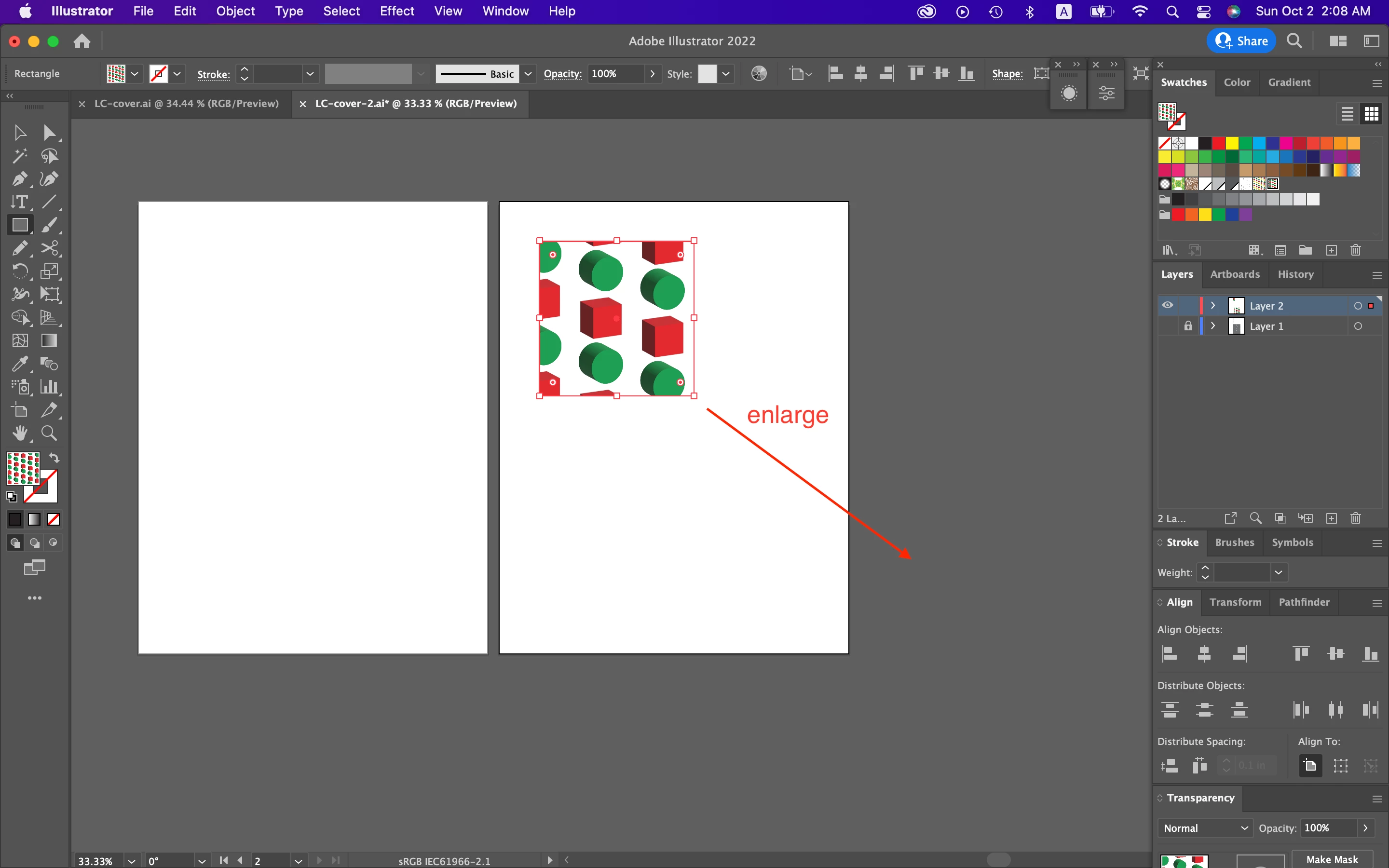


8. Trim?
 

This topic has been closed for replies.
Correct answer michelew83603738

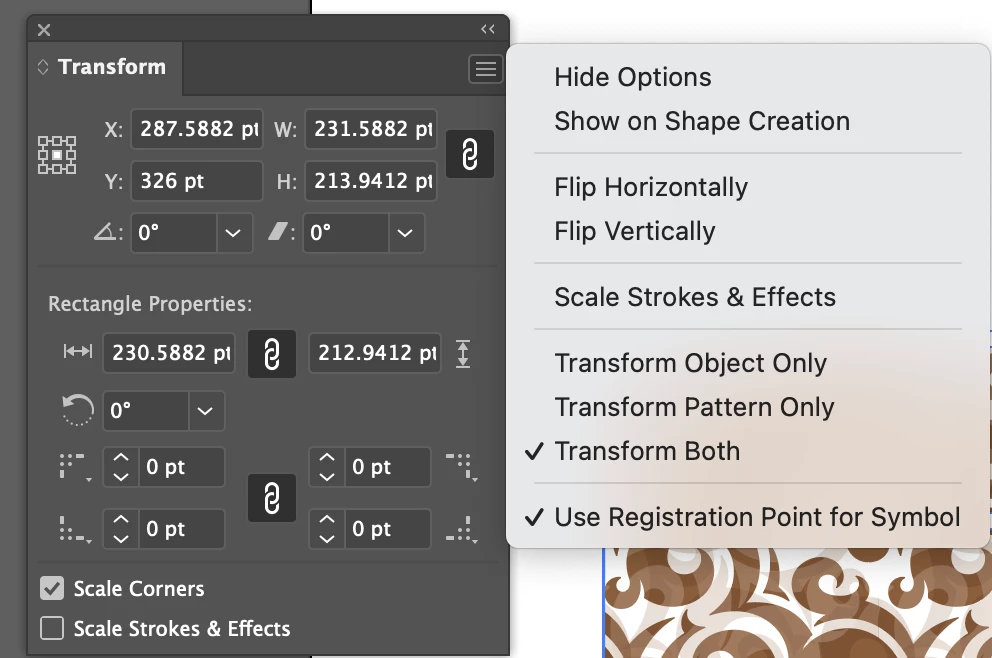
From the transform panel, you need to click on the hamburger and select the proper option Transform Object Only. You are probably on Transform Both, like mine currently is so that both the pattern and rectangle are transforming when you resize.


1 reply

michelew83603738
Community Expert
michelew83603738Community ExpertCorrect answer
Community Expert
October 1, 2022

From the transform panel, you need to click on the hamburger and select the proper option Transform Object Only. You are probably on Transform Both, like mine currently is so that both the pattern and rectangle are transforming when you resize.


Inspiring
October 3, 2022

Thank you very much.


Hosun

michelew83603738
Community Expert
Community Expert
October 3, 2022

Glad that worked for you.