Known Participant
November 1, 2024
Question

trouble finding a semi bold font in adobe acrobat pdf that says its embedded already

  • November 1, 2024
  • 2 replies
  • 962 views

Hi,


I have a pdf of a menu that needs to be sent to a restaurant. They need to edit it. I used a semibold and when they edit it the text it turns to bold. Obviously not great situation. 


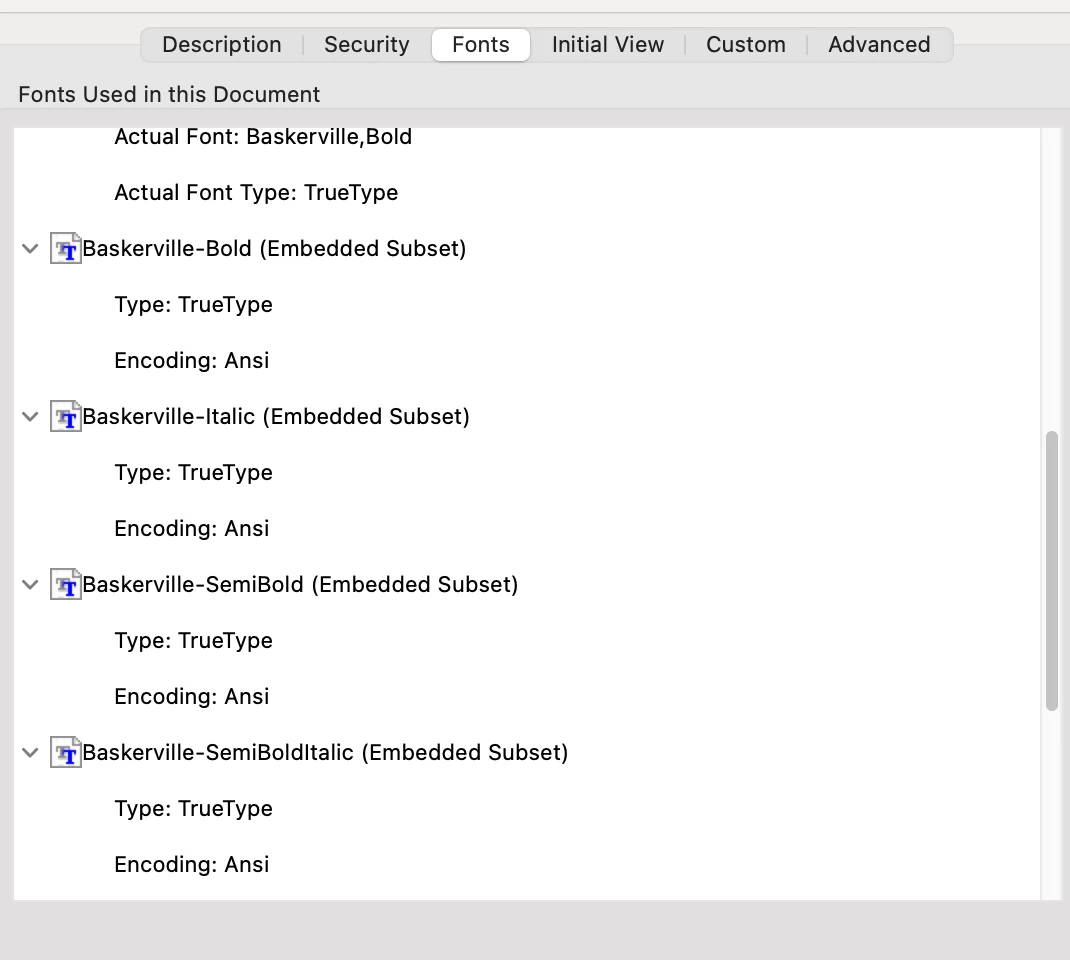
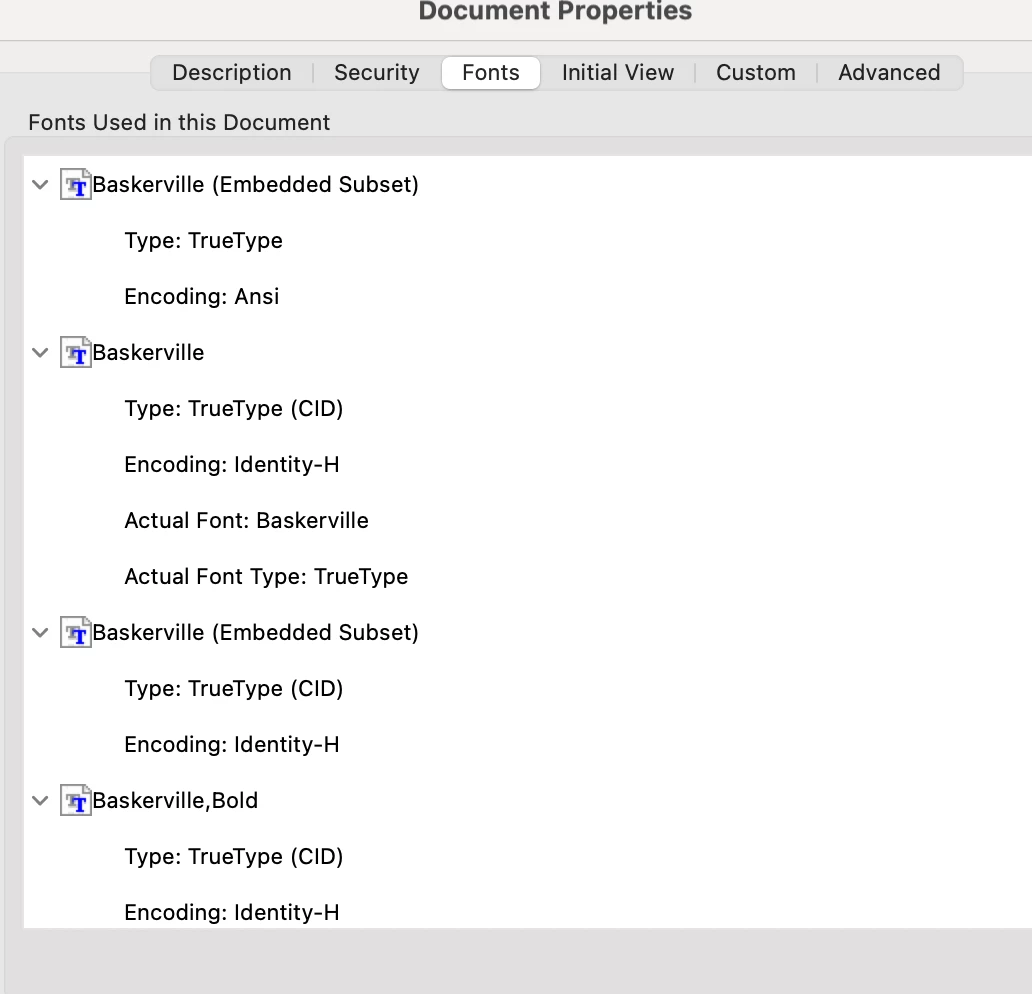
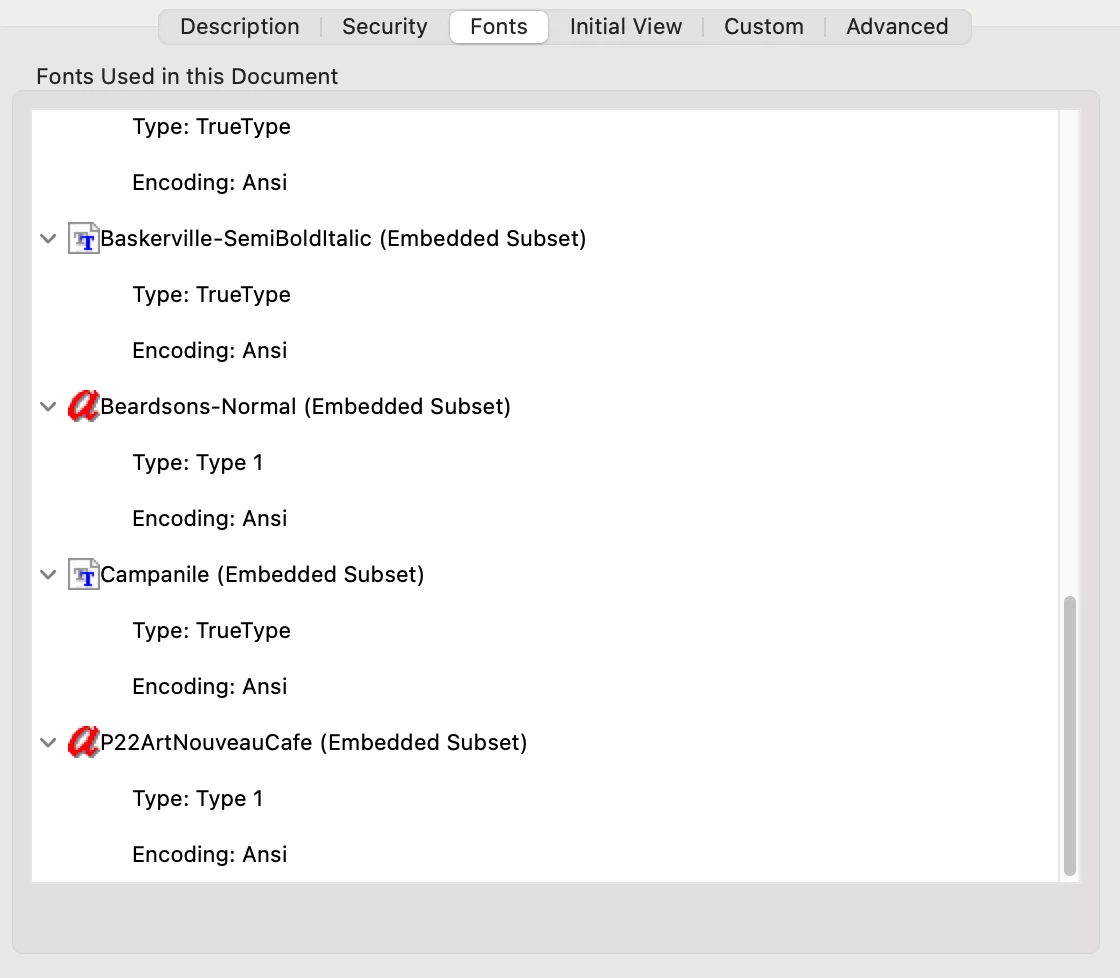
I'm not great at illustrator or acrobat for menus. SO ...here are some pictures ot the document properties in acrobat.  They state that the fonts are embedded subsets. I can use the Typeface as regular, bold, and italic , but when I got to the drop down menu to change it to semi bold I have a problem, it is not there, it only says the type face name - baskerville. It does not even say Baskerville bold or Baskerville italic. 

I'm redoing their previous menu. So I may have copy and pasted from a word document and that screwed everything up? Obvisously need to know asap.


thanks,

in advance. 
This topic has been closed for replies.

2 replies

creative explorer
Community Expert
Community Expert
November 1, 2024

@Oltommykeating in your Illustrator document, you can go to the main menu, Type - Find/Replace Font

If you noticed, I can find that missing font it be a simply a space of that Superstar font. I can simply change it to Minion. 


Also, because you are working in Illustrator, it could be an empty text path too. So in that case, I would also clean that you too...Object - Path - Cleanup


I 100% agree with Monika Gause  with making that many changes in a PDF could cause more headaches for them. It's always better if the restaurant just goes back to you to fix. 

In theory, I would select all in the file, and convert the text to be outlines (so it can't be editable), so that they have no choice to contact you to do the changes (revenue).


I also agree with you by copying and pasting from a Word document is likely that issue. I would literally clean that Illustrator file to prevent any font issues that you are experiencing. 

If the client is printing this as a booklet too, the booklet should be 8-pages long so that it can properly print double-sided and you would also have a back page with something on versus being blank

m
Known Participant
November 1, 2024

OMG thank you. I replaced the fonts . I'm going to check it in Acrobat tonight. I think the baskerville font is a Word font and Illustrator uses the same font but a different name: Baskerville URW. I got lucky and Baskerville semibold is now Baskerville URW Bold. I agree the restaurant will probably mess it up. But my friend is the chef so I will help him if he does. If it was anyone else I would charge. 

Monika Gause
Community Expert
Community Expert
November 1, 2024

@Oltommykeating  schrieb:

But my friend is the chef so I will help him if he does. If it was anyone else I would charge. 


Just create that menu for him for free. Will most probably be less work.

Monika Gause
Community Expert
Community Expert
November 1, 2024

You can safely forget that workflow. It won't bring you or the client anywhere and only cause issues and more work for both of you.

Known Participant
November 1, 2024
I figured adobe acrobat pro would be a reasonably priced program for a
restaurant to make changes. Instead of asking them to use InDesign ( which
I rarely use ) It's a 7 page menu , I figured Illustrator would be fine.
I'm primarily an illustrator and do design sometimes. I forgot most
of InDesign. I have a few days to figure this out. Any thoughts ? Would
InDesign send them an easy to edit menu? or just another PDF for acrobat?