
Participant
Feb 9, 2023 3:34 AM UTC
Answered

Trouble with clipping mask
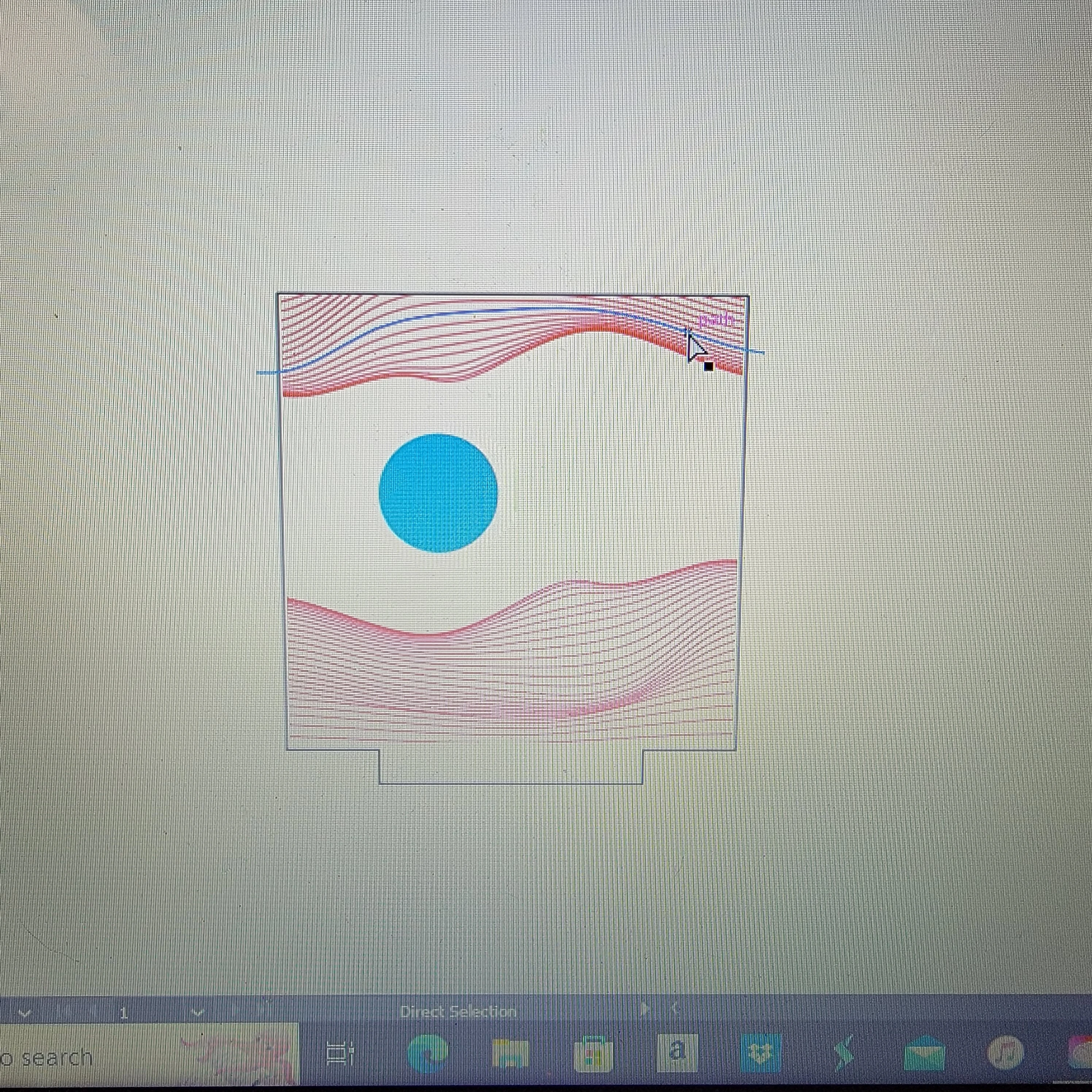
 I designed this for my laser cutter. All of the red line work extends beyond the square outline and there are even full lines outside of the square which you cannot see unless you hover the cursor over them. I would like to get rid of everything outside of the square but I can't figure out how. Another issue is that even though the lines become visible when hovered over, it won't let me select them. Any help would be appreciated! Thank you

This topic is closed to new replies. Start a new post to keep the conversation going.
Brad @ Roaring Mouse
Brad @ Roaring MouseCorrect answer
Community Expert
Feb 9, 2023 5:06 AM UTC

Instead of using a clipping mask, use that shape to "Trim" the paths in the Pathfinder panel.

So, Release your clipping path. Copy* and paste a it in front of your lines (make sure it's the foremost object). Select All. Select "Trim" in Pathfinder. Select the paths you want to keep and delete all the extra bits you don't need afterwards.


(*it's good to save a copy of the path if you want it for something later as the Trim will cut it into pieces)

2 replies

Brad @ Roaring Mouse
Community Expert
Brad @ Roaring MouseCommunity ExpertCorrect answer
Community Expert
Feb 9, 2023 5:06 AM UTC

Instead of using a clipping mask, use that shape to "Trim" the paths in the Pathfinder panel.

So, Release your clipping path. Copy* and paste a it in front of your lines (make sure it's the foremost object). Select All. Select "Trim" in Pathfinder. Select the paths you want to keep and delete all the extra bits you don't need afterwards.


(*it's good to save a copy of the path if you want it for something later as the Trim will cut it into pieces)

Translate
Participant
Feb 9, 2023 5:14 AM UTC
Thank you so much!
Translate