
Participant
March 29, 2017
Answered

Trouble with clipping mask process

  • March 29, 2017
  • 2 replies
  • 350 views

Hello,

I am trying to find the best process to create a mask like the following.

I'm starting with a black image.

Creating splotches behind it.
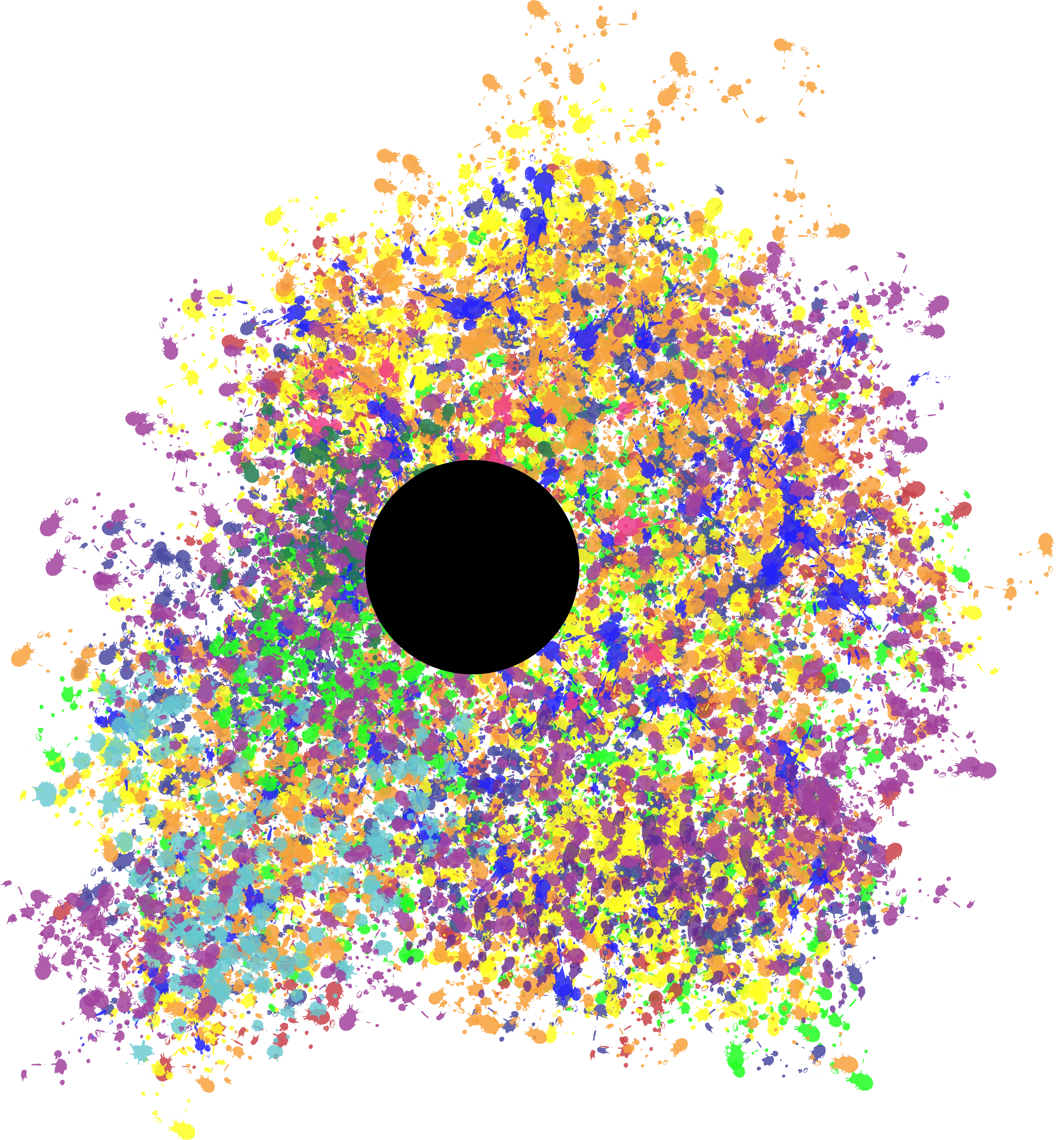
Now here's the part I'm having trouble with. I want to basically make a circle of splotches. I originally made a white rectangle and then clipped it so the circle was transparent. This gives me my desired result except the background is white rather than transparent. I hope this makes any sense.

Thanks!

This topic has been closed for replies.
Correct answer Monika Gause

Then create a clipping mask.

2 replies

Jacob Bugge
Community Expert
Community Expert
March 29, 2017

Garrett,

Why not just go back to the circle and the blotches, then select all and Ctrl/Cmd+7 to make the Clipping Mask?

Monika Gause
Community Expert
Community Expert
March 29, 2017

Select all and in the transparency panel click on Make mask. Uncheck the "Mask" option.

Participant
March 29, 2017

This is what I get when I do that. I want the inverse, where only the circle is filled.

Monika Gause
Community Expert
Monika GauseCommunity ExpertCorrect answer
Community Expert
March 29, 2017

Then create a clipping mask.