Inspiring
March 26, 2024
質問

Trying to copy and paste an image that has a mask

  • March 26, 2024
  • 返信数 1.
  • 296 ビュー

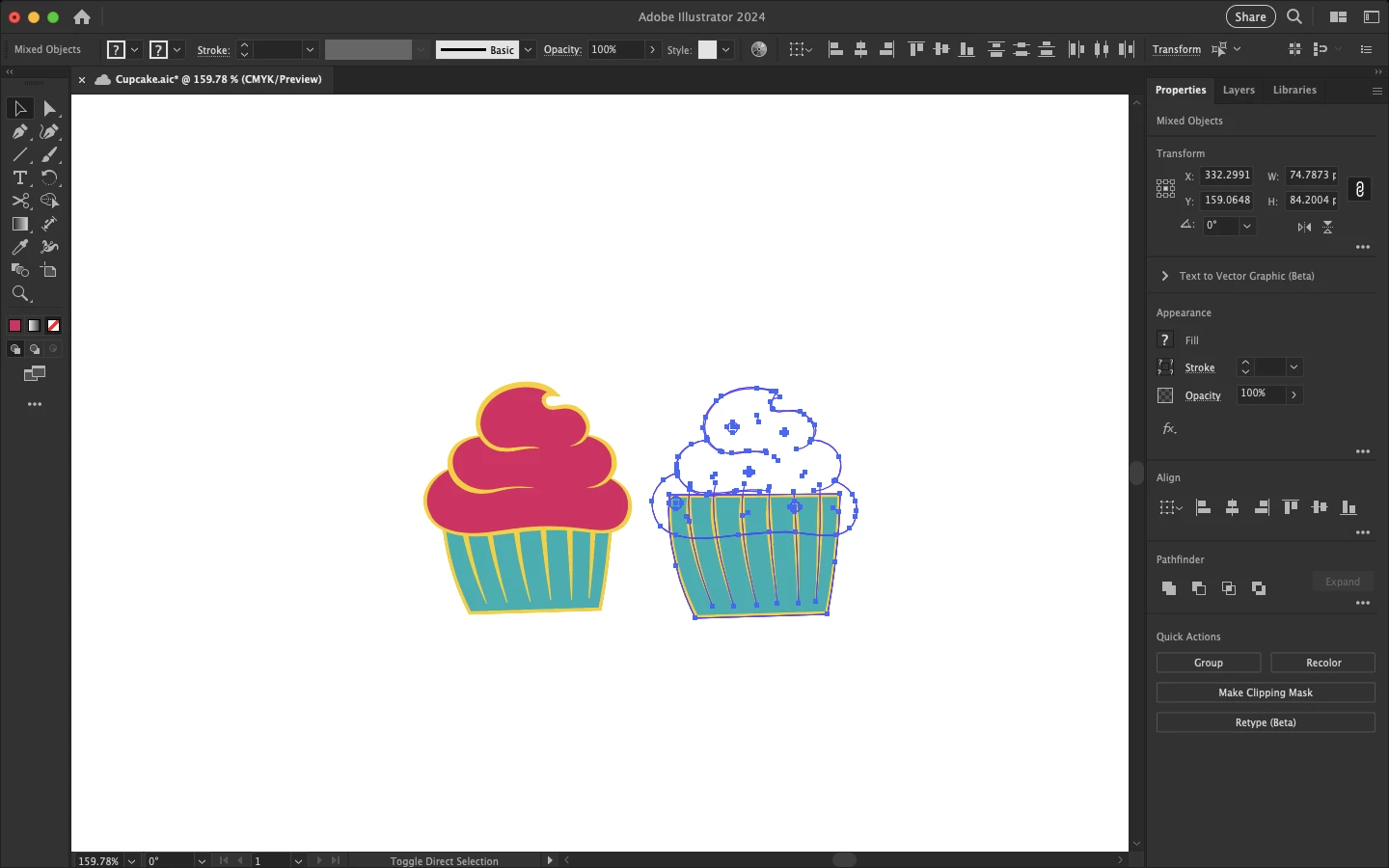
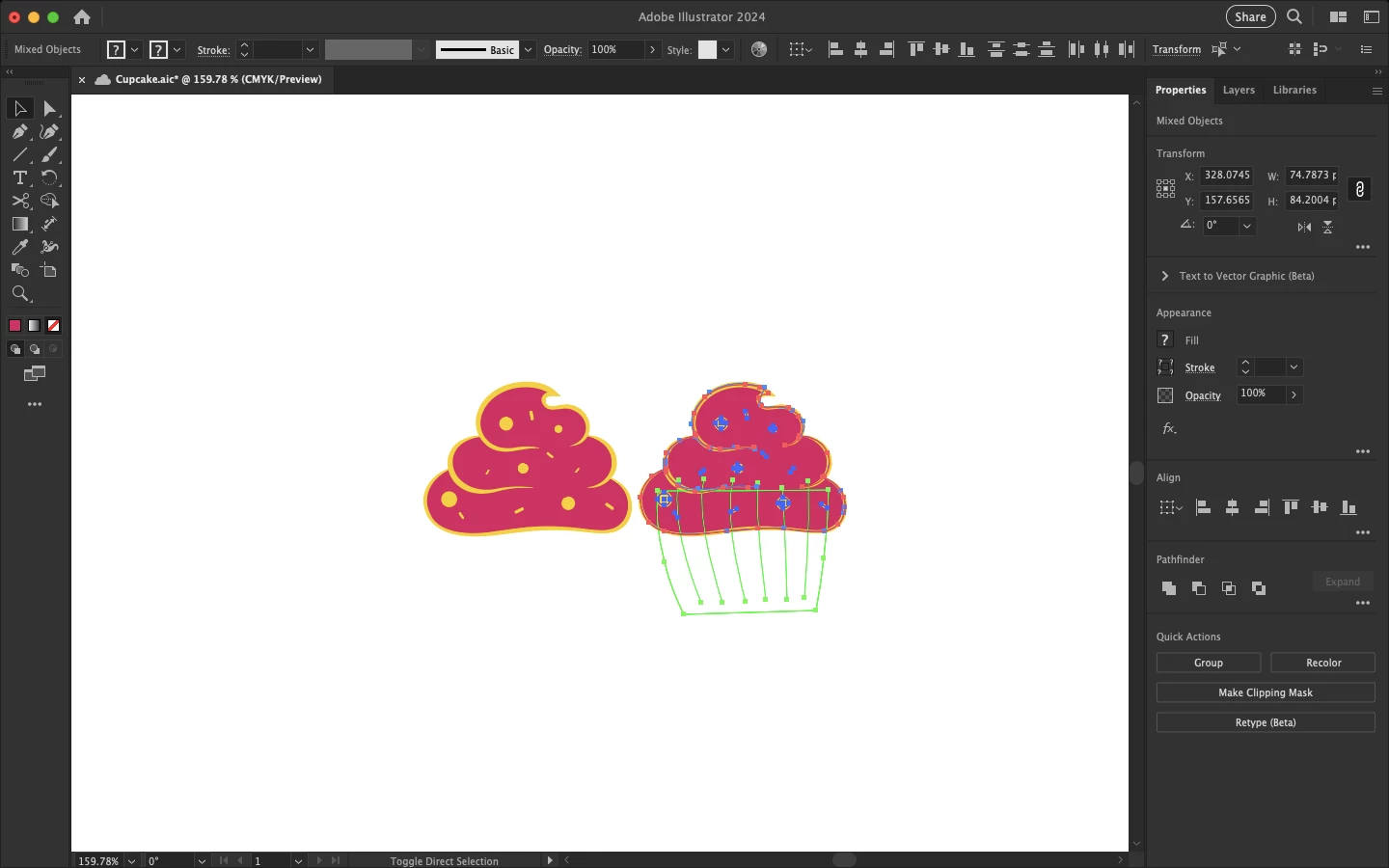
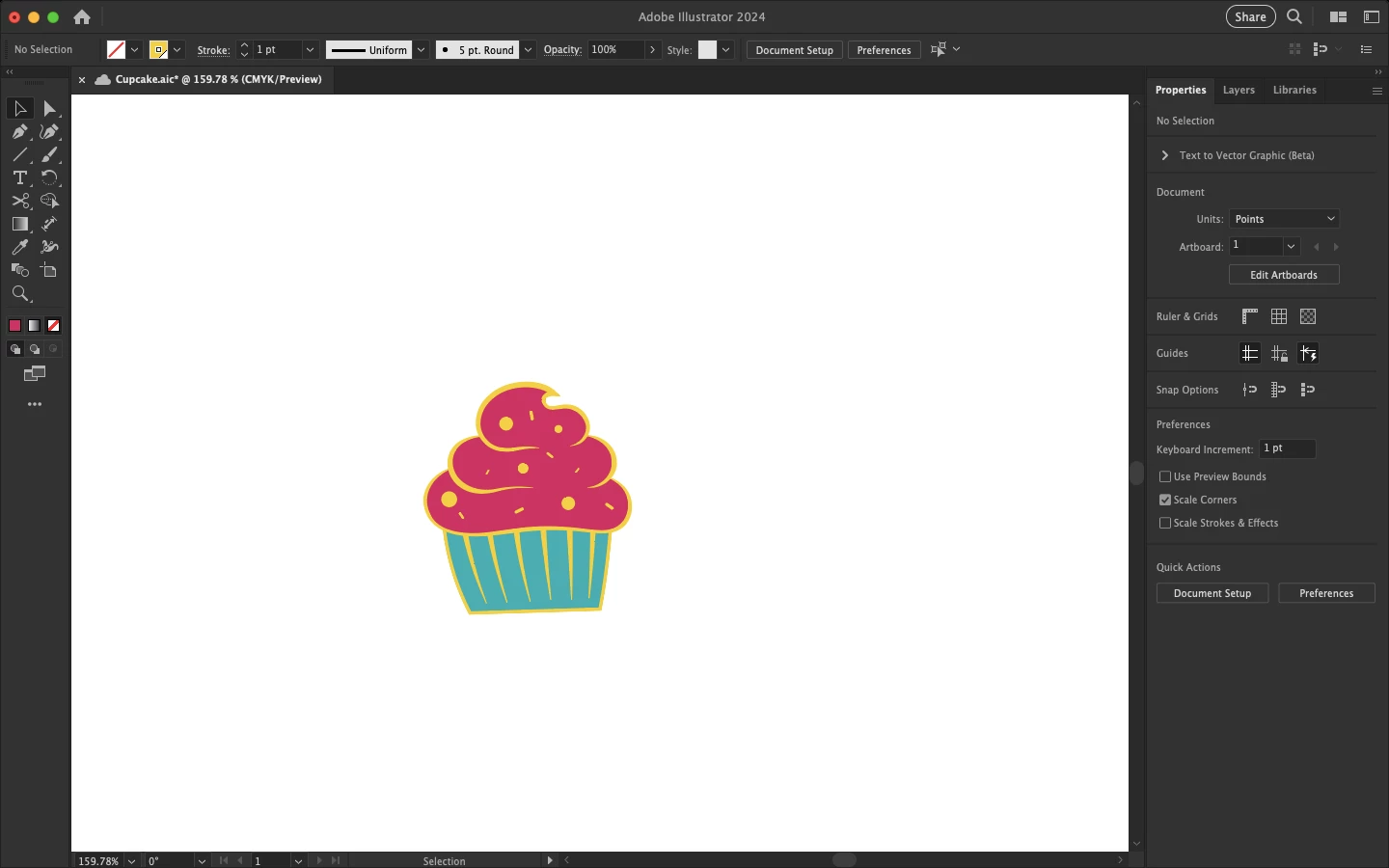
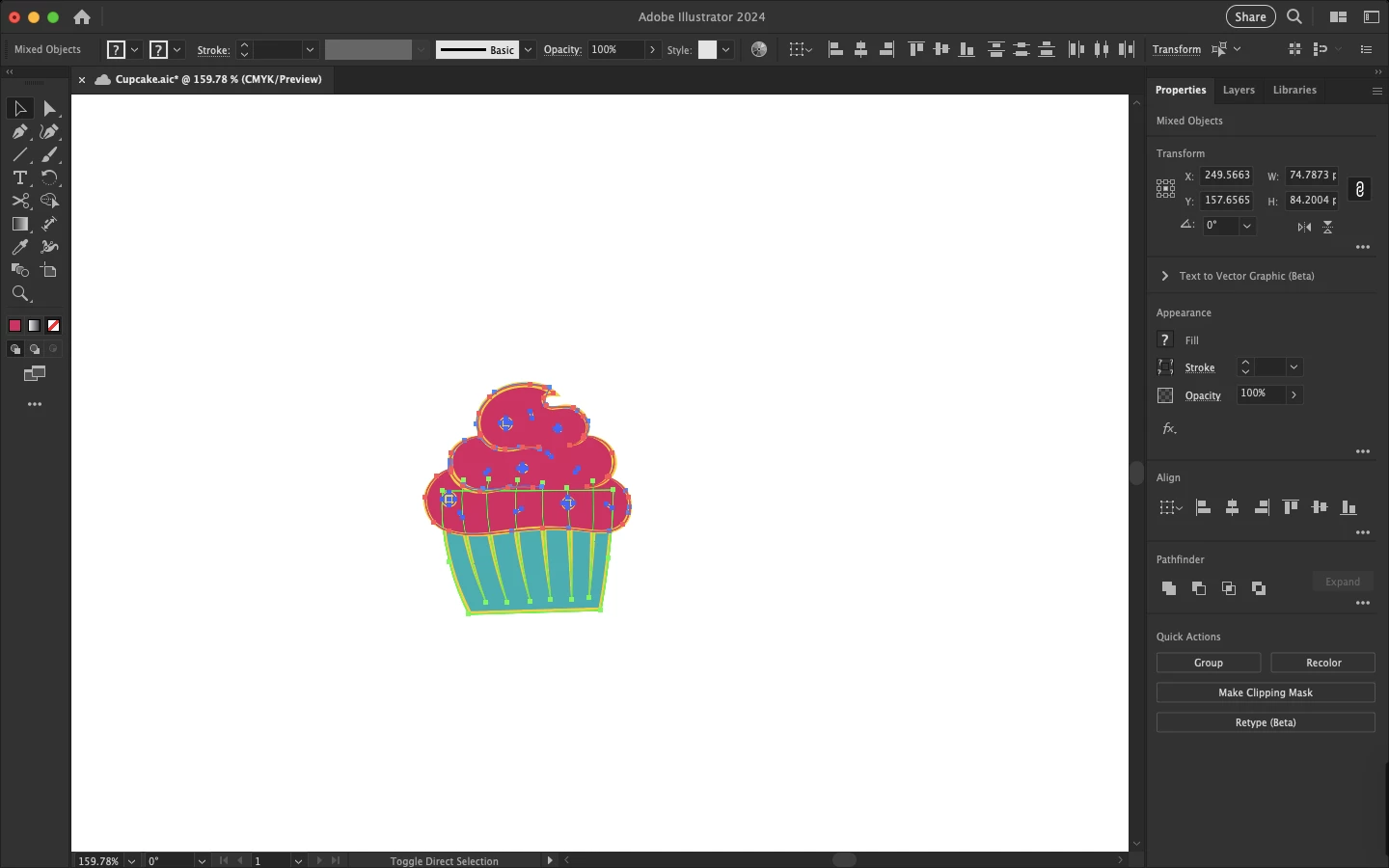
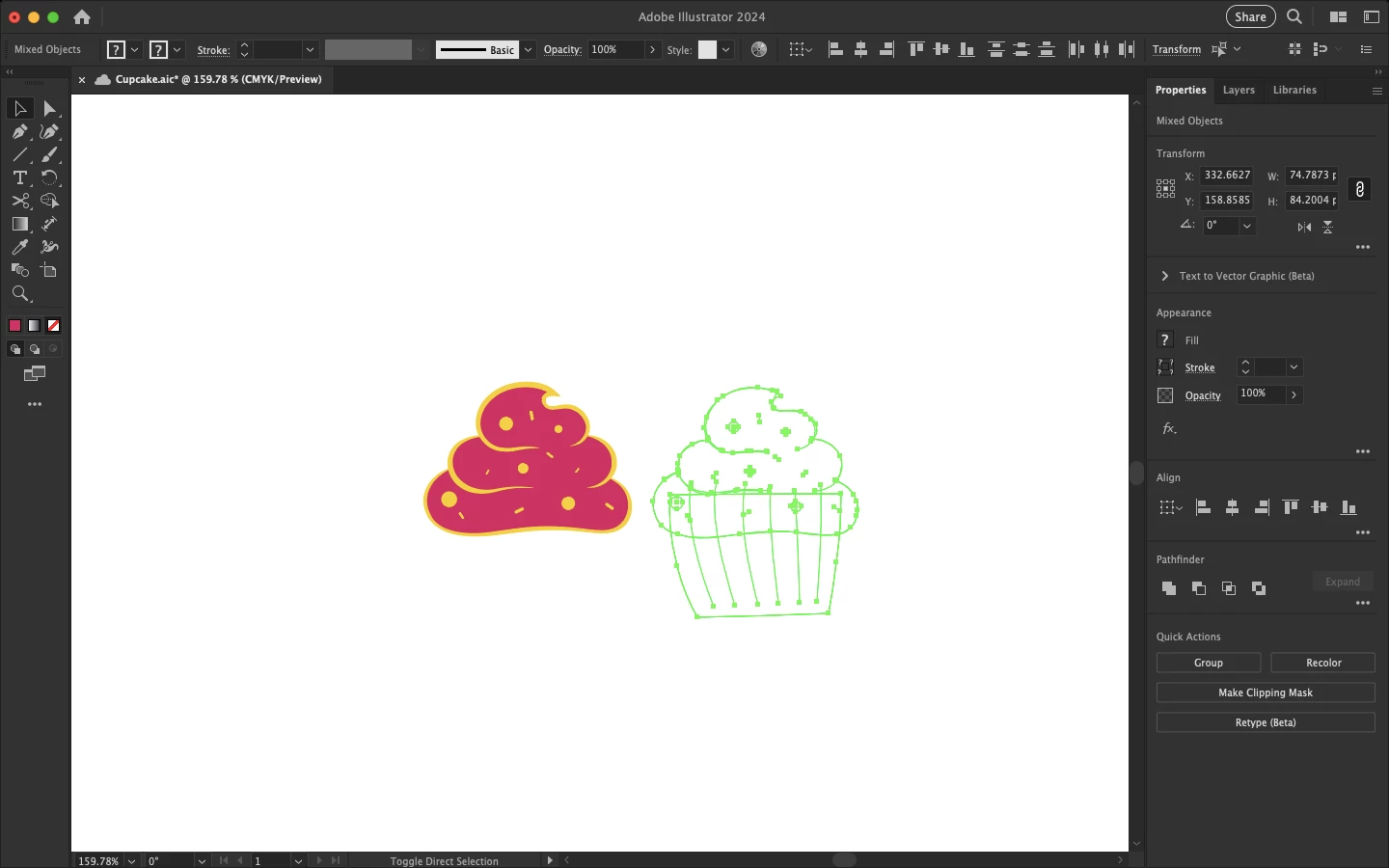
I'm trying to copy and paste this image which includes a mask (the cup part of the cupcake), but it's not pasting everything. Even weirder, when I un-select and re-select everything to try copying and pasting again, the result is not always the same. The first screenshot is the finished cupcake. Second is with everything selected. Third, fourth and fifth are different erroneous results from different attempts.
このトピックへの返信は締め切られました。

返信数 1

Monika Gause
Community Expert
Community Expert
March 26, 2024

The most important information would be inside the Layers panel.

Are you sure you selected the complete group?

Are there any appearances on the layer?

Inspiring
March 29, 2024

I think I figured it out. The objects in the image were all distributed between four layers but clicking paste would paste them all into the top layer. I had to select the layers in the layers panel and drag them down to the "Add Layer" button at the bottom. Do you know if there's a better way of executing that action, by the way? I hate having to drag.

Ton Frederiks
Community Expert
Community Expert
March 29, 2024

You could try if the "Paste Remembers Layers" option from the Layers panel works for you.