Participant
July 6, 2020
Answered

Trying to crop layers in illustrator! (beginner)

  • July 6, 2020
  • 1 reply
  • 816 views

Hi,


I have some artwork which is split into three main layers, with other layers within these. I am trying to crop all the layers within Layer 3 to be in line with a path in another layer, but when I try to use the crop image tool the options are greyed out and I can't seem to get a clipping mask to work either. The second image attached shows the path I am trying to crop to.


I know how to do these things in photoshop but illustrator is proving difficult to grasp! Any help would be much appreciated.
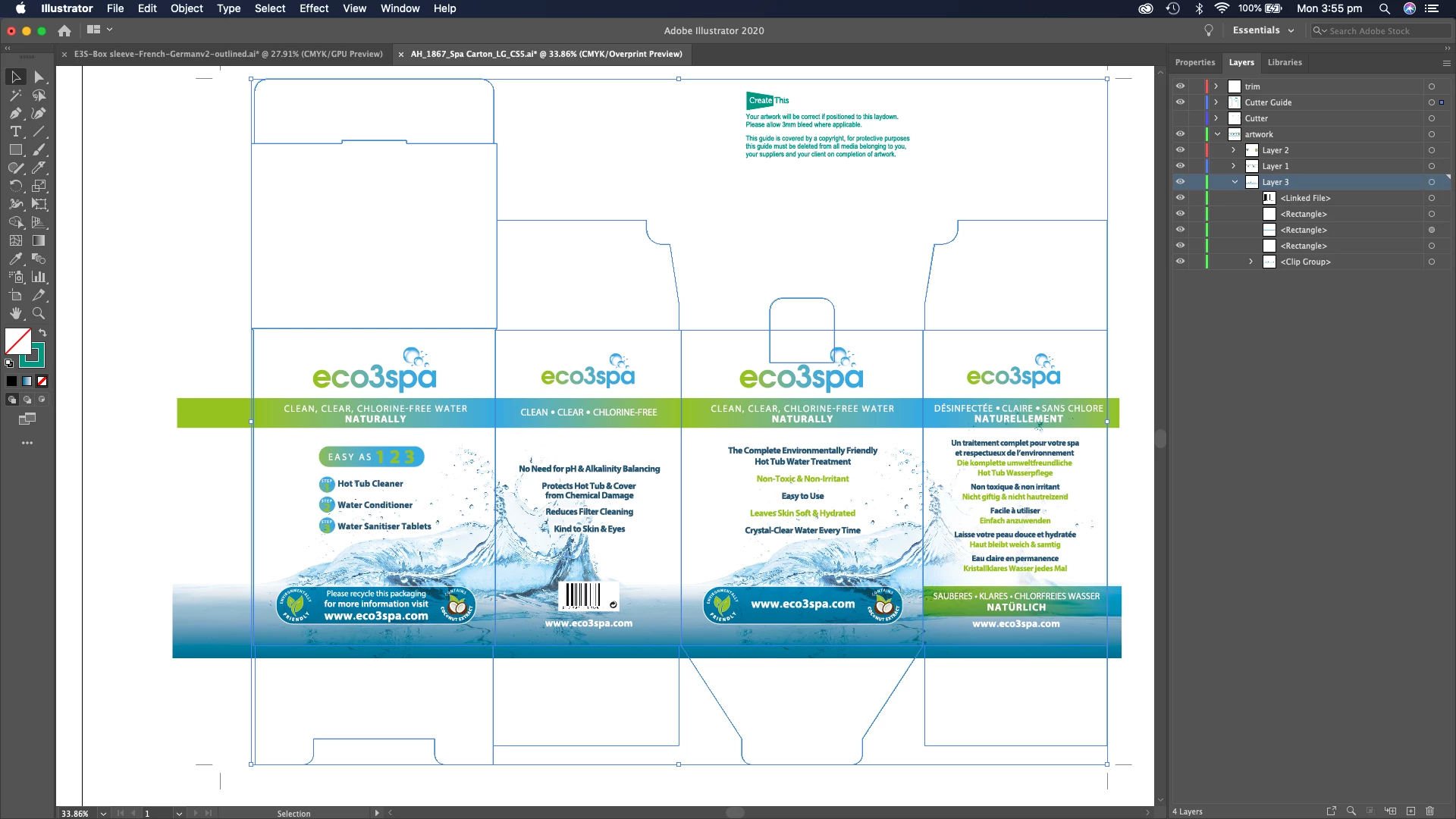
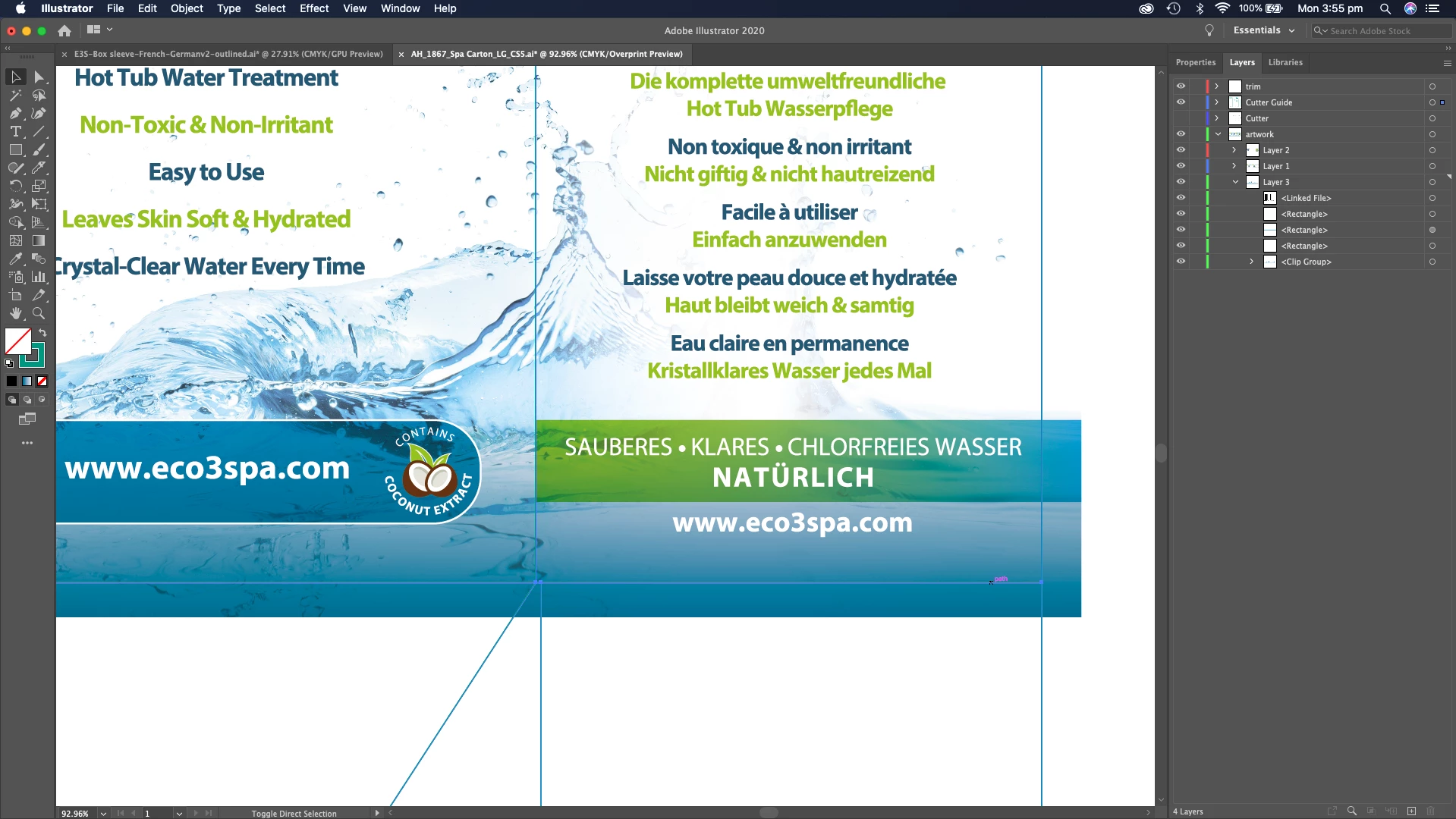


This topic has been closed for replies.
Correct answer Monika Gause

You need to use a clipping mask.

You can apply a clipping mask to the layer "artwork". It would then mask all the layers inside that layer.

Create thas path and move it to the top position on that layer. Then click on the layer in the layer panel once and click on the mask button at the bottom of the layer panel.

1 reply

Monika Gause
Community Expert
Monika GauseCommunity ExpertCorrect answer
Community Expert
July 6, 2020

You need to use a clipping mask.

You can apply a clipping mask to the layer "artwork". It would then mask all the layers inside that layer.

Create thas path and move it to the top position on that layer. Then click on the layer in the layer panel once and click on the mask button at the bottom of the layer panel.

Participant
July 6, 2020

Thanks so much! Way easier than I imagined.

Monika Gause
Community Expert
Community Expert
July 6, 2020

You're welcome!


This is already slightly advanced stuff, so you'll get into this vector thing quickly!


Since packaging dielines don't get moved around on the artboard, this is easy to use, but should you ever need to move it around, you need to make sure the clipping path is selected as well. Check it in the layers panel, it needs to have that colored square on the right that signals the selection.