



Trying to figure out why my files are bloating
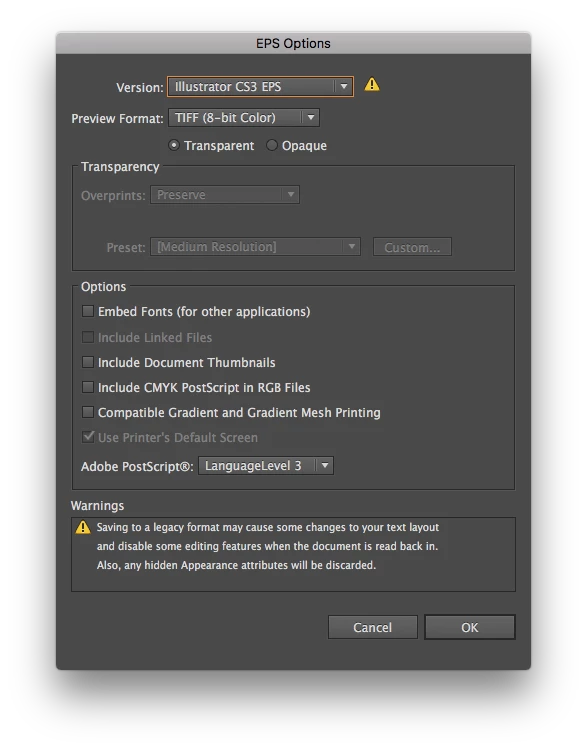
I am saving a bunch of logos in, among other formats, EPS. The EPS files are saved with these options…
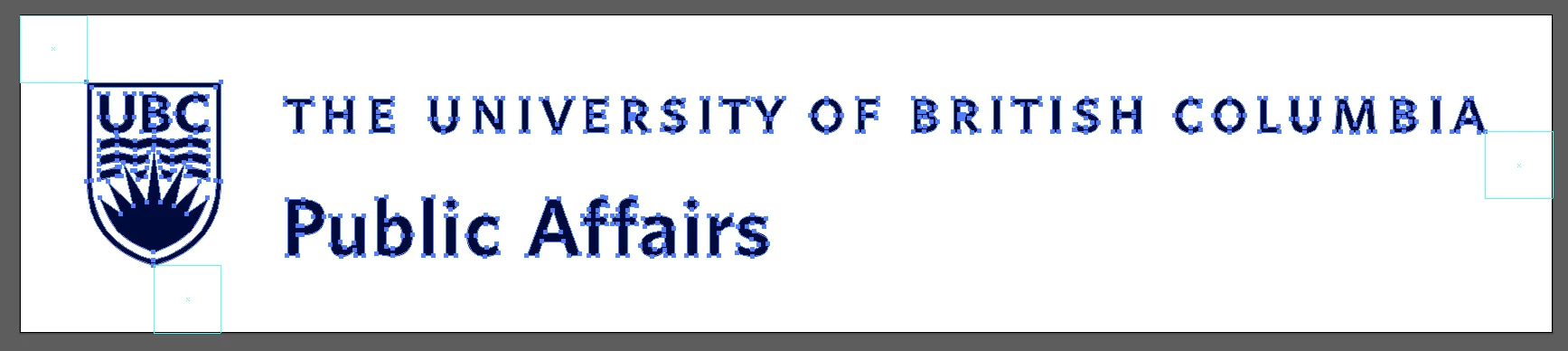
The files contain:
- One unfilled, unstroked path the size of the artboard
- Three squares as guides
- One group consisting of three (or sometimes two) compound paths
That’s it. no yet, no links, no embedded images.
I was provided a sample of some files saved with the same options. Those files are each about 600 KB. My files are about 1 MB when saved in CMYK, but only about 450 KB when saved in RGB. I cannot think of anything to account for the larger file size.
I don’t know if the size will matter to my client, but I do have about 3000 of these files to save. If I can take about 400 KB off the size I will save 1.2 GB of space. Not chicken feed.
Illustrator CC2015
MacOS Sierra
I have tried saving from Illustrator 2017, Illustrator CS6, and Illustrator CS5. No difference.
[Moved from non-technical Forum Lounge to specific Program forum... Mod]
[Here is the list of all Adobe forums... https://forums.adobe.com/welcome]
 AdChoices