


Inspiring
March 8, 2025
Answered

Trying to nodge anchor point 1 pixel up, but it jumps high

  • March 8, 2025
  • 2 replies
  • 861 views

Couldn't find an answer to this, as my settings are already set to whatever answers were suggested in other posts.

I'll describe in photos:
Trying to align the anchor point point of the middle red object with the light blue in the back:

Tapping the up arrow a single time to nodge it up, but its giving me this:

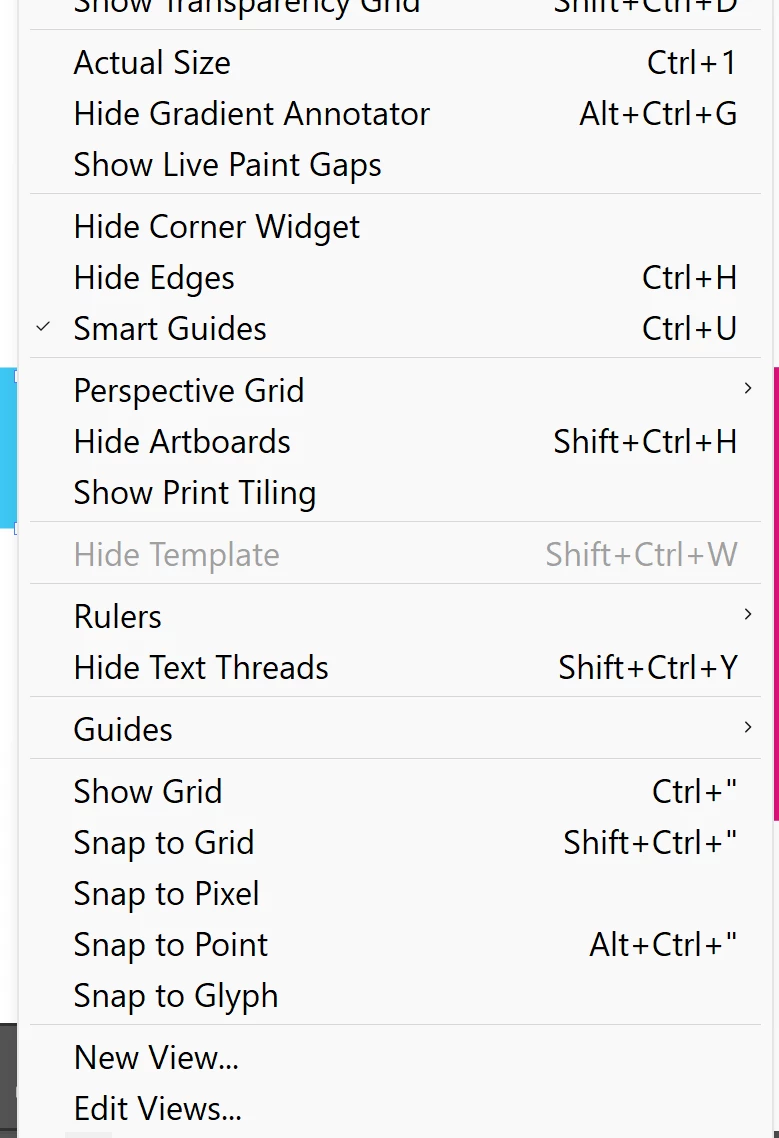
My setting are as followd: (all snapping is turned off)
 

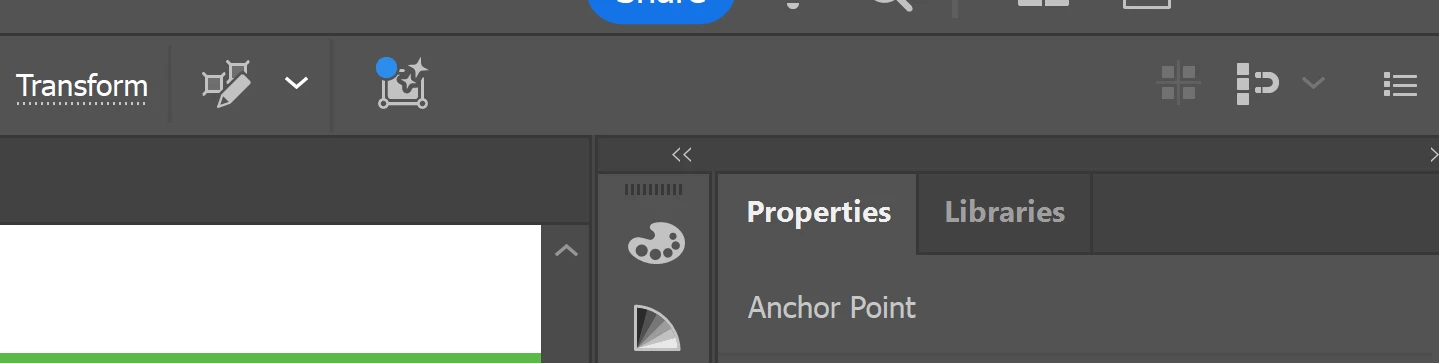
And also this icon in the top bar is not activated:
 

For some reason the left object did agree to align exactly with the blue.

Correct answer Jacob Bugge

Ok so it does work when I do what you say, having smart guides on, I am able to place exactly on the line while click and dragging it with the mouse.

However I'm still confused as to why a single key press will not move my anchor point a single pixel up.
Morelike, 5 pixels up.

Thanks, upvoted you,

yet the mystery remains.


PonyxPony,


From what Monika said, it seems that you do.


One simple way to find out is to look at the Y box in the Transform palette and see the change when you click the Up arrow once.


Unless you (wish to) work entirely with whole pixel values, I believe such Smart Guides snapping is the safe/easy way.


And thank you for sharing.


2 replies

Jacob Bugge
Community Expert
Community Expert
March 8, 2025

PonyxPony,


As I (mis)understand it, you can snap the top segment or each of its Anchor Points to the pale blue with Smart Guides, holding Shift to ensure vertical  movement, but only if you have Smart Guides on and both Snap To Grid and Snap to Pixels off.


If either is on, Smart Guides will fail to guide you, however smart they are.


PonyxPonyAuthor
Inspiring
March 10, 2025

Hi, not sure I understand, but maybe I wasnt clear with my question.

I'm trying to move my anchor point 1 single pixel up, by using the up key, but it jumps more than 1.
Seems like its snapping somewhere but I got no snapping tunred on.

shouldn't a single key press move the point 1 single pixel?

Jacob Bugge
Community Expert
Community Expert
March 10, 2025

PonyxPony,


It should, if the keyboard increment is 1 px (=pt), if there is no snapping and no align to pixel; but I believe the latter is ruled out by "the left object did agree to align".


Were the upper segments of the two objects at the same height?


I still believe it may be worth trying the Smart Guides snapping.

PonyxPonyAuthor
Inspiring
March 8, 2025