Participant
April 12, 2022
Answered

Trying to use Illustrator tutorials--unable to locate or open files

  • April 12, 2022
  • 1 reply
  • 346 views

Hello! I'm new to using Illustrator and I'm trying to follow along on the Adobe tutorials that they have emailed me, on this website: https://pages.adobe.com/illustrator/en/tl/thr-illustration-home/step?1&trackingid=3SH1B4B4&mv=email
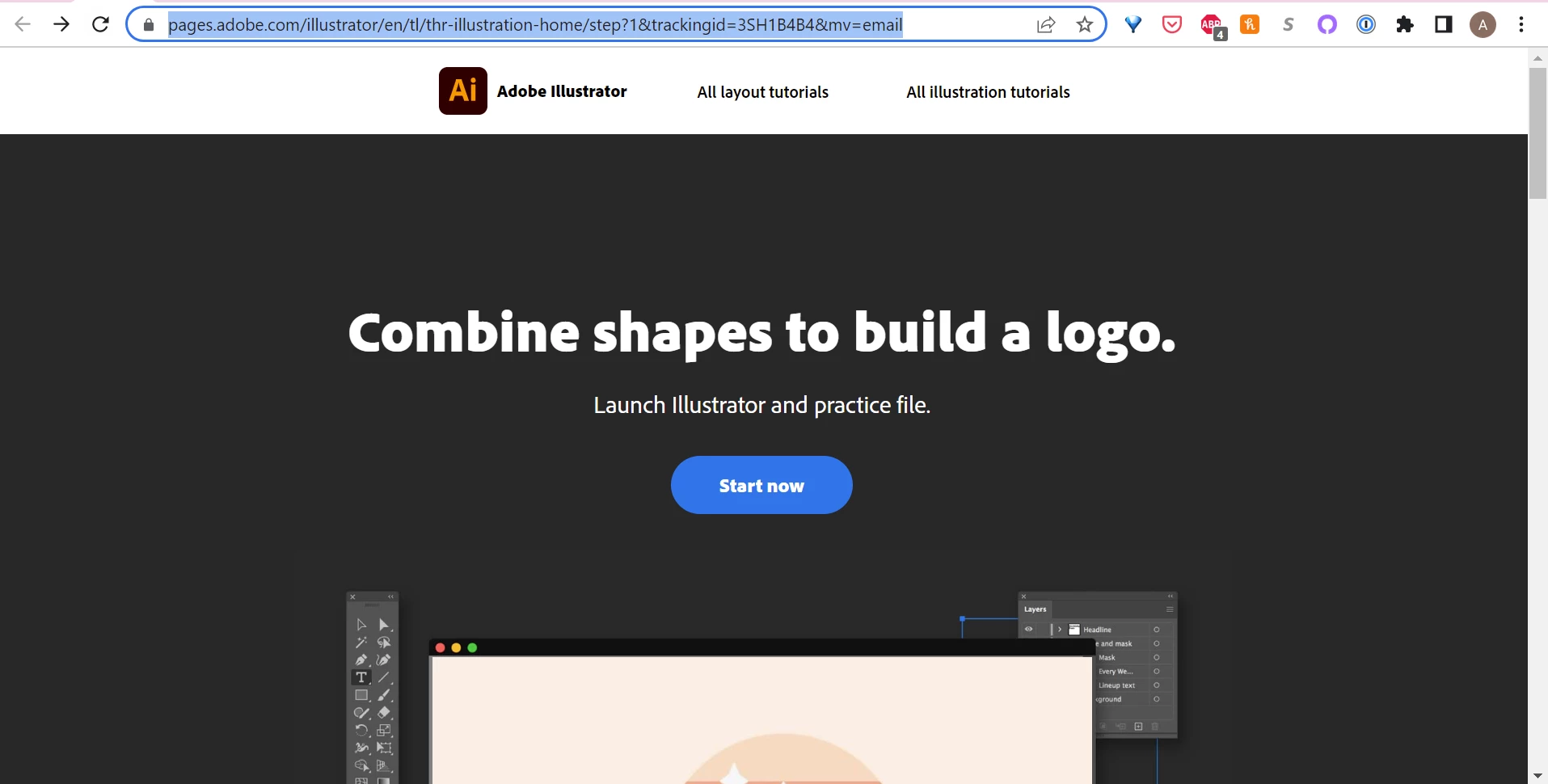


When I click the button that says "Start now", it indicates that it is supposed to launch Illustrator and practice file, and opens this page in a new tab:
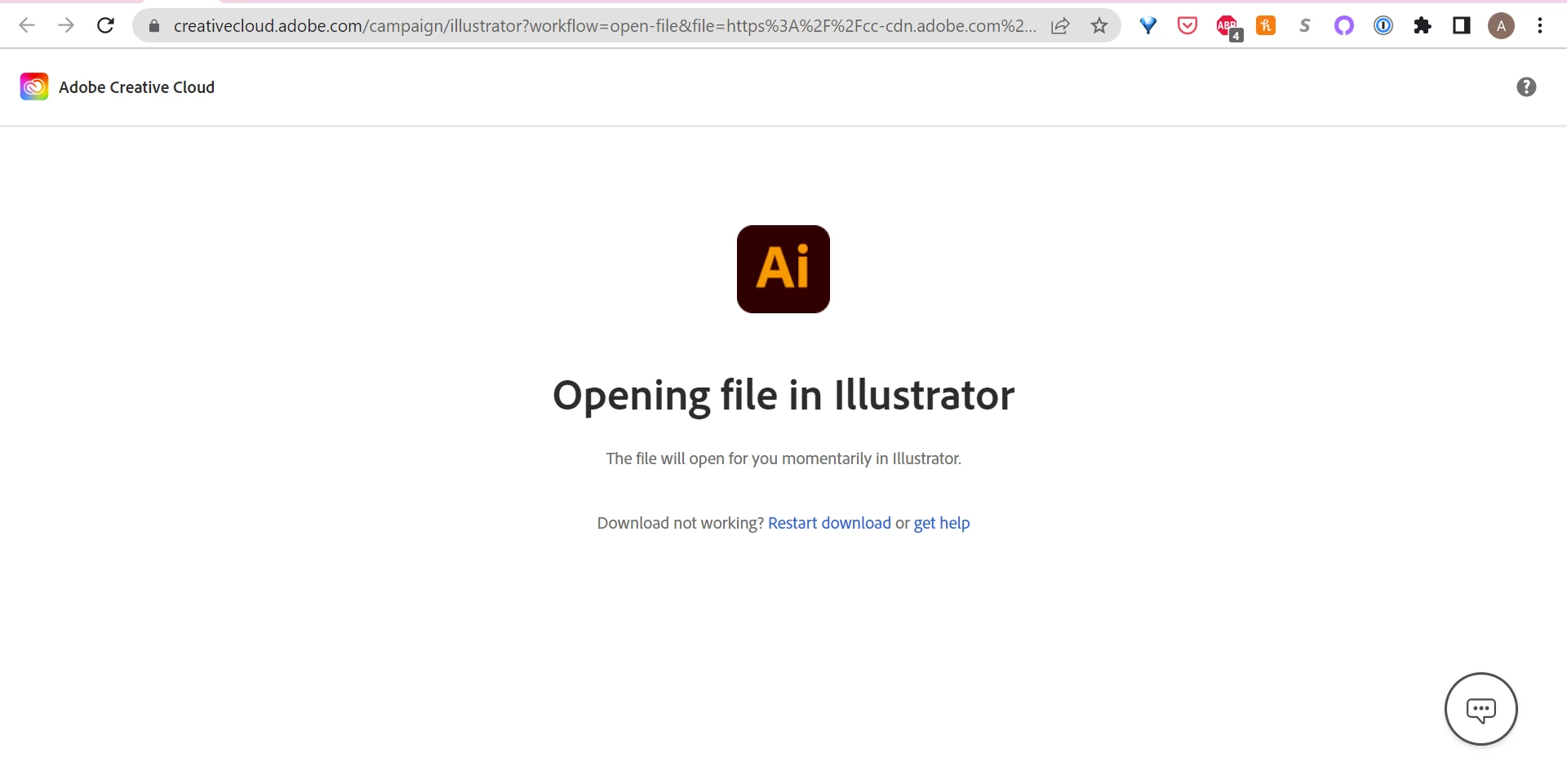
 

The Creative Cloud app does open, but there are no practice files that I can locate anywhere. I also get a pop up message from Creative Cloud saying something about not being able to trigger the action and to retry. Does anyone know where I might be able to locate the practice files if the automatic download/open doesn't work? Thank you!

This topic has been closed for replies.
Correct answer Amy24158345773p

That might have been the issue! It seems to be working fine now--I don't remember updating the app in between it not working and then working, but it may have done an automatic update. Thank you for your response!

1 reply

Kevin Stohlmeyer
Community Expert
Community Expert
April 13, 2022

Are there pending updates for your CC app? If there is - you wont be able to sync/auto open.

Amy24158345773pCorrect answer
Participant
April 22, 2022

That might have been the issue! It seems to be working fine now--I don't remember updating the app in between it not working and then working, but it may have done an automatic update. Thank you for your response!

Kevin Stohlmeyer
Community Expert
Community Expert
April 22, 2022

If that worked be sure to mark the answer as correct! Have a great weekend!