


Turn off stroke scaling for symbol or something similar
I'm working on a drawing and have a tree that I've made that I want to copy around and scale up, down, and rotate. I want to have it be like a parent object so that I can adjust the parent and then the rest change accordingly. I will have dozens of trees in the scene so having them all as separate groups isn't ideal. I have tried making the trees into a symbol, which gives me the parent behavior that I'm looking for, but causes problems when scaling. Even with "Scale Strokes & Effects" turned off for all the objects within the symbol, and for the symbol itself when I select it, the strokes still scale. This creates problems for me when I'm trying to unify linewieghts. I've some screenshots and an example file.
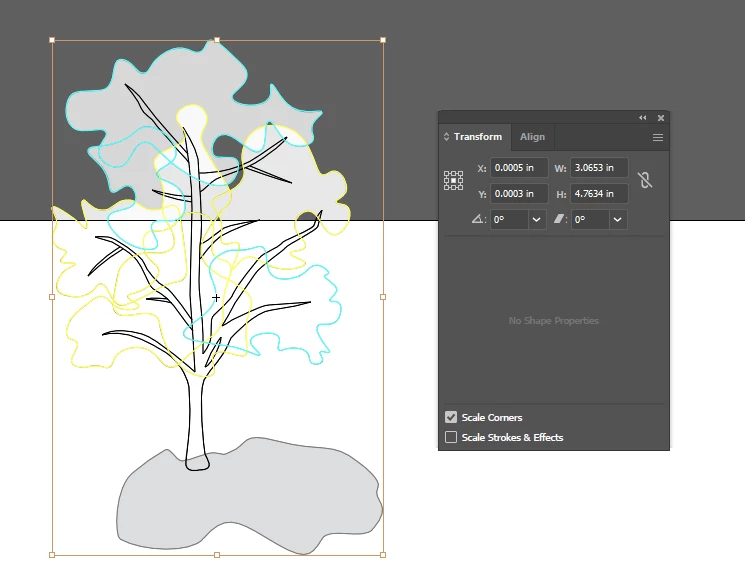
All objects inside of the symbol I selected and made sure Scale Strokes & Effects was unchecked, which it was. I also went object by object to see if maybe it was a selection error.
I have strokes and fills organized by layers where each object is affected by the parent layers appearance settings. The objects do not have strokes themselves.
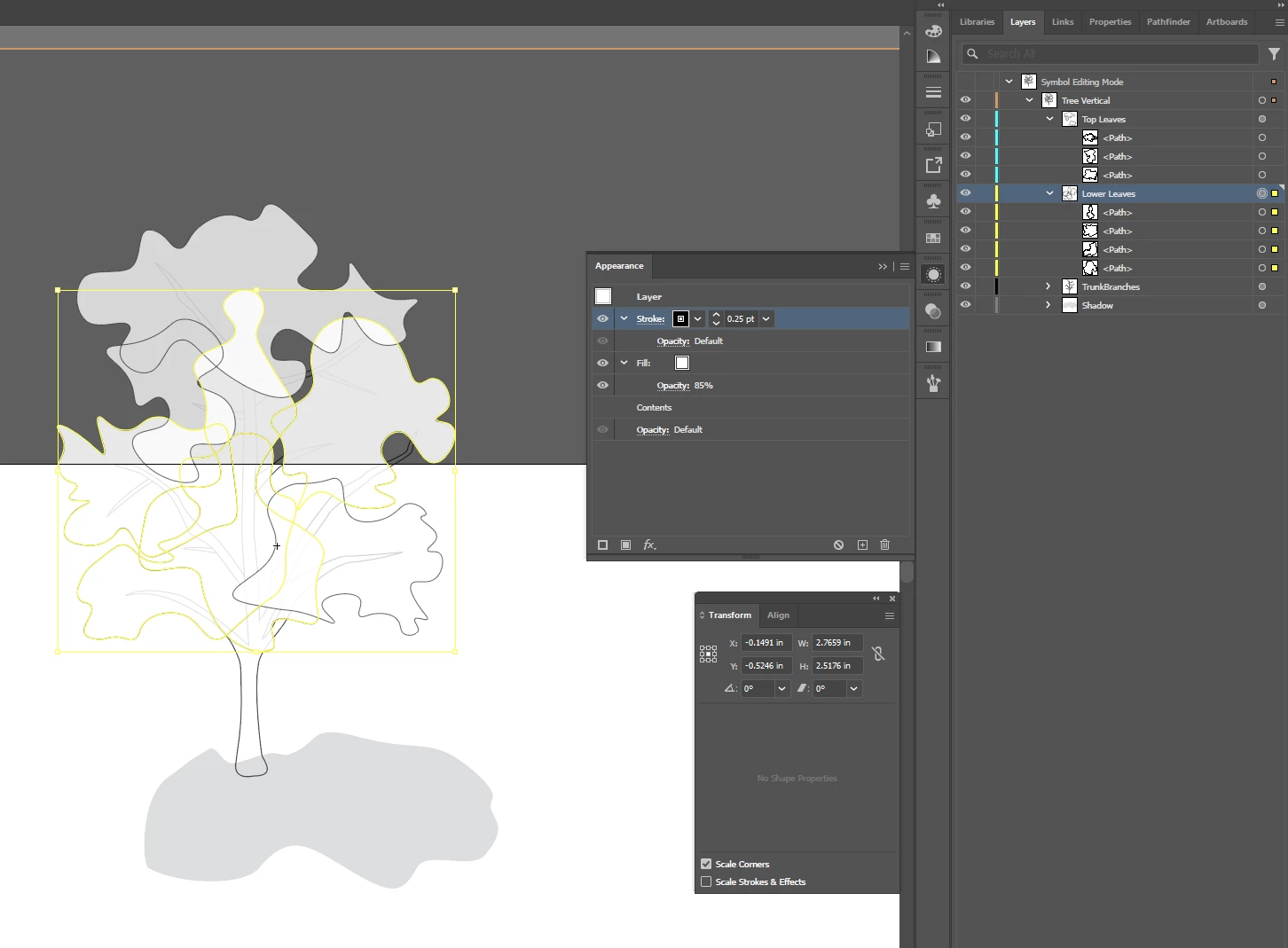
I also checked the stroke scaling for the symbol itself.
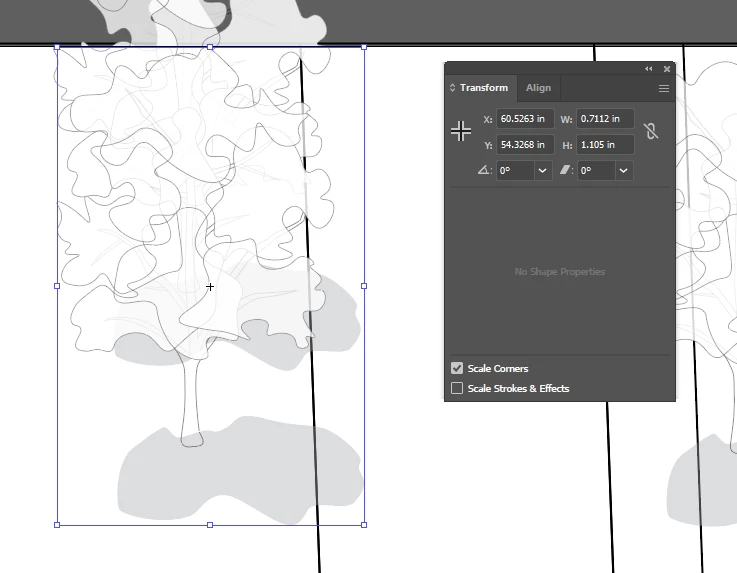
Selected tree is original and the one on top is one I scaled to be larger. As you can see, the stroke is greater, even though I have scale stroke turned off.
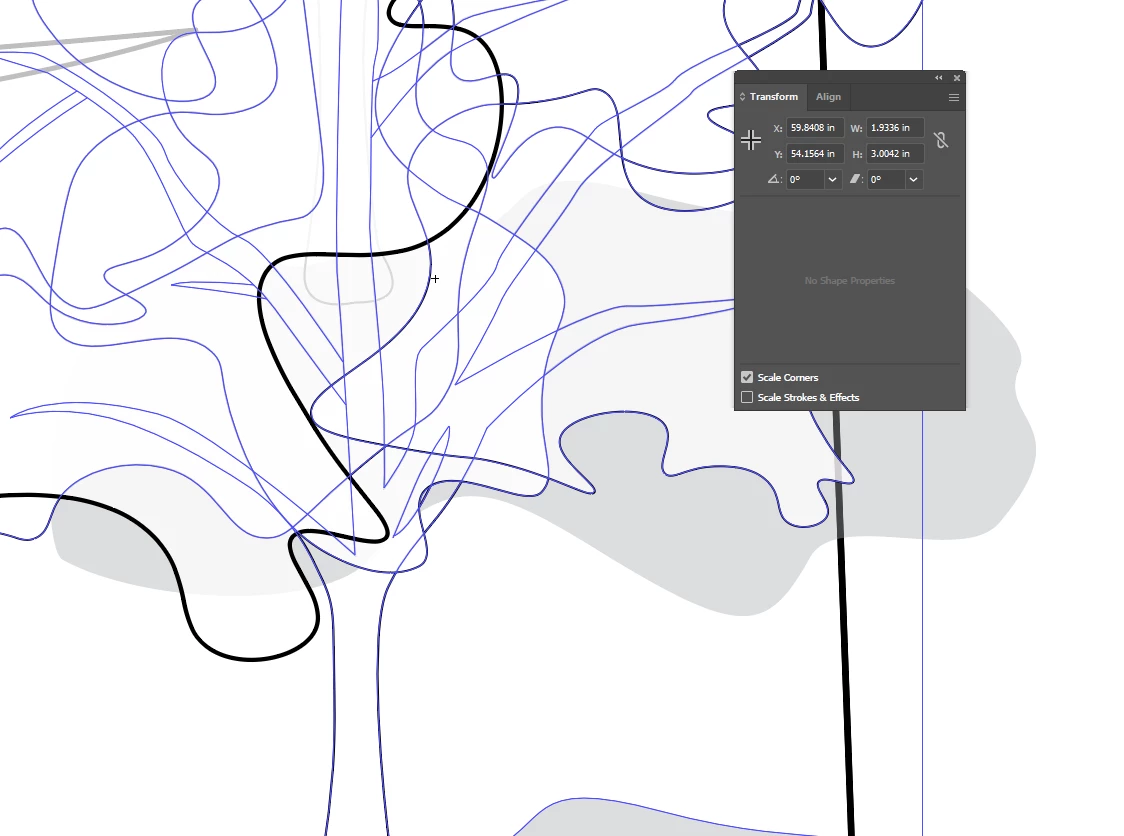
Example file:
https://www.mediafire.com/file/8fadcg5cceqoemw/Symbol_Stroke_Scaling.ai/file
(Had to provide a mediafire like because I was getting this error when uploading my illustrator file: "The attachment's symbol stroke scaling.ai content type (application/postscript) does not match its file extension and has been removed.")
Any help is great.

 AdChoices