becky6501
Participating Frequently
March 5, 2018
Answered

Turning an image into one plain coloured shape

  • March 5, 2018
  • 5 replies
  • 447 views

Hi,

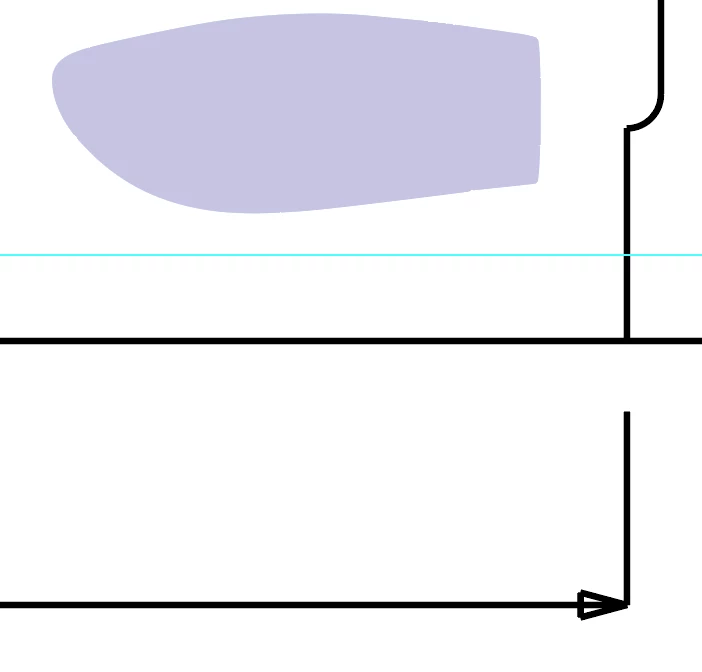
I need to be able to take images of products, and turn into one flat shape to show the layer of spot gloss/embossing that should go over the top on our packaging.

Example of below of what I need to achieve - any ideas please?

Thanks in advance.

    This topic has been closed for replies.
    Correct answer Theresa J

    The best quality, most accurate way to create spot gloss shapes is to draw them. This isn’t the fastest way, but it is the best most professional way in my opinion. I’ve created lots of these over the years. My workflow is to draw an outline path of the object in Photoshop. Then I copy and paste the path into Illustrator and fill the shape with a spot color identified as varnish. I prefer to draw paths in Photoshop, but you can also do this in Illustrator.

    5 replies

    Theresa J
    Community Expert
    Theresa JCommunity ExpertCorrect answer
    Community Expert
    March 6, 2018

    The best quality, most accurate way to create spot gloss shapes is to draw them. This isn’t the fastest way, but it is the best most professional way in my opinion. I’ve created lots of these over the years. My workflow is to draw an outline path of the object in Photoshop. Then I copy and paste the path into Illustrator and fill the shape with a spot color identified as varnish. I prefer to draw paths in Photoshop, but you can also do this in Illustrator.

    cinziamarotta
    Participating Frequently
    March 5, 2018

    Hi,

    As  Mylenium said, image trace can help you, setting the preset on SILHOUETTES and modyfing Thereshold value for a better result.

    Also, you could use InDesign: OBJECT > CLIPPING PATH > DETECT EDGES (or ALPHA CHANNEL) to get a flat shape

    Monika Gause
    Community Expert
    Community Expert
    March 5, 2018

    There's a training available on LinkedIn on how to do prepress for varnish:

    Print Production: Spot Colors and Varnish

    (this is of course a paid ressource).

    Simmer1
    Community Expert
    Community Expert
    March 5, 2018

    Hi,

    When I have prepared files for foil embossed printing in the past, I entitled the foil Layer clearly for the printing company I was using.

    Also the printing company I used provided me with a specific colour to display foil embossed areas.

    Mylenium
    Legend
    March 5, 2018

    Not sure what exactly you mean and what you are having issues with. Most of the time you will simply have to draw those shapes, give or take some help with image trace/ auto-trace. There is no automated way beyond that. AI is not sentiened and simply does not know nor care what areas you want to coat.

    Mylenium