kaiqin91402559
Participant
February 2, 2017
Question

Unable to access Illustrator workspace

  • February 2, 2017
  • 1 reply
  • 214 views

Hi,

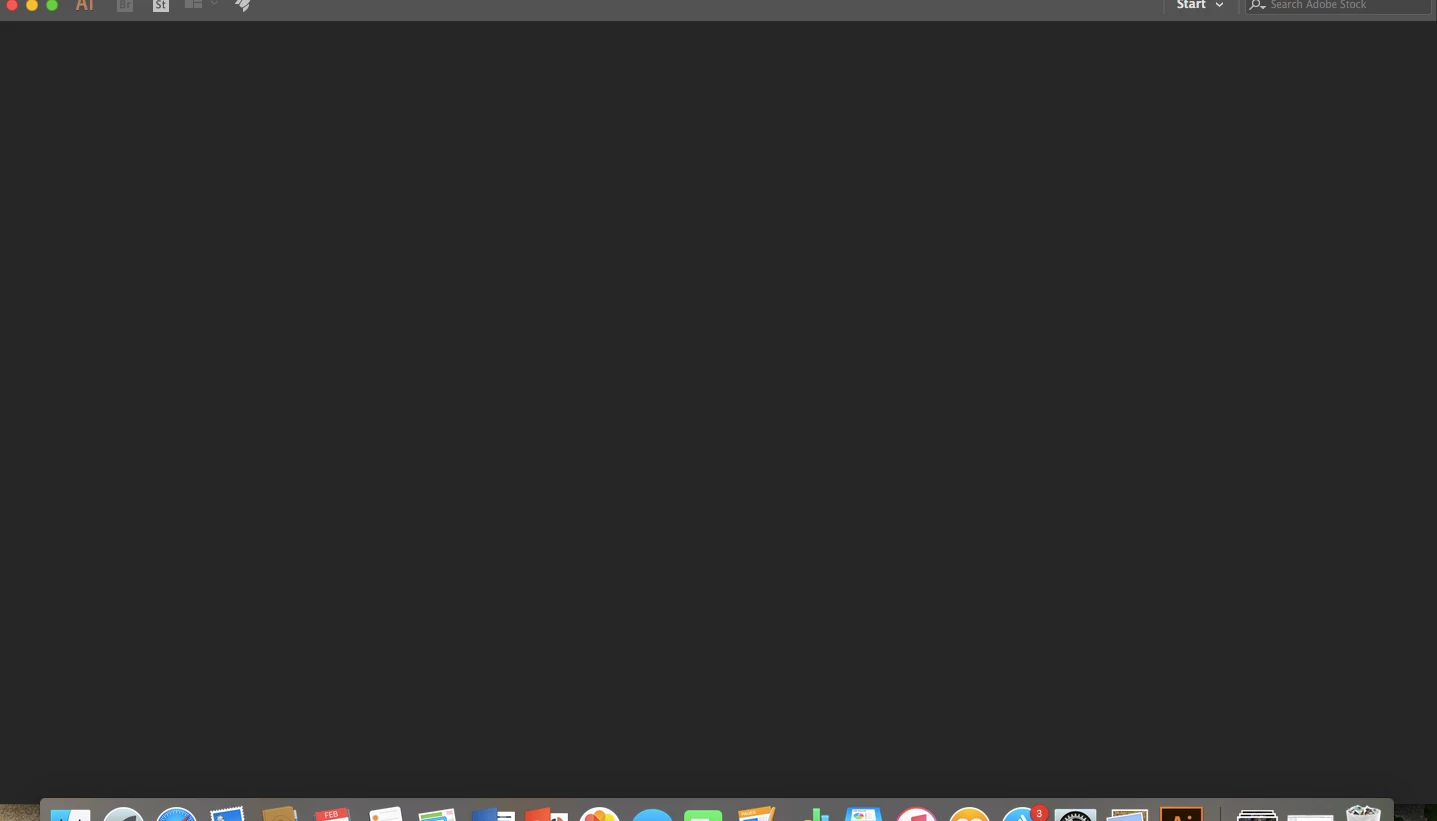
Recently when I open my adobe illustrator, it doesn't go straight to workspace like it used to do.

It stays at this screen:
I checked my preferences and it is stated as:

I really want to access the presets/templates. Options for the presets used to appear when I click "New" but for some reason it stopped appearing.

Please help.

    This topic has been closed for replies.

    1 reply

    Community Expert
    February 2, 2017

    Hmm, that's strange. In this case I should try 2 things:

    1) Try to reset the workspace: Go to the Start button in the upper right part of your screen, click on it and click "Reset Start"

    2) If this doesn't work: Quit Illustrator and restart it while holding CMD-ALT(Option)-Shift. This will reset your Illustrator preferences.

    I hope this works!