

Answered
Unable to Align Stroke with my custom brush strokes
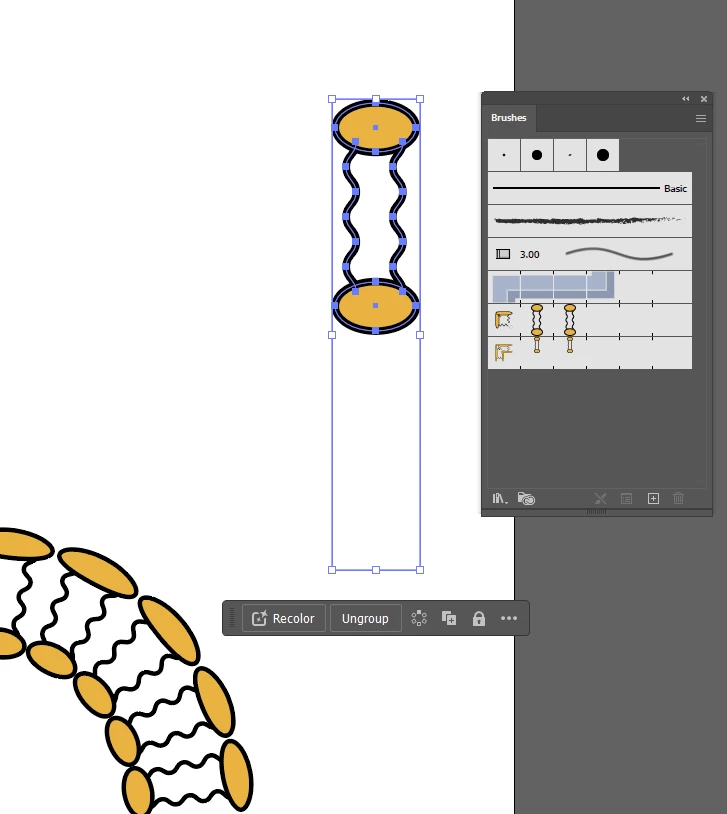
my custom strokes are forced to align to Center, and cannot be aligned to In/Outside
(both are greyed out as seen in image below)
Is there a way to change that?
Thanks
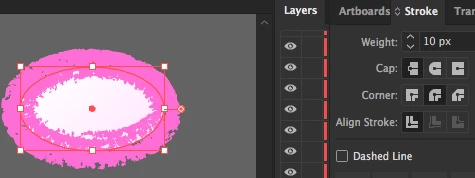

my custom strokes are forced to align to Center, and cannot be aligned to In/Outside
(both are greyed out as seen in image below)
Is there a way to change that?
Thanks
Already have an account? Login
Enter your E-mail address. We'll send you an e-mail with instructions to reset your password.

 AdChoices