

Participant
Jan 23, 2025 2:53 AM UTC
Question

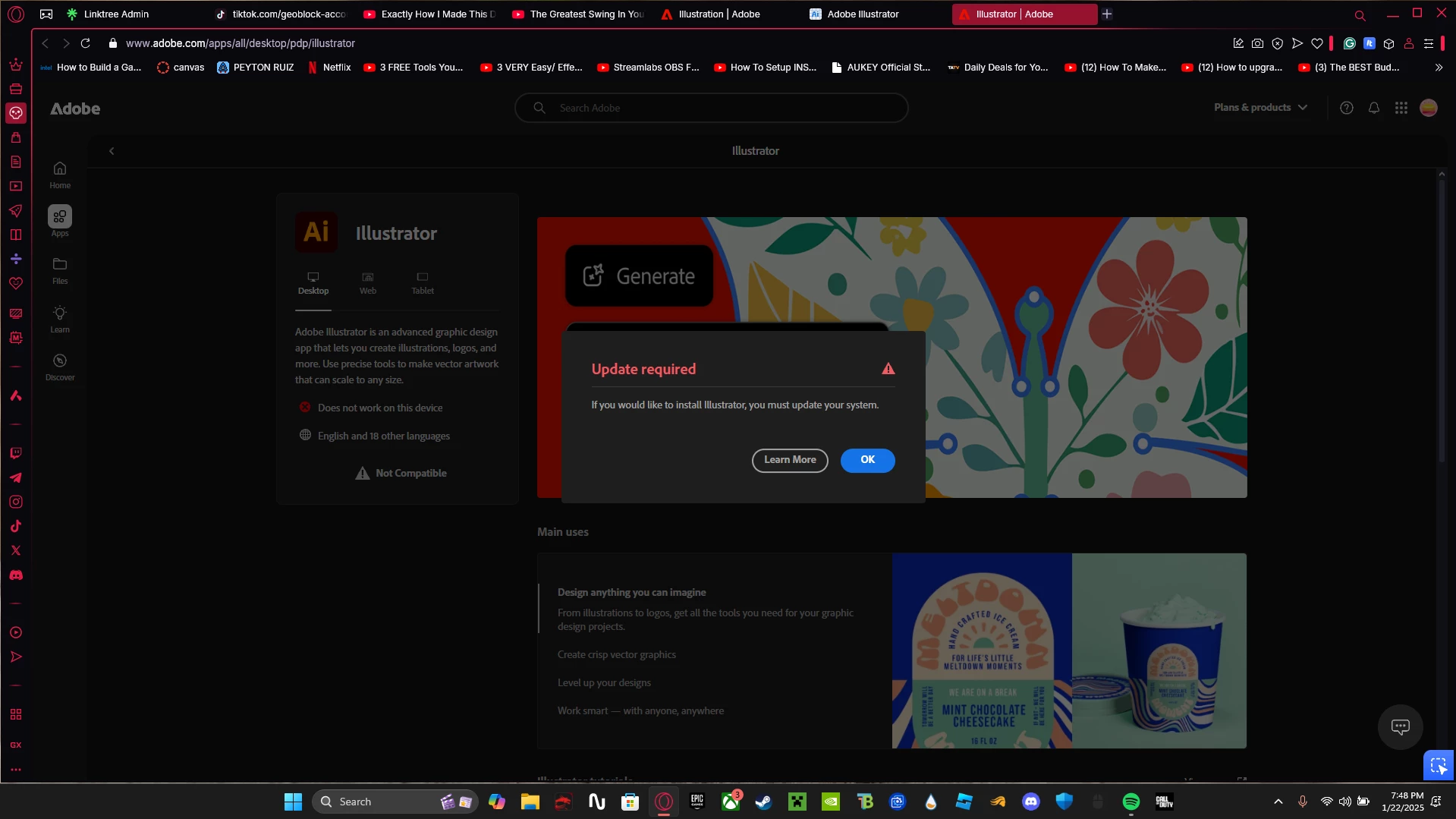
Unable to Download Illustrator - Windows 11

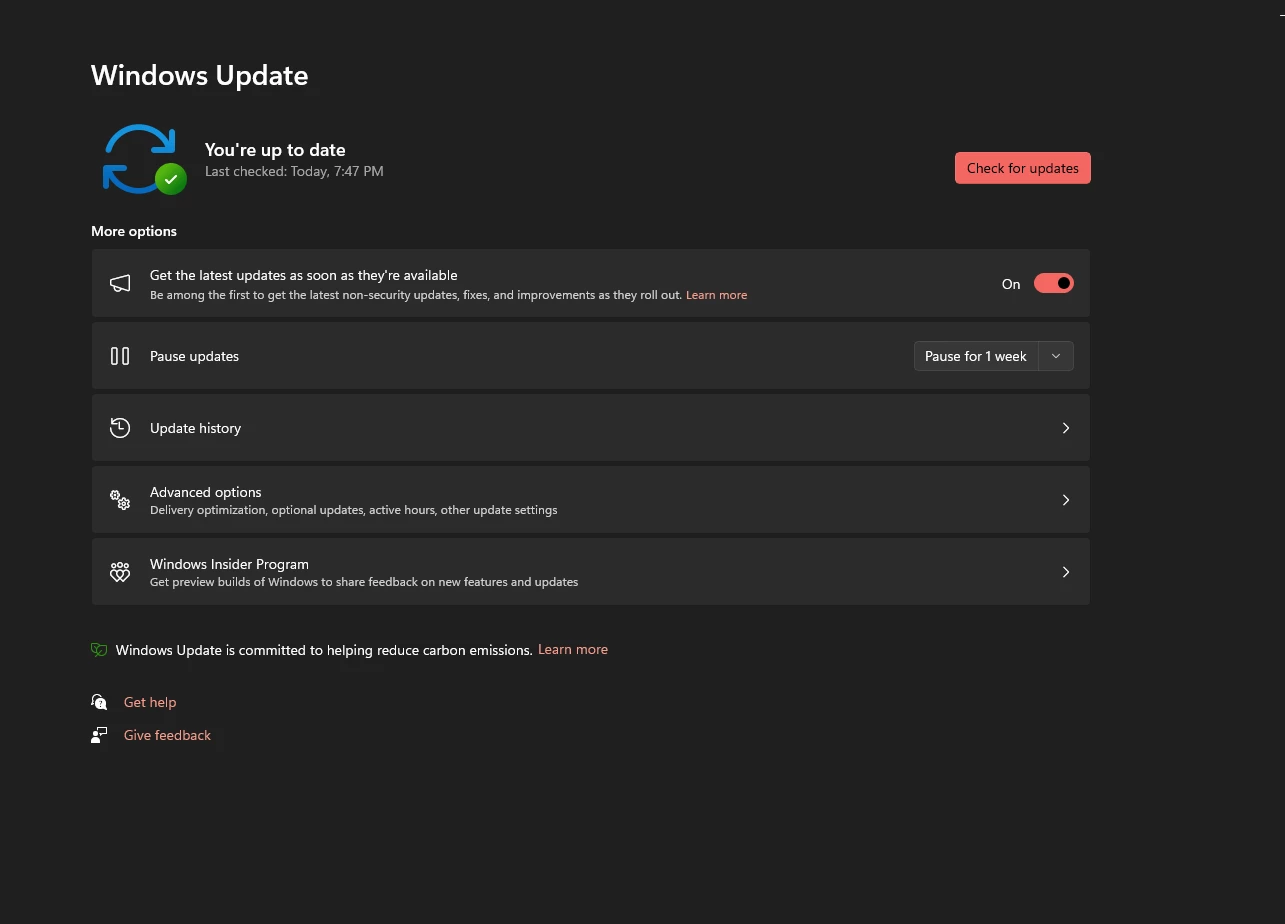
I cannot download Illustrator however I meet all system requirements on my laptop and everything is updated. what should I do?


3 replies

Anubhav M
Community Manager
Community Manager
Jan 30, 2025 12:05 PM UTC

Hello @peyton_8207,

I hope Bobby's suggestions helped resolve the problem. If not, kindly try using a different web browser or downloading the Creative Cloud Desktop application (https://helpx.adobe.com/download-install/kb/creative-cloud-desktop-app-download.html) to see if it helps.

Looking forward to hearing from you.


Anubhav

Translate
Community Expert
Jan 23, 2025 3:14 AM UTC

The first step I would do is reboot the system (if you haven't done that already) and then try to run the installer. I would also double-check for things like driver updates for the computer's graphics card/chipset. Also, make sure there isn't other applications running in the background that could trip up the installation. It could be a VPN, a virus scan in progress, etc.


How much RAM is installed in the noteook? I don't agree with the official minimum system requirements for Illustrator. IMHO, 16GB of RAM should be the minimum spec and 32GB is a more comfortable standard.


Have you tried installing any previous builds of Illustrator to see if they'll work? In the CC Desktop app you can open the Apps panel, look at the tile for Illustrator and click the little three dots icon in the lower corner. A flyout menu will show "other versions" as an option.

Translate
Participant
Jan 23, 2025 2:54 AM UTC

I have a MSI GF65 Thin 9SD laptop

Translate
