Unable to edit PDF files in illustrator despite previously being able to
Hello there, essentially what the title says!
I'm working on a project for university and have a file in PDF that I need to work from on Illustrator however I can't edit any of the paths no matter what I do. I've converted the file into png, jpg, svg, ai, dwg, etc. which are files that Illustrator is supposed to support however I still can't do anything??
I've done some searching myself and thought that maybe the file had clipping masks attached(as it seems other people have had a similar problem to me) however even after releasing them, the image remains uneditable.
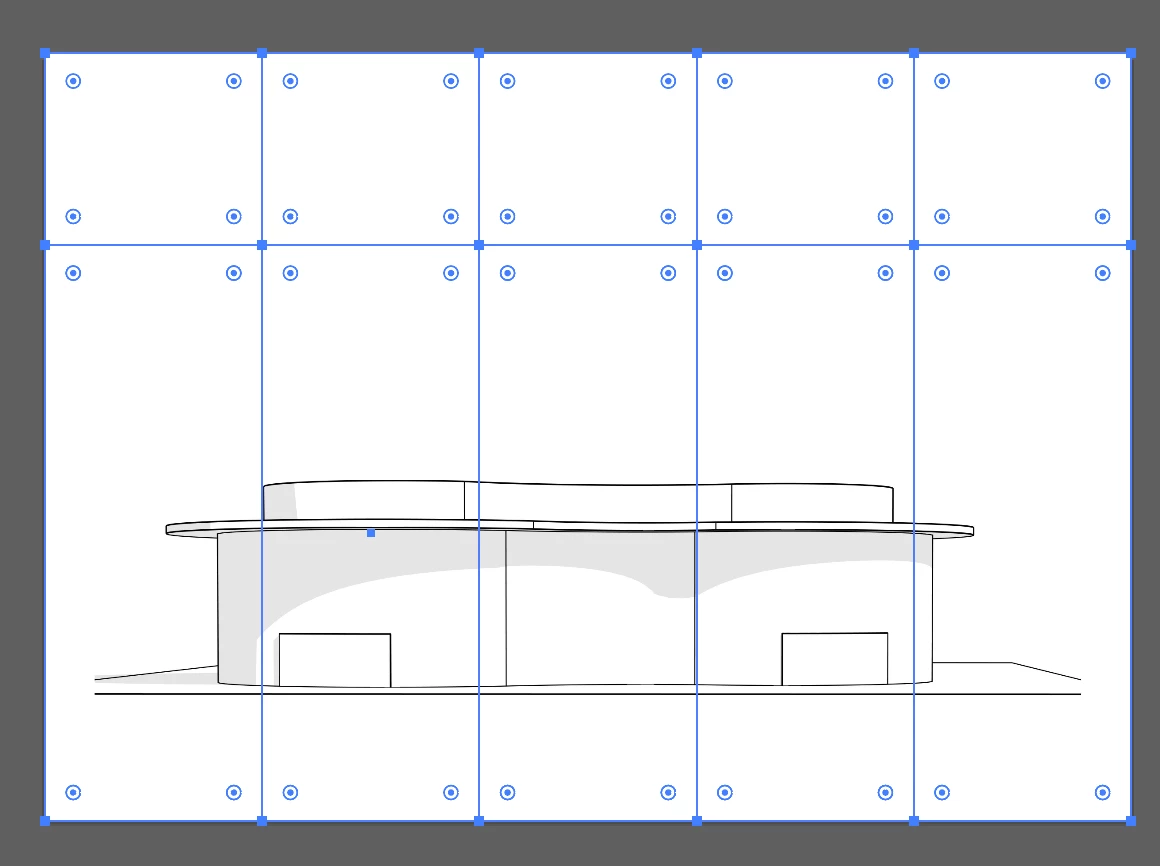
I've taken some screenshots of what it is i'm actually looking at on the screen if that's at all helpful; the first image I've selected all of the 'masks' on the image. Deleting them or going into the layers tab and deleting the masks individually just results in that square/rectangle being deleted entirely.
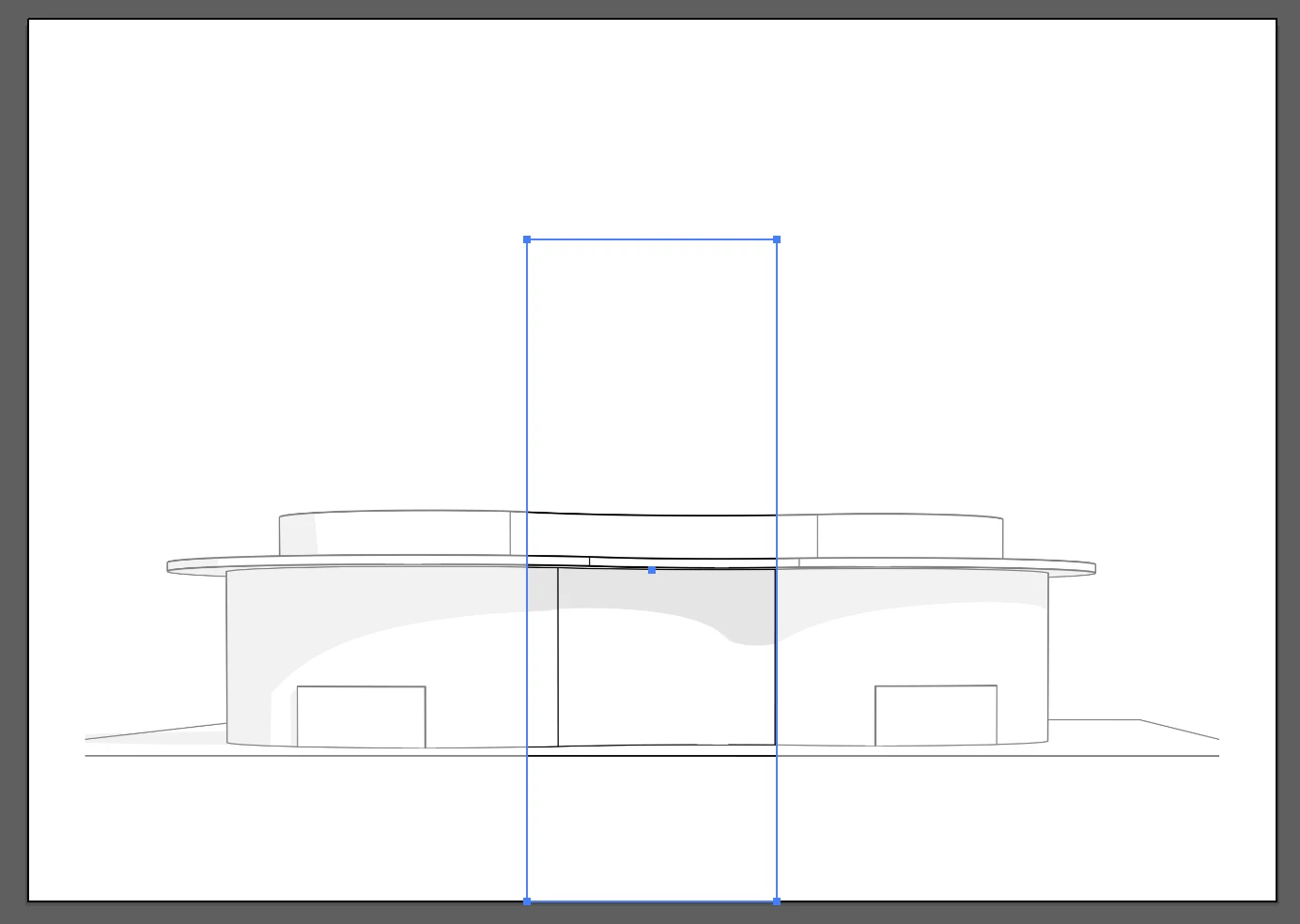
In this image, I've just selected one rectangle too show what happens; the rest of the image grays out.
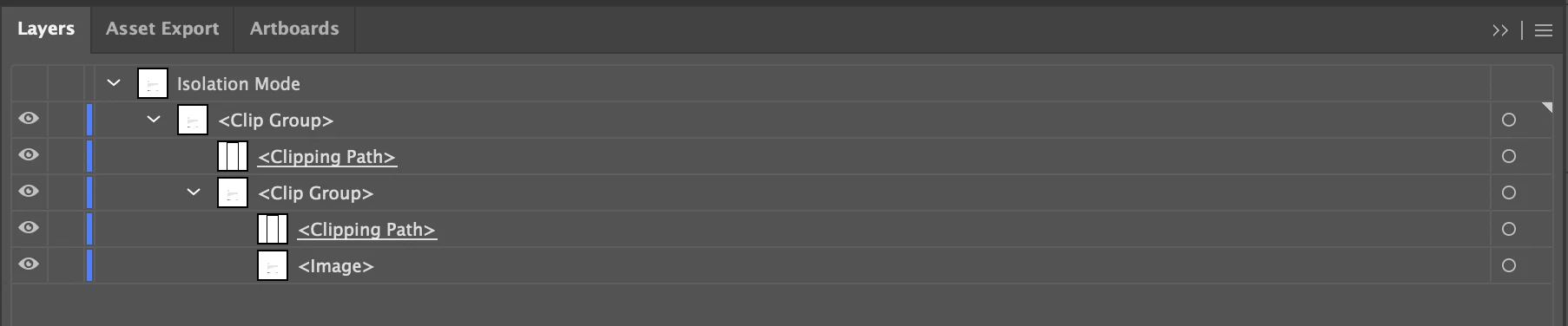
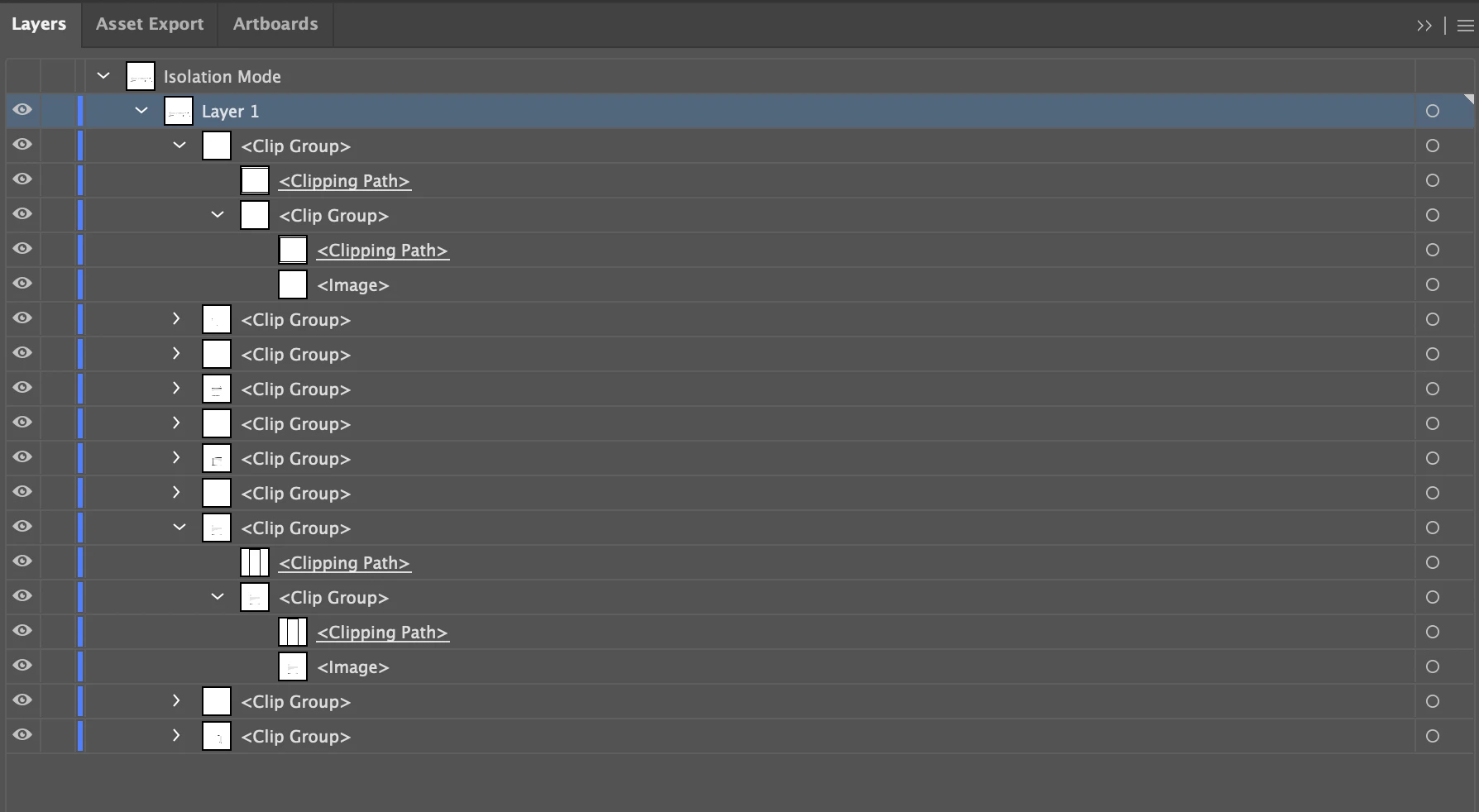
for an idea of what the layers tab actually looks like. the first image is with a specific panel selected, the second is all of the mask layers.
This is a new problem as I had previously used pdf files in illustrator last semester and it worked completely fine; the only thing I can really think of doing at this stage is just tracing the lines into a whole document and deleting the original image; which isn't the worst option however I'd rather not waste my time 😕😕 any help would be great as this is doing my head in trying to figure it out. Thanks if you took the time to read and even more so if you decide to respond!
 AdChoices