Participating Frequently
April 27, 2017
Answered

Unable to export advert in good quality, Text is blurry when i export to PNG.

  • April 27, 2017
  • 5 replies
  • 16095 views

Hello,

I am creating an advert 250 Px x 250 px in illustrator

& i want to export a good quality PNG keeping the same size.

Problem/ Story

1. I have created an art board of 250 px x 250 px

2. I created advert with text and vectors

3. I try to export to PNG in 72 DPI

4. The exported PNG has blurry text.

5. If i increase the resolution to 150/ 300 DPI

6. The image size will be become big
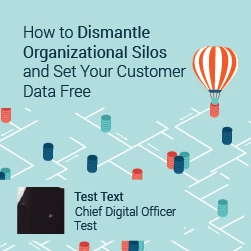
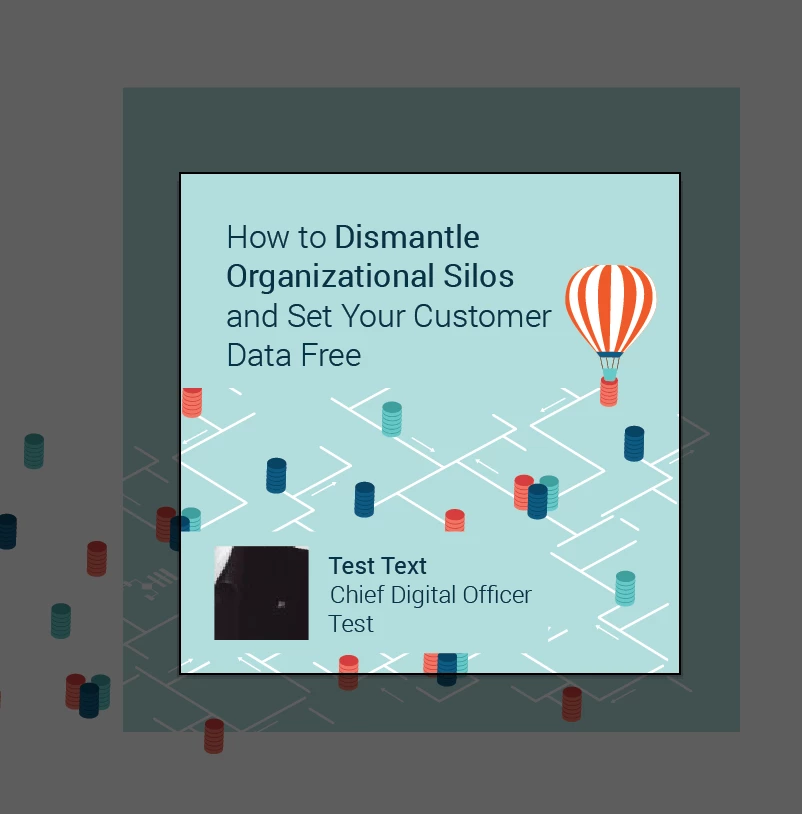
Above: Image1 is an exported version, And Image 2 is and actual illustrator file.

Question how do i keep image size as 250 PX and still have a good quality without blurry text.

This topic has been closed for replies.
Correct answer ayephyu1997

To solve this problem, you should try this instead of save as web (alt+ctrl+shift+s)

Way I.

1.File> Export > Export for Screen (Ctrl+Alt+E).

2.After appeared dialog box, change save as directory as you wish at Export to.

3. After that hit Export Artboard.

Way II.

search at YouTube by => How to export png file (logo) from Adobe Illustrator without Pixelating image

Thank you so much. Have a great day.

5 replies

ayephyu1997Correct answer
Inspiring
May 30, 2019

To solve this problem, you should try this instead of save as web (alt+ctrl+shift+s)

Way I.

1.File> Export > Export for Screen (Ctrl+Alt+E).

2.After appeared dialog box, change save as directory as you wish at Export to.

3. After that hit Export Artboard.

Way II.

search at YouTube by => How to export png file (logo) from Adobe Illustrator without Pixelating image

Thank you so much. Have a great day.

carlosgarro
Community Expert
Community Expert
April 27, 2017

Try using the "Save for Web (Legacy)"

It has an option that optimizes the file for texts >>

Maybe this works for you

Participating Frequently
April 27, 2017

Nope type optimized did not work

carlosgarro
Community Expert
Community Expert
April 27, 2017

Can you tell me the name of the font and the size?

Just to try in my side...

Legend
April 27, 2017

I wouldn't call it blurry. I'd call it pixelated.

barbara_a7746676
Community Expert
Community Expert
April 27, 2017

If you have the option, I'd recommend File > Save As > SVG, and Type: Outline text in the dialog that appears. SVG is compatible with all modern browsers, but not compatible with Internet Explorer version 7 or earlier. You will get great type, and the rest of the ad will look great too.

October 25, 2020

Thanks!!!!


Mike_Gondek10189183
Community Expert
Community Expert
April 27, 2017

Nothing major as you only have a 250 px square to create that. You can try gif format, and play around with type and art optimized options.  Can you remove some words in the copy and make the text bigger?

Participating Frequently
April 27, 2017

I need to keep all the text perhaps i can make it bigger. Let me try