


Koalasimov
Participant
February 20, 2026
Answered

Unable to export to PDF - Illustrator 30.2.1

  • February 20, 2026
  • 5 replies
  • 188 views

Illustrator 2026 30.2.1: I can no longer export artboards to PDF, but version 2025 29.8.4 exports correctly.

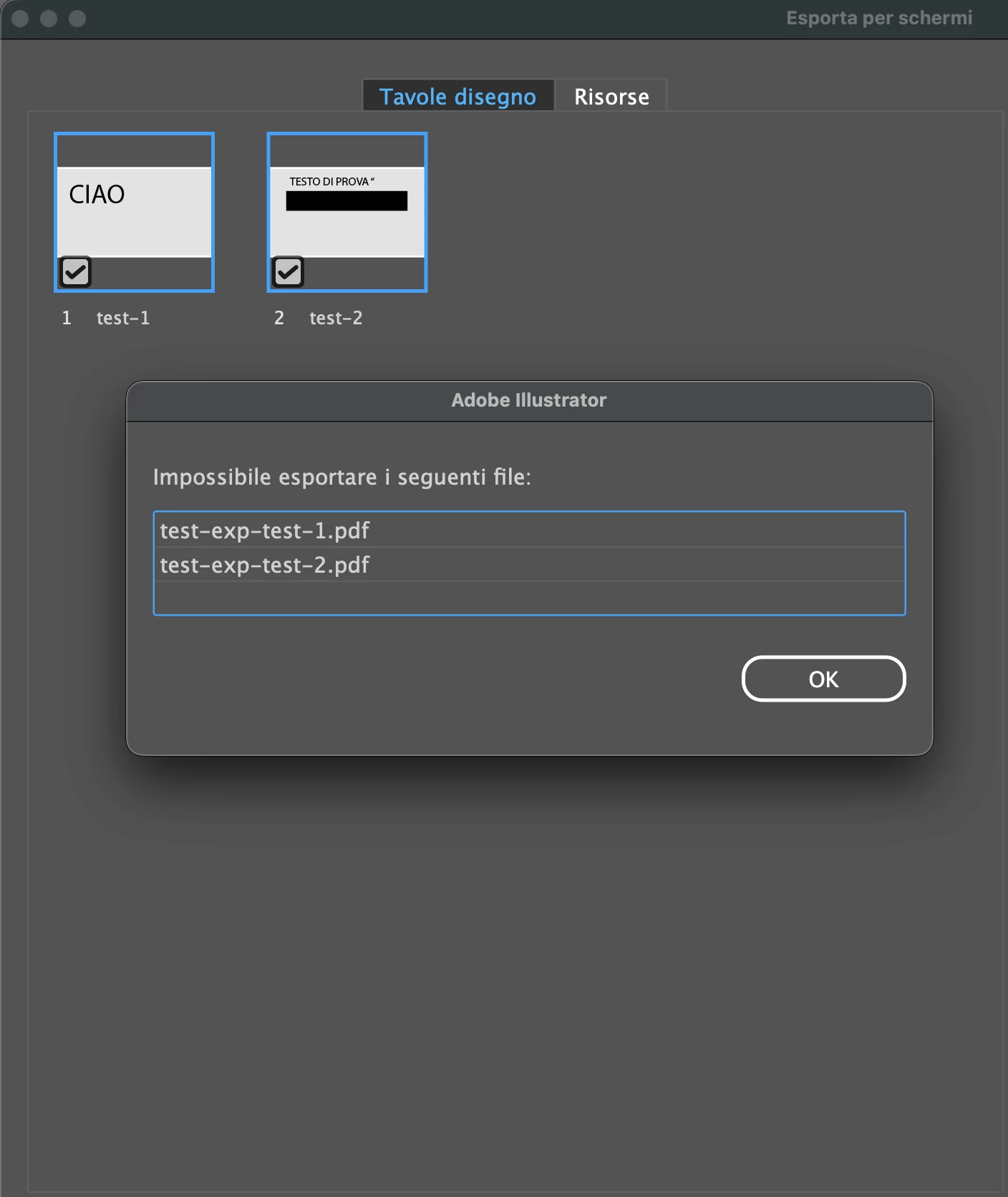
I export multiple artboards using the "Export for Screens" tool, I'm on macOS Tahoe. Is this a known issue or is it just me?


The following files cannot be exported. (PDF files only)


Correct answer Koalasimov

Hi HARSHIKA_VERMA,
I've now solved the problem by exporting the .pdf to "High Quality Print." Previously, it was "High Quality Print (Modified)." It was probably inherited from the old settings and conflicted with the new version. It's working properly now, thanks for your interest :)

5 replies

Participant
March 11, 2026

I too am having a problem export PDFs as separate files. It must be a bug with the latest version (30.2.1)

Anubhav M
Community Manager
Community Manager
March 13, 2026

Hello ​@Rickmartinson 


I’m sorry to hear you’re having similar trouble with Illustrator. Would you mind sharing more details, such as the version of the OS installed, whether this happens with all AI files, when using a specific export setting, or when exporting to a particular folder location, along with a screenshot of the error message (if any), so we can better assist you?


Looking forward to hearing from you.
Anubhav

Koalasimov
Participant
February 27, 2026

PROBLEM FIXED: The .pdf export settings were inherited from the old 2025 version and conflicted with the new version. Changing them now works correctly :)

Harshika Verma
Community Manager
Community Manager
February 24, 2026

Hi Koalasimov,

Thank you for reaching out and sharing the requested information. I am unable to reproduce the issue on my Mac. Maybe I missed something. Is it possible for you to share these test files with me via a private message so we can review and investigate further?


Does that happen to all files, or just to a specific file? 


We will try our best to help.


Thanks,

Harshika


Koalasimov
KoalasimovAuthorCorrect answer
Participant
February 27, 2026

Hi HARSHIKA_VERMA,
I've now solved the problem by exporting the .pdf to "High Quality Print." Previously, it was "High Quality Print (Modified)." It was probably inherited from the old settings and conflicted with the new version. It's working properly now, thanks for your interest :)

Anubhav M
Community Manager
Community Manager
February 20, 2026

Hello ​@Koalasimov 


I’m sorry to hear about your experience. Could you check if you encounter this problem with a specific file or when exporting to a specific folder location on the internal/external/network drive, or a folder that is synced via iCloud/Dropbox/etc, so we can better assist you?


Looking forward to hearing from you.
Anubhav

Koalasimov
Participant
February 20, 2026

I get this error when exporting PDF files both locally to the main internal drive and to an external drive. For all document types: New file or existing file on each drive.

Monika Gause
Community Expert
Community Expert
February 20, 2026

Does Illustrator have full disk access?

Koalasimov
Participant
February 20, 2026

yes certainly, like the 2025 version