@Sashalxrd Sure, try that to see if it works. Especially if you use a direct download. However, back when you first posted, I looked for the folder where the plug-in lives, but it's not in the Photoshop or Illustrator Plug-ins folder. I searched my entire drive and never found it. I was looking for the name "Icons8" and "adobe-icons8" so maybe it's named something else. Once you use an icon, a folder is automatically created that stores the .png files. Maybe this is a cloud-based plug-in and works through the CC desktop? You could also send an email to: support@icons8.com. I don't know why it's not showing up for you!
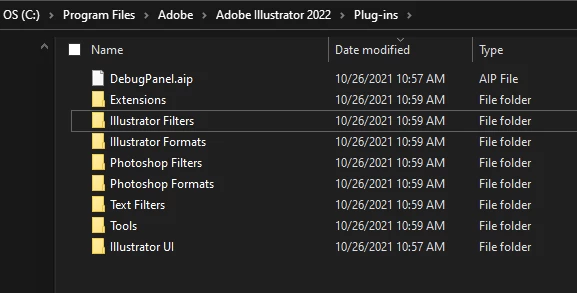
Here is where the plug-in folders are located:
Mac: /Applications/Adobe Photoshop (or Illustrator) CC [version]/Plug-ins
Windows: C:\Program Files\Adobe\Adobe Photoshop (or Illustrator) CC [version]\Plug-ins
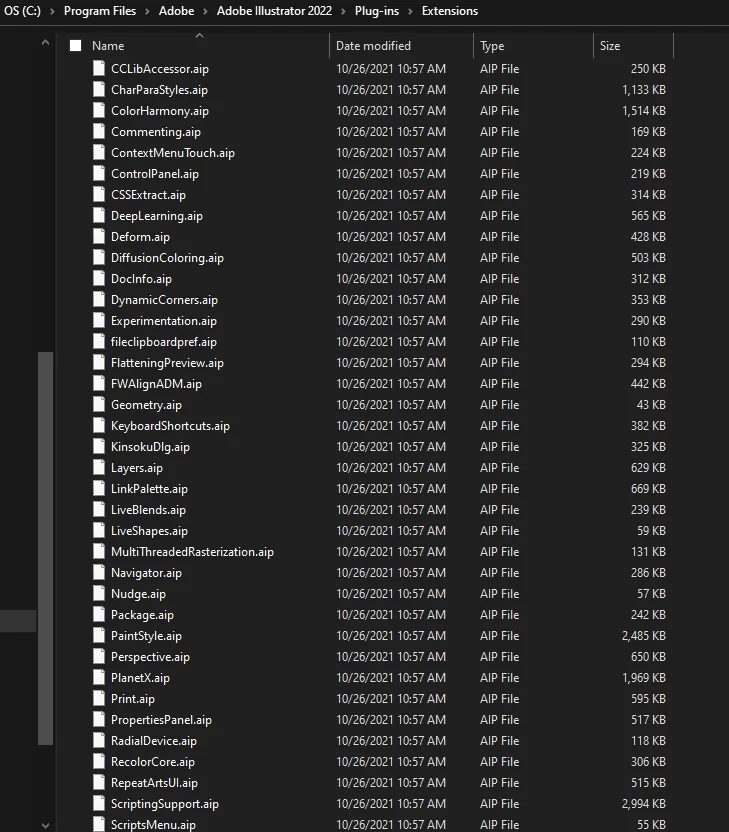
ETA: (not enough coffee) that was my InDesign plug-in folder! Here is Illustrator, and it's not in the Extensions folder either under anything named "icons."
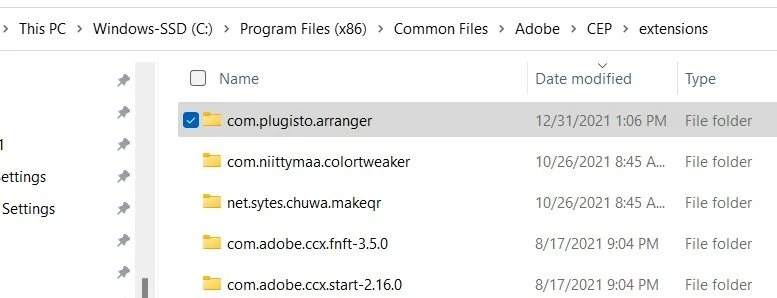
on Windows, the User Extensions folder is located here
C:\Program Files (x86)\Common Files\Adobe\CEP\extensions


 AdChoices