Unable to launch Illustrator on macOS Monterey - Missing Plugins
Hi there,
Mac OS, Monterey 12.2.
After an illustrator crash (I used 'Force Quit' after accidentally clicking the Illustrator icon in my toolbar), the basic tools in Illustrator have gone missing. I'm receiving this error dialogue box:
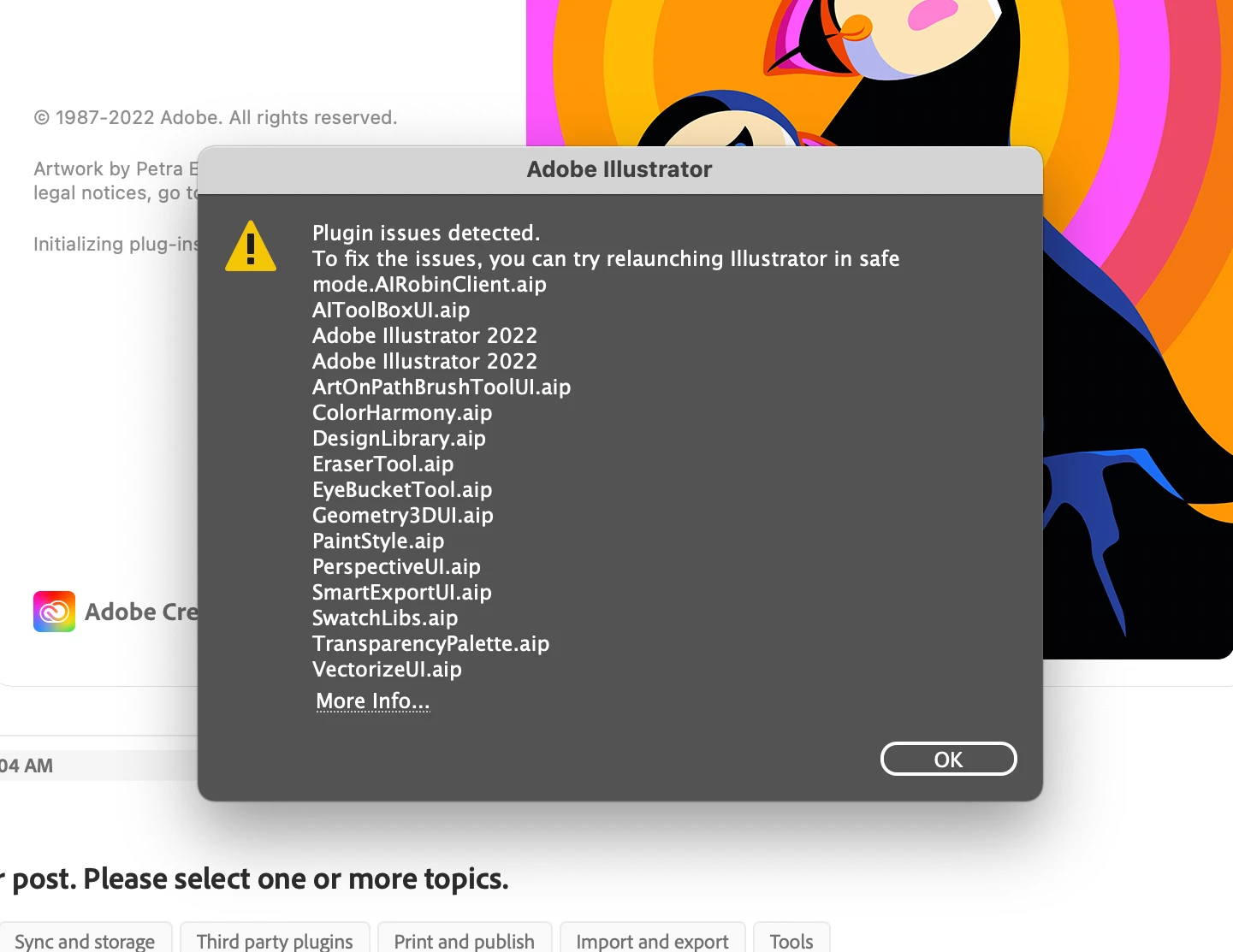
I've started in Safe Mode, but this doesn't solve the issue.
I've also tried following the instructions in this article: https://helpx.adobe.com/illustrator/kb/plugin-missing-issue.html
But I don't have an Illustrator folder in my Preferences folder (Users/<Username>/Library/Preferences/Adobe Illustrator 24 Settings) – this last folder doesn't exist.
I've uninstalled and reinstalled, and have restarted my computer several times.
Any help would be greatly appreciated! I'm a freelancer working to a deadline.
All the best.
[Renamed by MOD]
 AdChoices