


Participating Frequently
October 2, 2026
Question

Unable to move selected object

  • October 2, 2026
  • 6 replies
  • 19 views

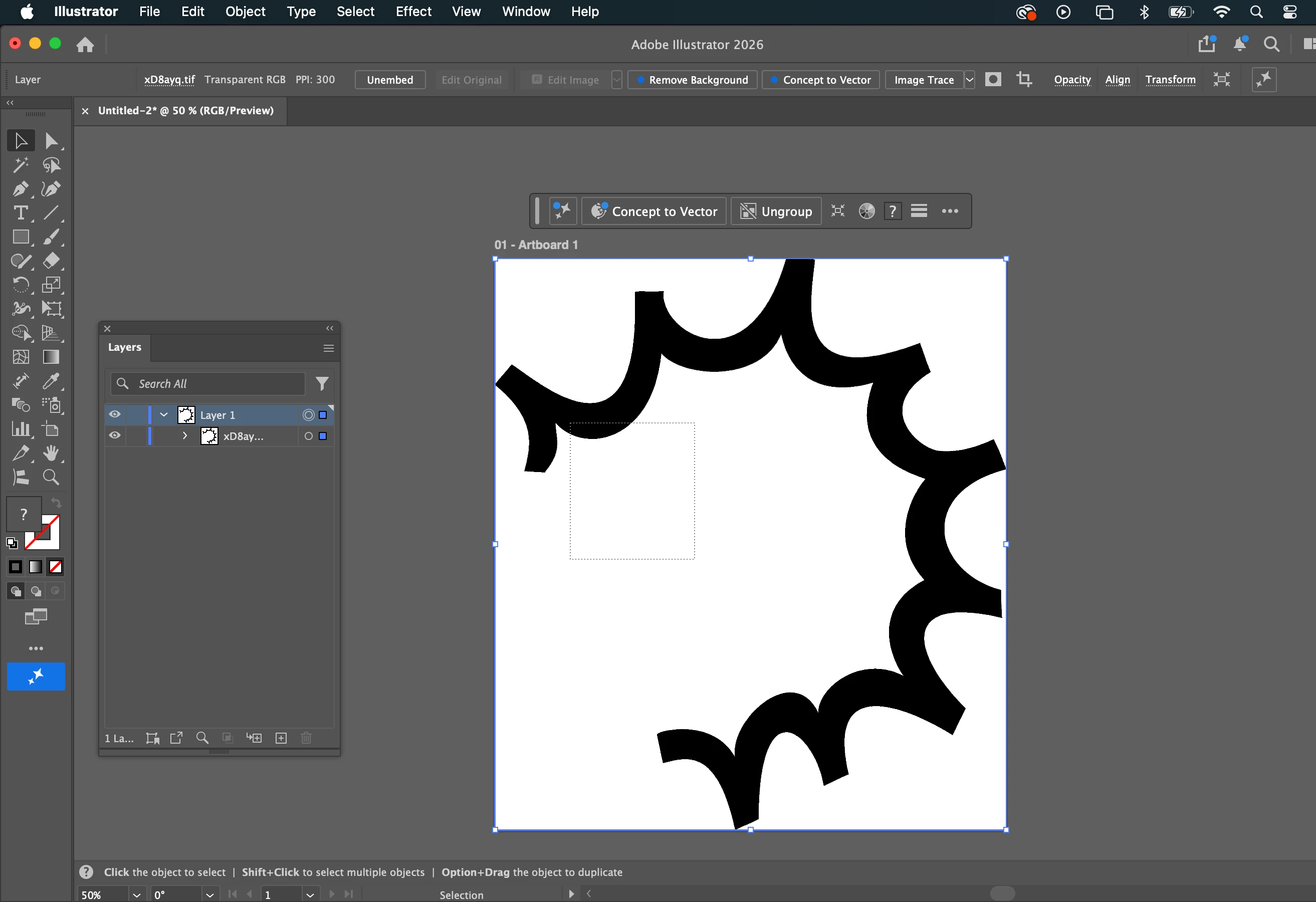
I have been trying to move and drag selections and found no solution on here. When I use the select tool to move my object, it simply drags a rectangle out and then de-selects. I didn't click on a negative space. As you can see my layer was selected. The layer is unlocked.

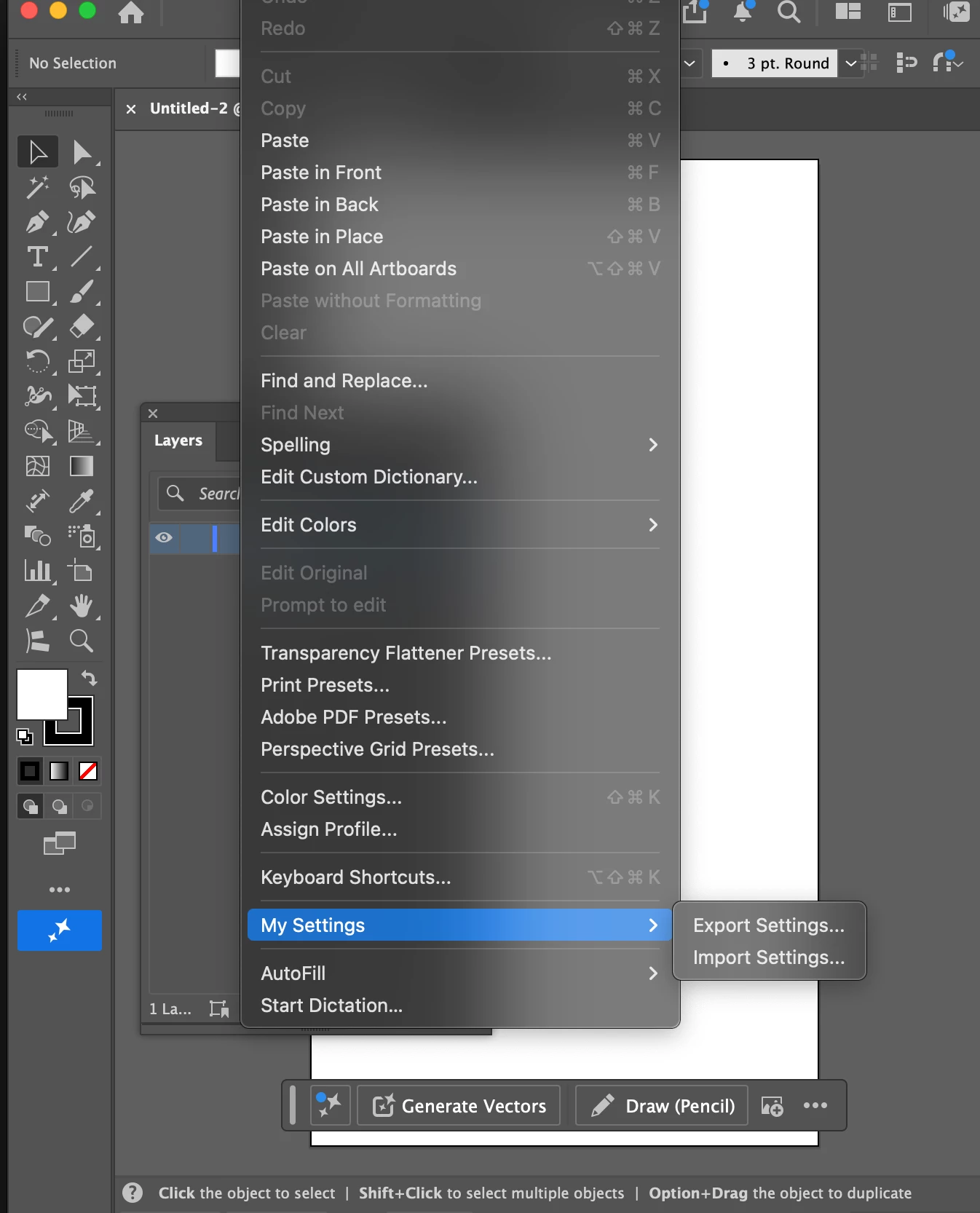
I updated to Illustrator 2026 in hopes of resolving this, but the issue continues. When I try to edit preferences, that option in the drop-down is gone. There's only "My settings > Import / Export Settings" in 2nd image. What is going on here?
I’ve looked through dozens of other posts under the terms “select,” “move,” and “drag” and found nothing. No one seemed to have exactly this issue where I’m able to click, but it just brings up a selection rectangle and de-selects.

6 replies

Dave Creamer of IDEAS
Community Expert
Community Expert
October 2, 2026

It appears as if you have a TIFF file that you opened directly. It looks selected and you will probably move the entire thing, white background and all. 

Create a new document and PLACE the TIFF file and see if it behaves better.

David Creamer: Community Expert (ACI and ACE 1995-2023)
Participating Frequently
October 2, 2026

It’s a transparent file so no white background. I tried placing it in a new file and the same thing happens, unfortunately. 


Dave Creamer of IDEAS
Community Expert
Community Expert
October 3, 2026

Can you upload the image?

David Creamer: Community Expert (ACI and ACE 1995-2023)
Participating Frequently
October 2, 2026

Also, this object was pasted in, not created in Illustrator.

Anubhav M
Community Manager
Community Manager
October 2, 2026

Hello @blairn1572401

Thanks for reaching out. Can you expand the Layers panel to show the individual paths? It seems like the graphic might have been pasted as a raster image.


Looking forward to hearing from you.

Anubhav

Participating Frequently
October 2, 2026

It was copied and pasted from Photoshop so it makes sense it’d be raster. Here’s the layer window showing it’s a tif file. 

Am I not able to drag and drop raster images?