
Participant
May 19, 2023
Answered

Unable to print from the links I share for review.

  • May 19, 2023
  • 3 replies
  • 510 views

Up until two weeks ago, when i made an illustrator file and shared it for review by generating a web link, I could print the file from the web page by pressing ctrl+P or cmnd+P. 

Nothing happens when I try to do that now, and when i try print from pressing the options on the top right of the screen it will only print the side bars of the web page, not the file.


Anyone know how to fix this?
This topic is closed to new replies. Start a new post to keep the conversation going.
Correct answer Anshul_Saini

Hi @Sorcha24857625ni9w


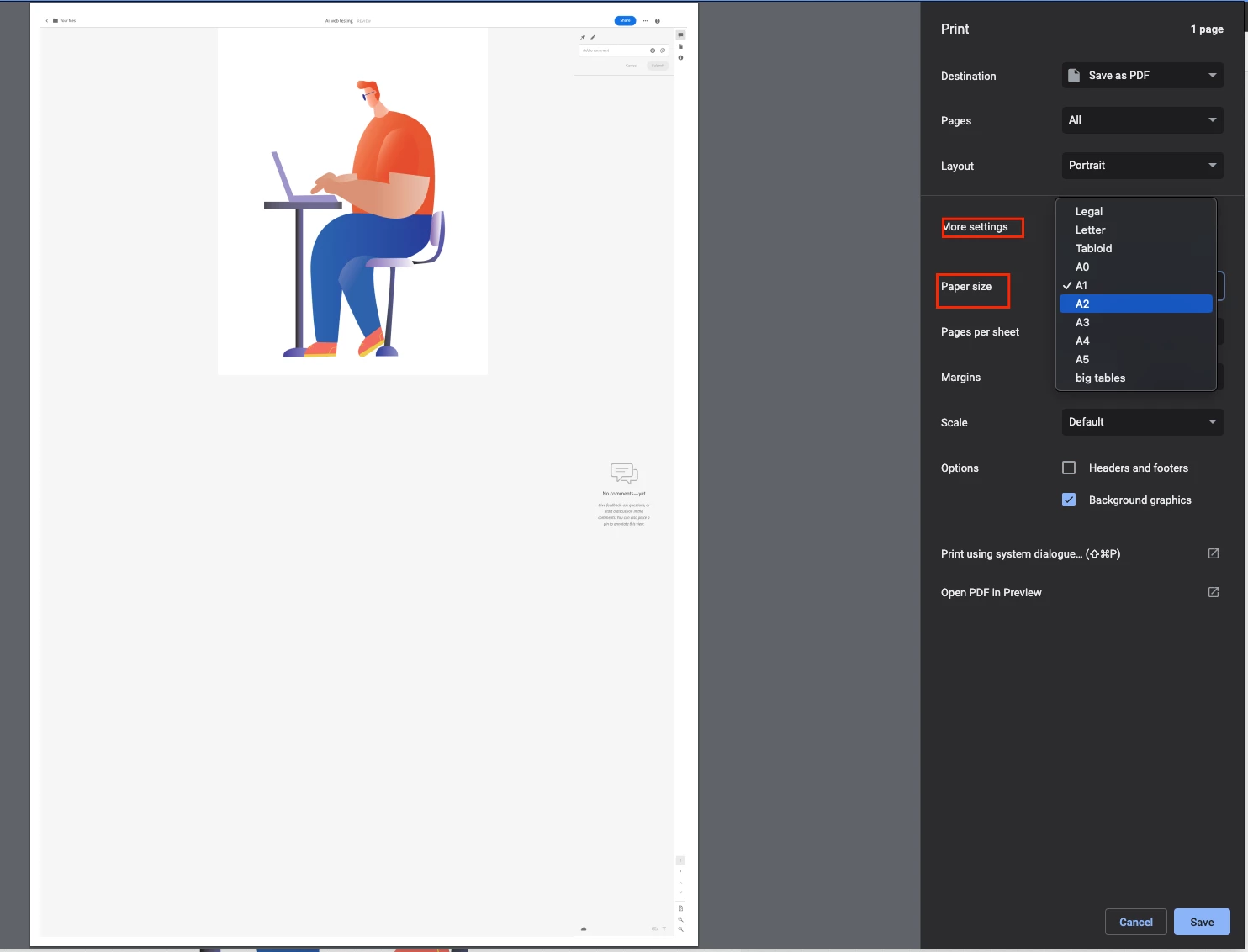
We apologize for the inconvenience you're facing while trying to print an Illustrator file from a web link. This is happening due to the preview size of the artwork on the web page. Manually go to File > Print as Monika suggested, and then change the page size until you see the artwork preview.


Let me know if this helps!


Best,

Anshul Saini

3 replies

Anshul_Saini
Community Manager
Anshul_SainiCommunity ManagerCorrect answer
Community Manager
June 2, 2023

Hi @Sorcha24857625ni9w


We apologize for the inconvenience you're facing while trying to print an Illustrator file from a web link. This is happening due to the preview size of the artwork on the web page. Manually go to File > Print as Monika suggested, and then change the page size until you see the artwork preview.


Let me know if this helps!


Best,

Anshul Saini

Monika Gause
Community Expert
Community Expert
May 20, 2023

The shortcut doesn't work for me either. But does going to File > Print work?

Participant
May 22, 2023

No, that doesnt work either. When I do that it only wants to print the side bars of the web page, not the file for review. 😞