lucyw.art
Participating Frequently
May 6, 2025
Resuelto

"unable to save your file for auto-back up" Illustrator 2025

  • May 6, 2025
  • 2 respuestas
  • 1194 visualizaciones

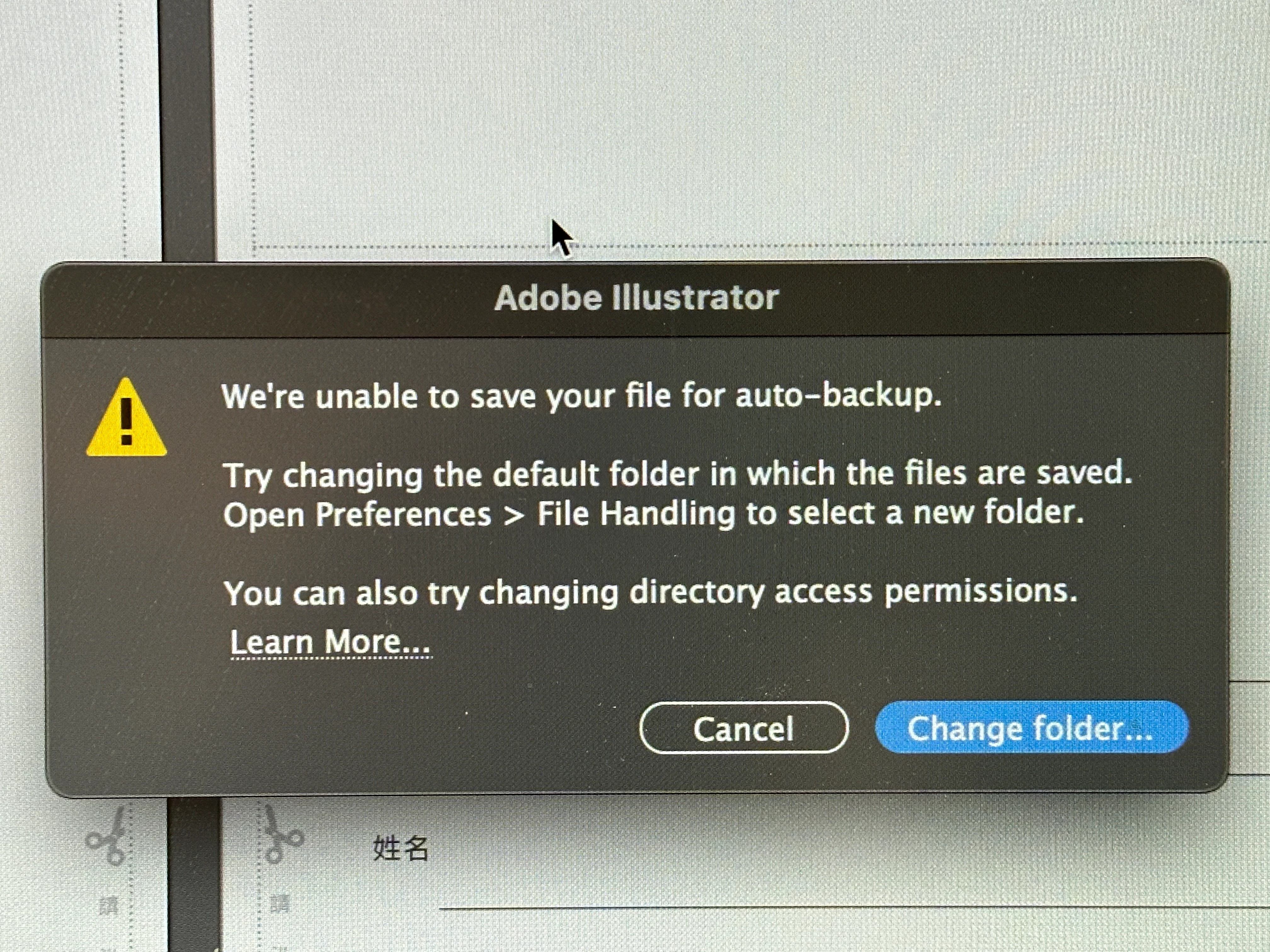
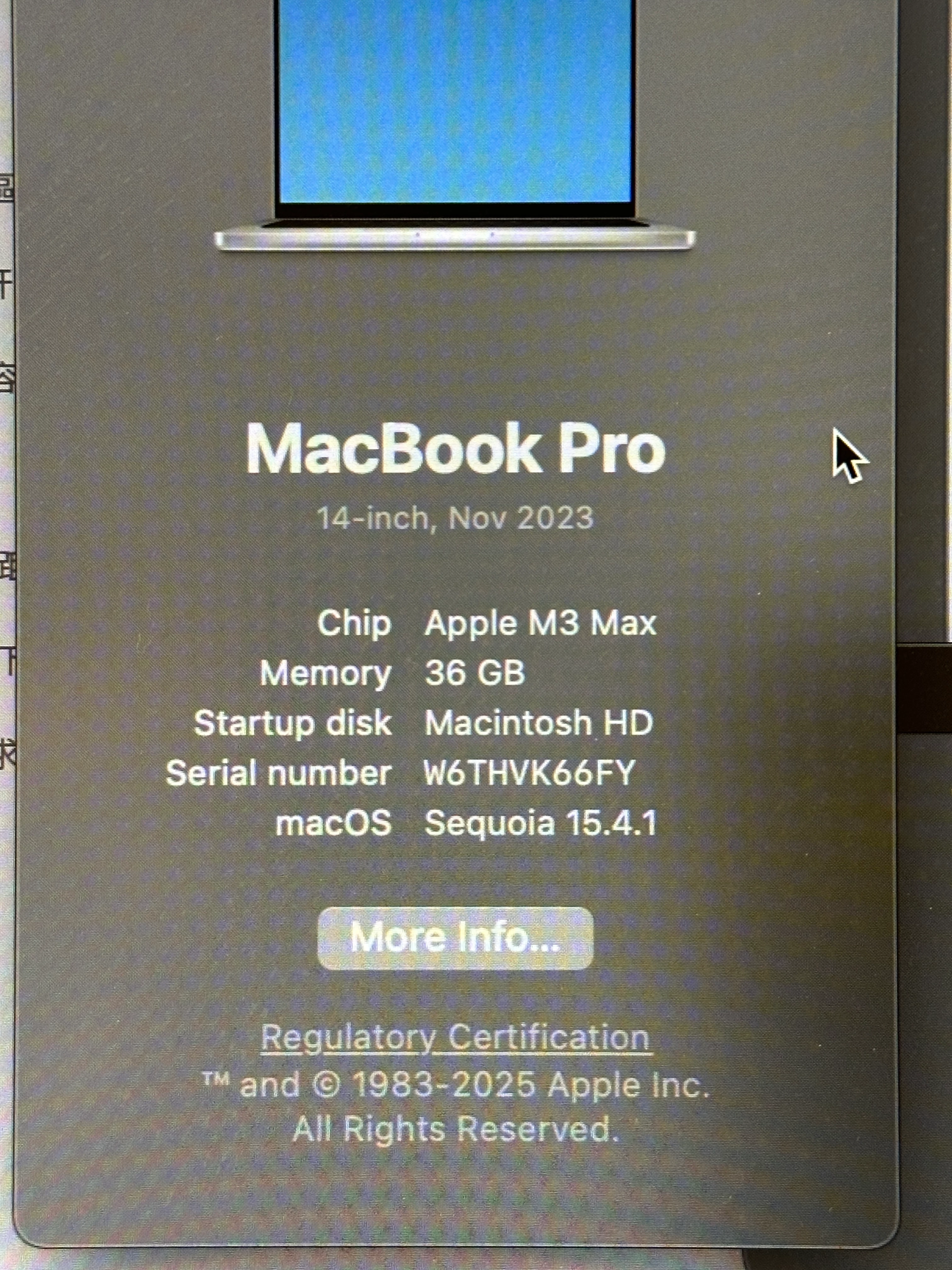
Hi everyone, just started this week, when I started using Illustrator, this error shows up "We're unable to save your file for auto-back up." And it sugguests me to change folder. I tried to find the default folder in both System Library, and User folder, the Shared folder, Adobe folders, etc. No where could I find what's suggested online. Has anyone has the similar problem? How did you solve it? What folder did you put for the new folder? Thank you so much!!
 

Mejor respuesta de derekwatson

The default data recover folder is ideal but You could also create an Adobe folder in Documents if you prefer

2 respuestas

Monika Gause
Community Expert
Community Expert
May 9, 2025

Please do not forget that although being called like that this is not a backup solution.


You still have to save your files regularly and make your own backups. And while you are inside your system preferences anyway: turn on Time Machine.


The file recovery function in Illustrator should never be your only way of saving and/or back upping your files. It's the icing on the cake when everything else is working.

derekwatson
Community Expert
Community Expert
May 9, 2025

I agree! I have a Time Machine drive, a weekly clone backup and a continuous Backblaze backup! You can never be sure!!

Derek Watson
derekwatson
Community Expert
Community Expert
May 9, 2025

It is definitely a permissions issue, I have seen this in the past. You could try checking and changing permission as in the help post below or select a new folder in your Documents FOlder or even and external drive.
https://support.apple.com/en-gb/guide/mac-help/mchlp1203/mac

Derek Watson
Community Manager
May 9, 2025

Hello @lucyw.art,

I hope Derek's suggestions helped resolve the problem. If not, please check if Illustrator has Full Disk Access (https://adobe.ly/4d8LujP) and share your observations.

Looking forward to hearing from you.
Anubhav

lucyw.art
Participating Frequently
May 9, 2025

Thanks Anubhav! I tried, but "Active Protect" isn't an option and doesn't exist in my setting panel. I did however turn on the allowance for AdobeCreative Desktop.