
TypoMan23
Known Participant
April 15, 2024
Question

Unable to set ruler origin to bounding box

  • April 15, 2024
  • 2 replies
  • 674 views

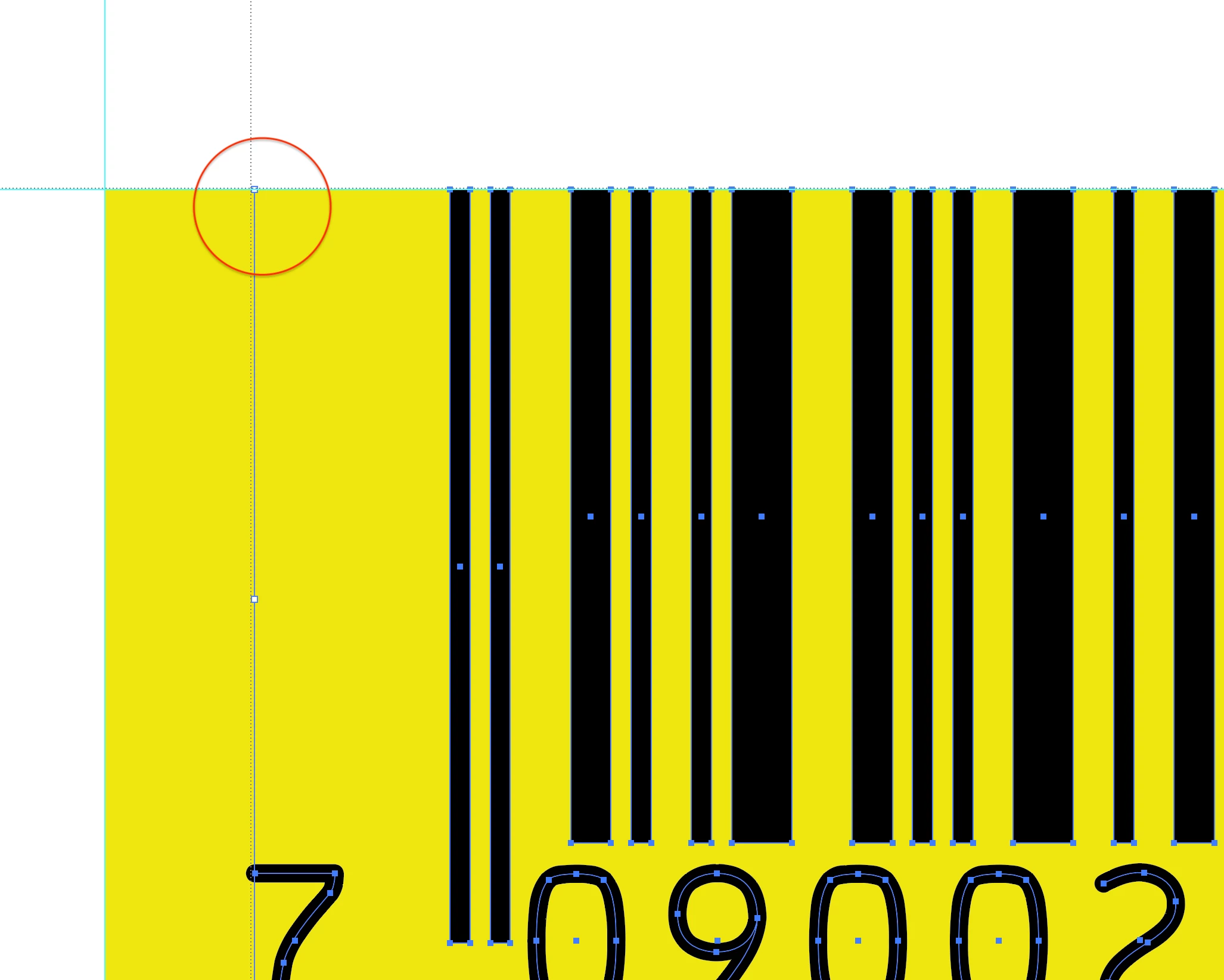
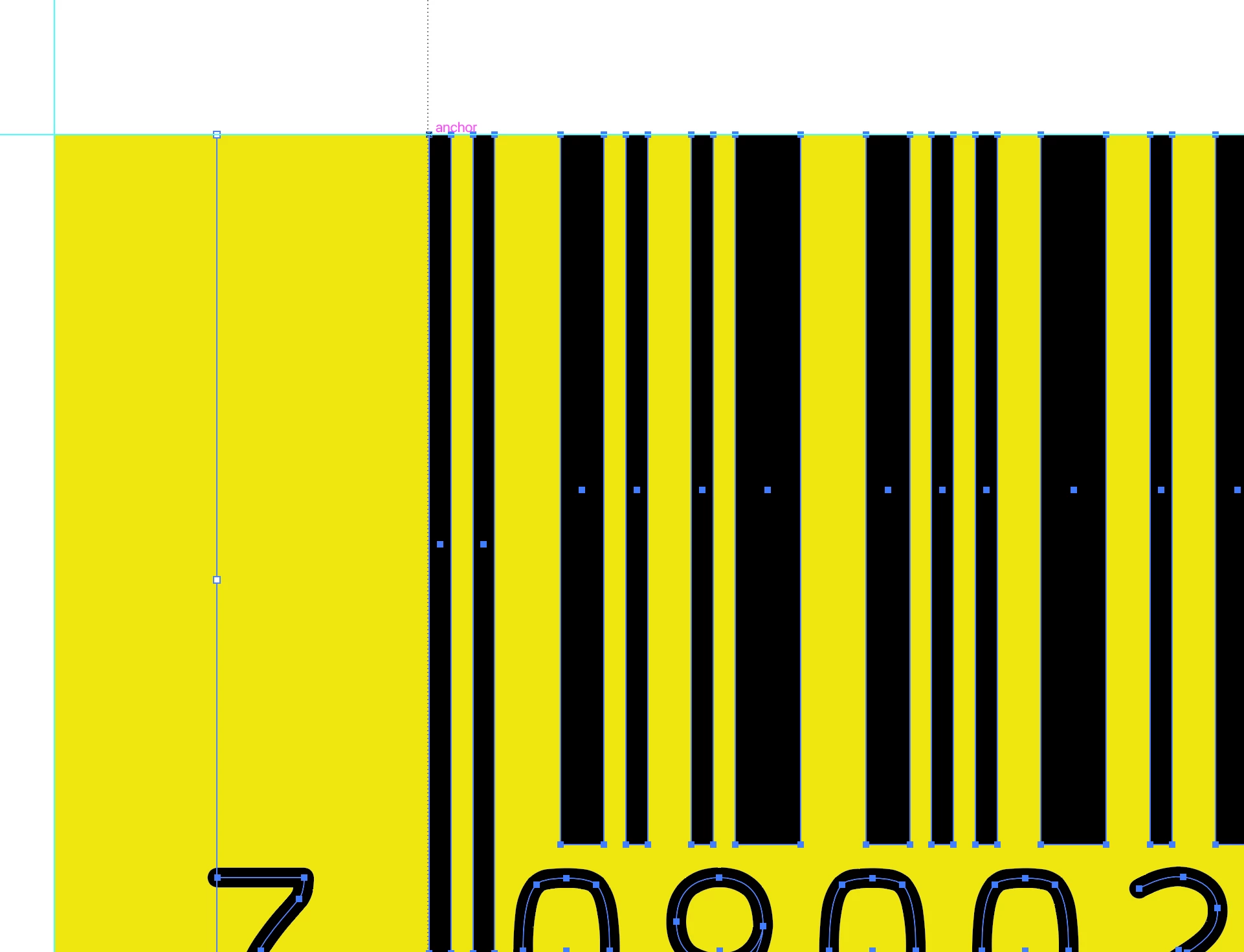
I am trying to set the ruler origin to 0/0 on the top left corner of this barcode's bounding box. I can only get it to snap to parts of the barcode - but not the top left corner of the barcode itself. 

I'm sure this is very simple but I just cannot work out which setting I need to turn on in order for it to work, and snap to that top left corner.
Thank you for any help.


This topic has been closed for replies.

2 replies

pixxxelschubser
Community Expert
Community Expert
April 28, 2024

Just to be sure:

Align to pixel and align to grid are switched off?

Mike_Gondek10189183
Community Expert
Community Expert
April 15, 2024

Thanks for the red circle (very helpful).


Pull 2 guides (horizontal & vertical) out of your rulers to that location, that will help you crosshair ruller reset to snap there. 

TypoMan23
TypoMan23Author
Known Participant
April 15, 2024

Many thanks for the reply.
But guides are not snapping to the bounding box corner either.
However, InDesign what you suggest works - and also I can simply set the ruler origin to 0/0 on the top left corner of the barcode's bounding box.

So how can I get Illustrator to behave in the same way? It seems very odd that something this simple can be done in ID and not Illustrator... there must be a way to do this.

Anubhav M
Community Manager
Community Manager
April 16, 2024

Hello @TypoMan23,

Thanks for reaching out. Would you mind trying View > Show Grid and then View > Snap To Grid to check if it helps?

Looking forward to hearing from you.


Thanks,

Anubhav