MAGilchrist
Known Participant
August 5, 2019
Question

Unable to switch files by clicking on Tabs in Illustrator 2019 on macOS High Sierra

  • August 5, 2019
  • 11 replies
  • 6926 views

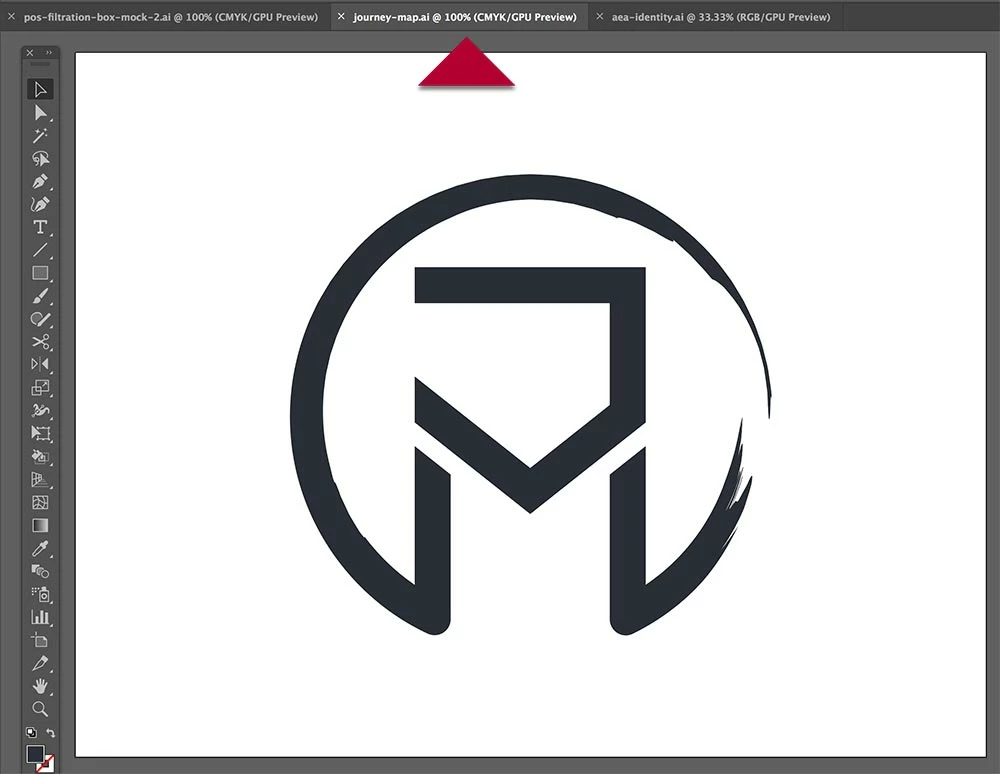
This has happened through multiple versions of Ai and Psd. As you can see in the screen captures, no matter what tab I've selected, I can only see 1 file. This happens randomly, and I have to restart the program to get the tabs to work properly again.
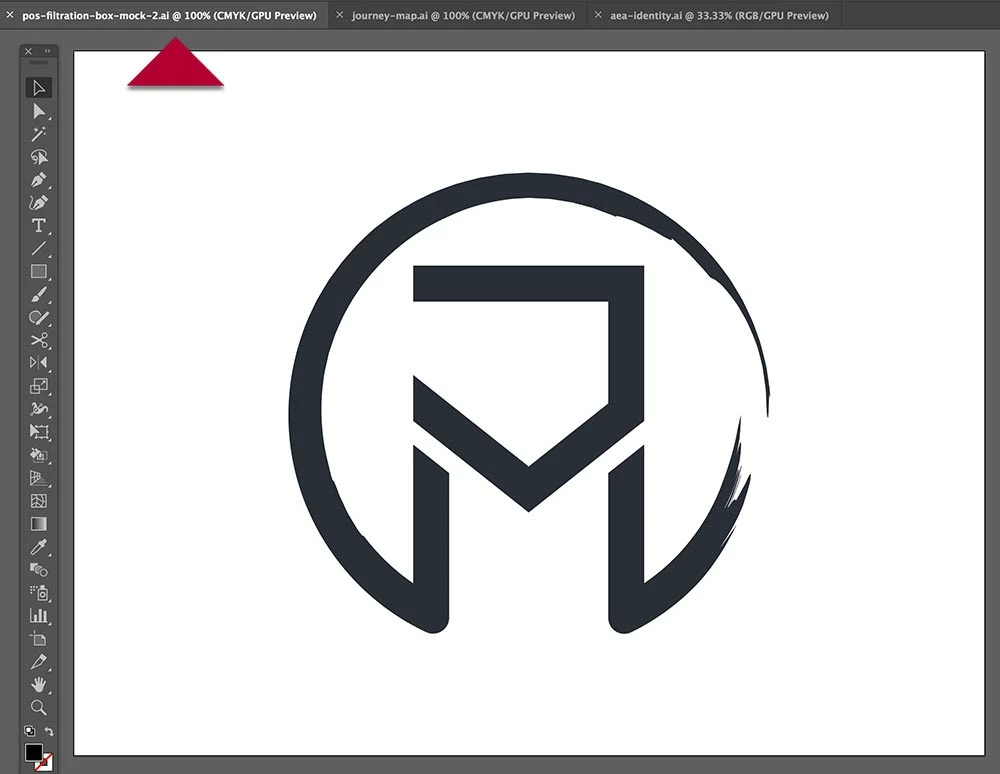
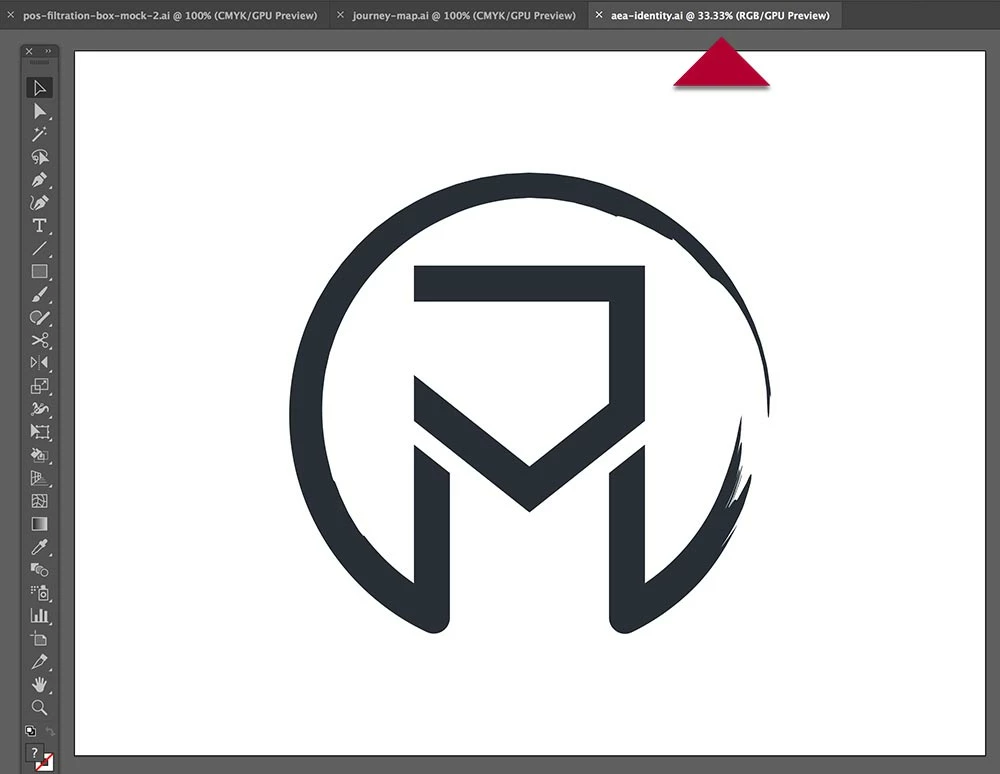
{Renamed by MOD}

    This topic has been closed for replies.

    11 replies

    BeanFactory
    Participating Frequently
    August 6, 2019

    Corrupted preferences file, perhaps? I had this issue a while back and I'd have to clear it by hopping between programs or clicking on the desktop a bunch of times. Once I cleared out the corrupted preferences file the problem stopped for me.

    MAGilchrist
    Known Participant
    August 6, 2019

    Not sure, but I'll give that a try. Thanks.