

brettw42539733
Participant
Jan 31, 2025 11:09 PM UTC
Answered

uneditable stroke on object?

Hi all -

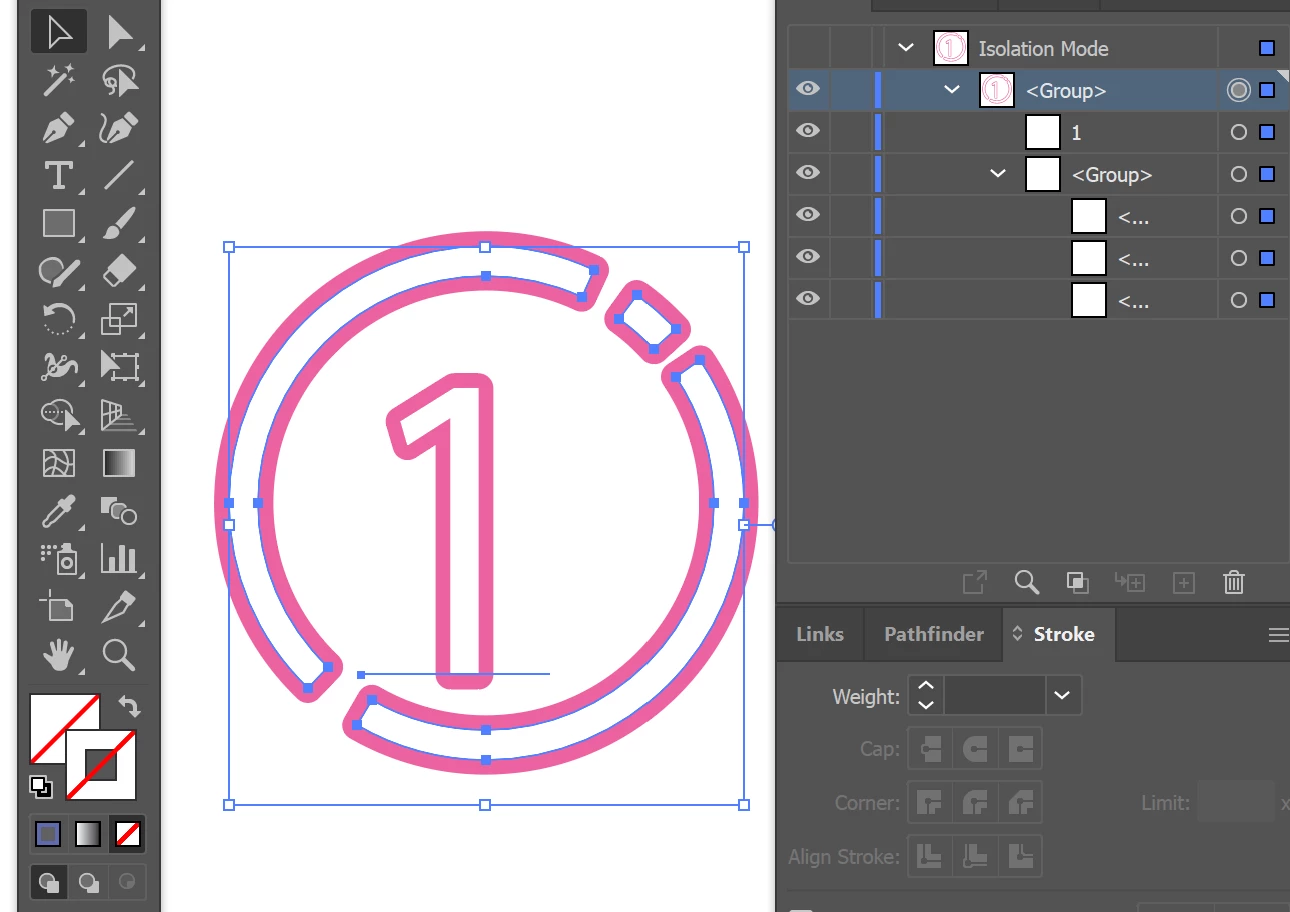
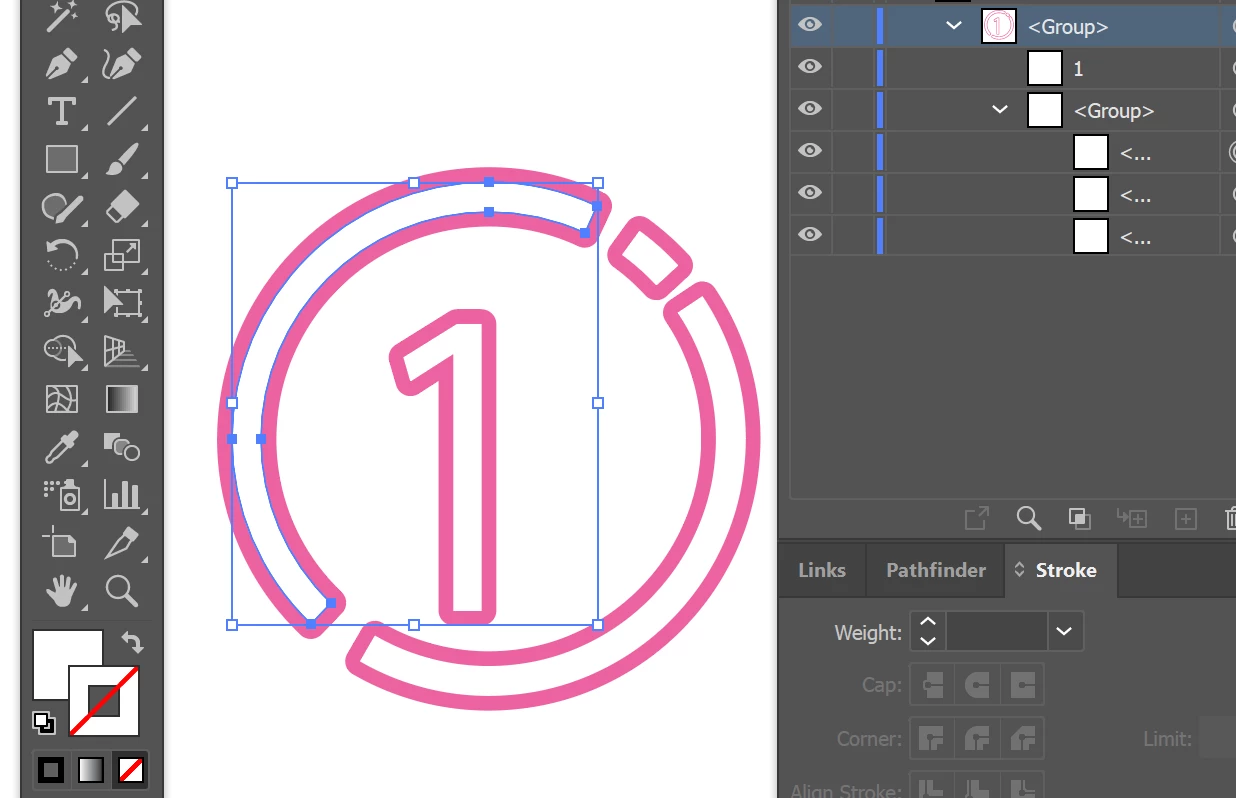
I'm trying to edit the pink stroke on this object, but the Color palette shows that no stroke is applied. How do I make this pink stroke editable?


Ton Frederiks
Ton FrederiksCorrect answer
Community Expert
Jan 31, 2025 11:33 PM UTC

Can you check Window > Appearance if the stroke is applied to the Group or the Contents (double click them) of the Group?

4 replies

Jacob Bugge
Community Expert
Community Expert
Jan 31, 2025 11:55 PM UTC

To me it looks like a New Stroke added to the Filled path in the appearance palette, so you can edit it after selecting only selecting the Stroke. there.

Translate
Ton Frederiks
Community Expert
Ton FrederiksCommunity ExpertCorrect answer
Community Expert
Jan 31, 2025 11:33 PM UTC

Can you check Window > Appearance if the stroke is applied to the Group or the Contents (double click them) of the Group?

Translate
brettw42539733
Participant
Jan 31, 2025 11:58 PM UTC

That did it. Thank you!


Translate
Ton Frederiks
Community Expert
Community Expert
Feb 1, 2025 1:11 AM UTC

Good to hear that helped.

Translate

