paulm42257046
Known Participant
June 2, 2020
Answered

Uniting Vector Draw shapes in Illustrator

  • June 2, 2020
  • 3 replies
  • 836 views

Hi there,

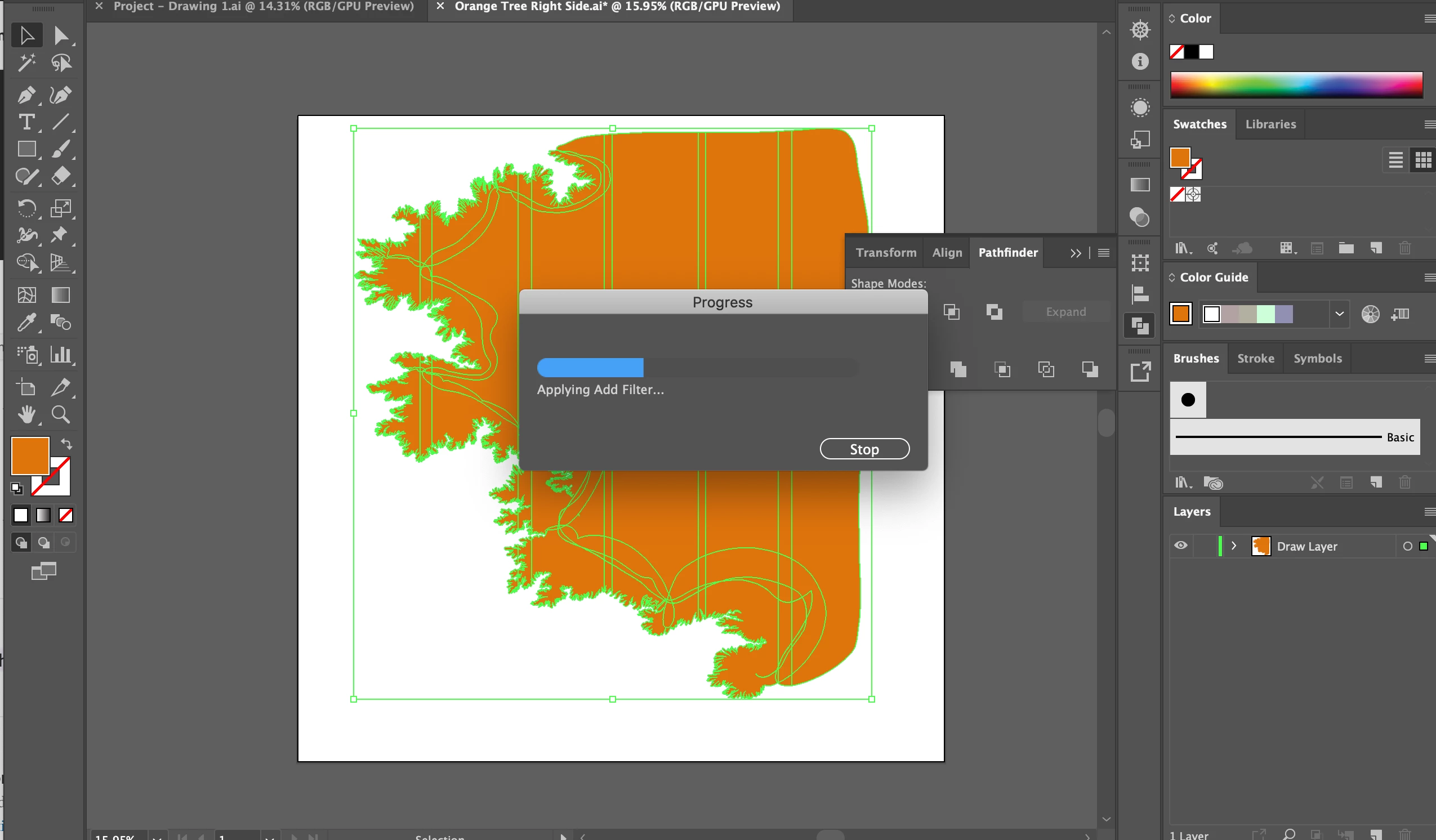
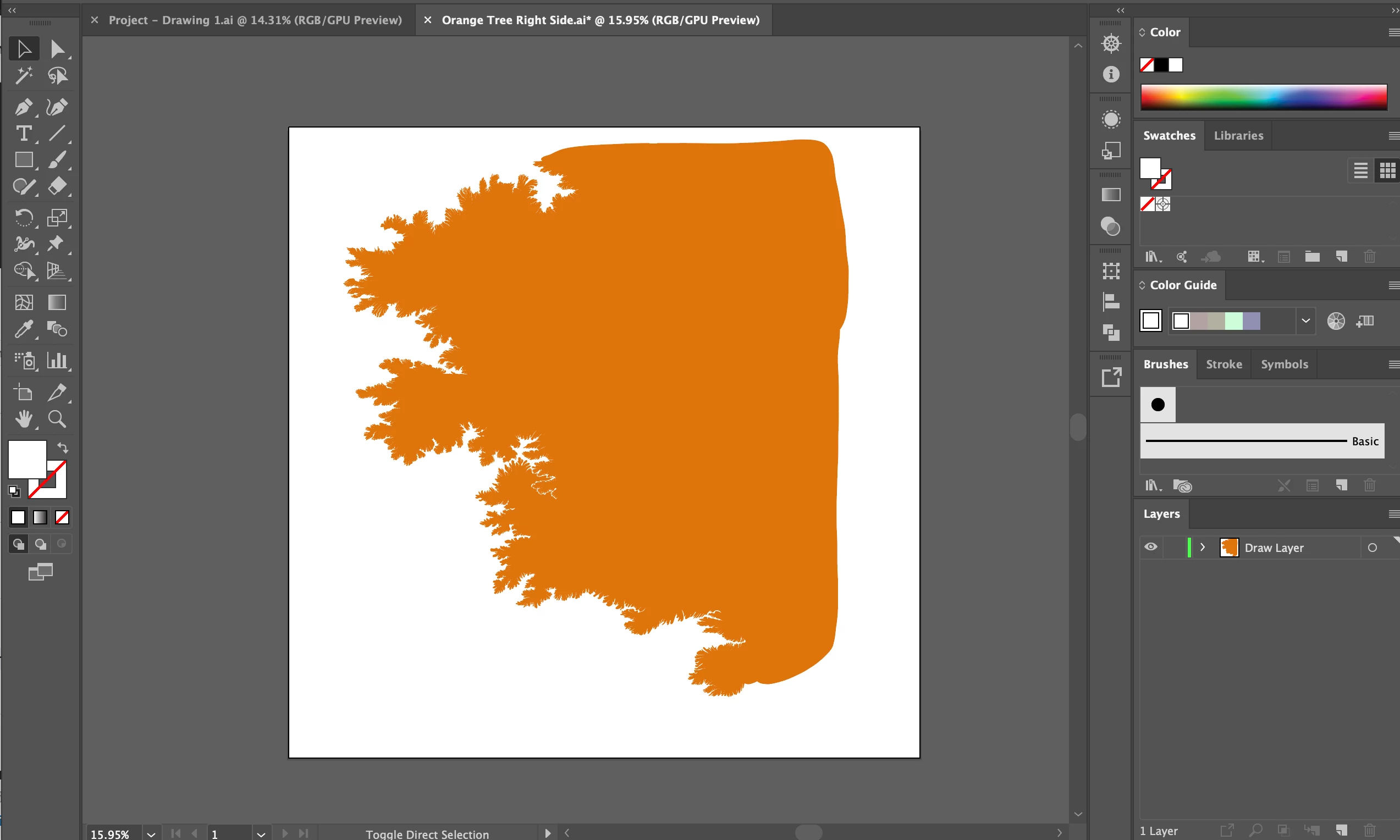
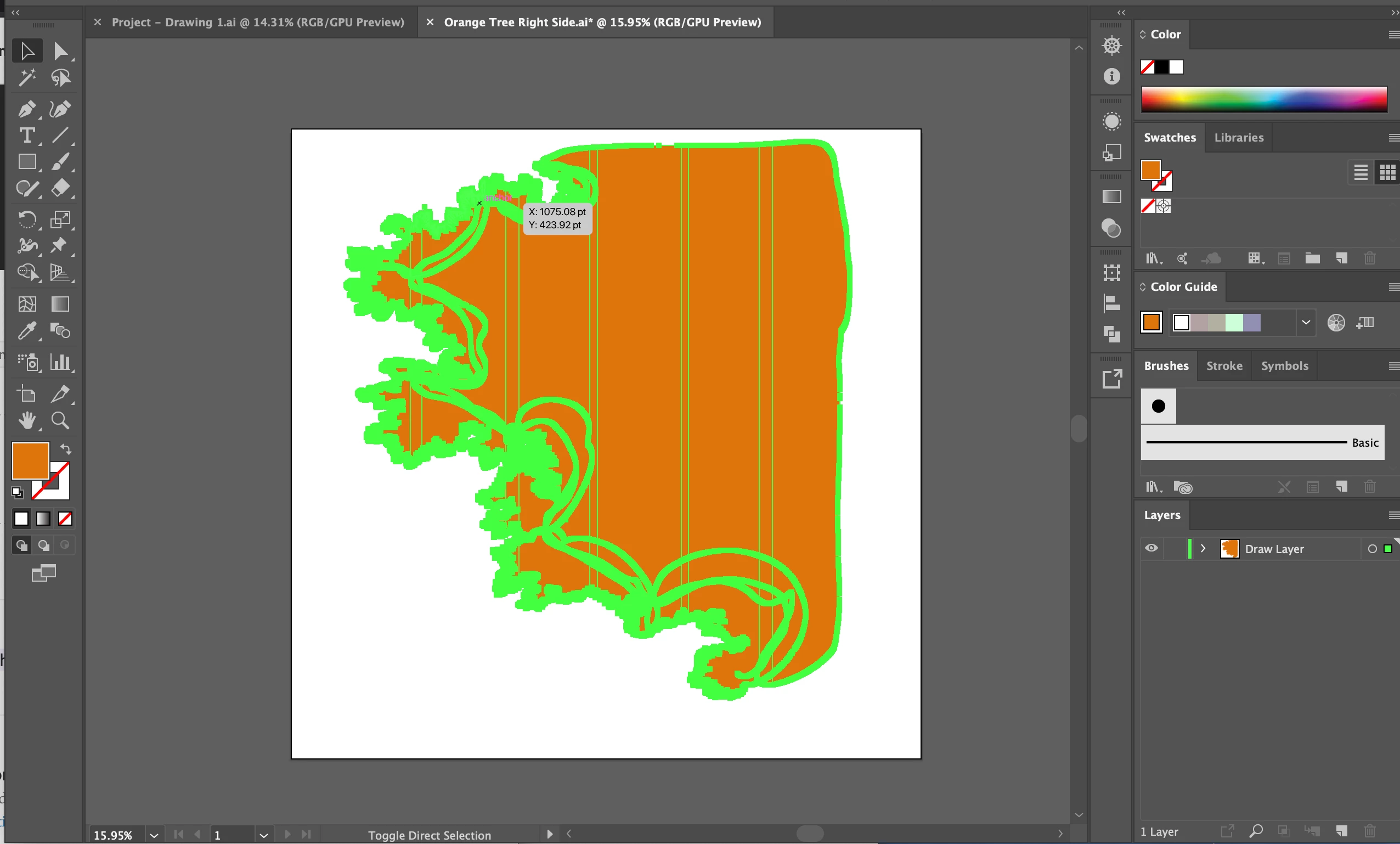
This is a drawing made in Vector Draw and sent to Illustrator. It is one piece of a much larger, layered drawing.


Because I am making complex images I would like to simply the paths and shapes without compromising details, so that my file doesn't get too large and unwieldy. (I have found that the Simplify tool changes the details too much).

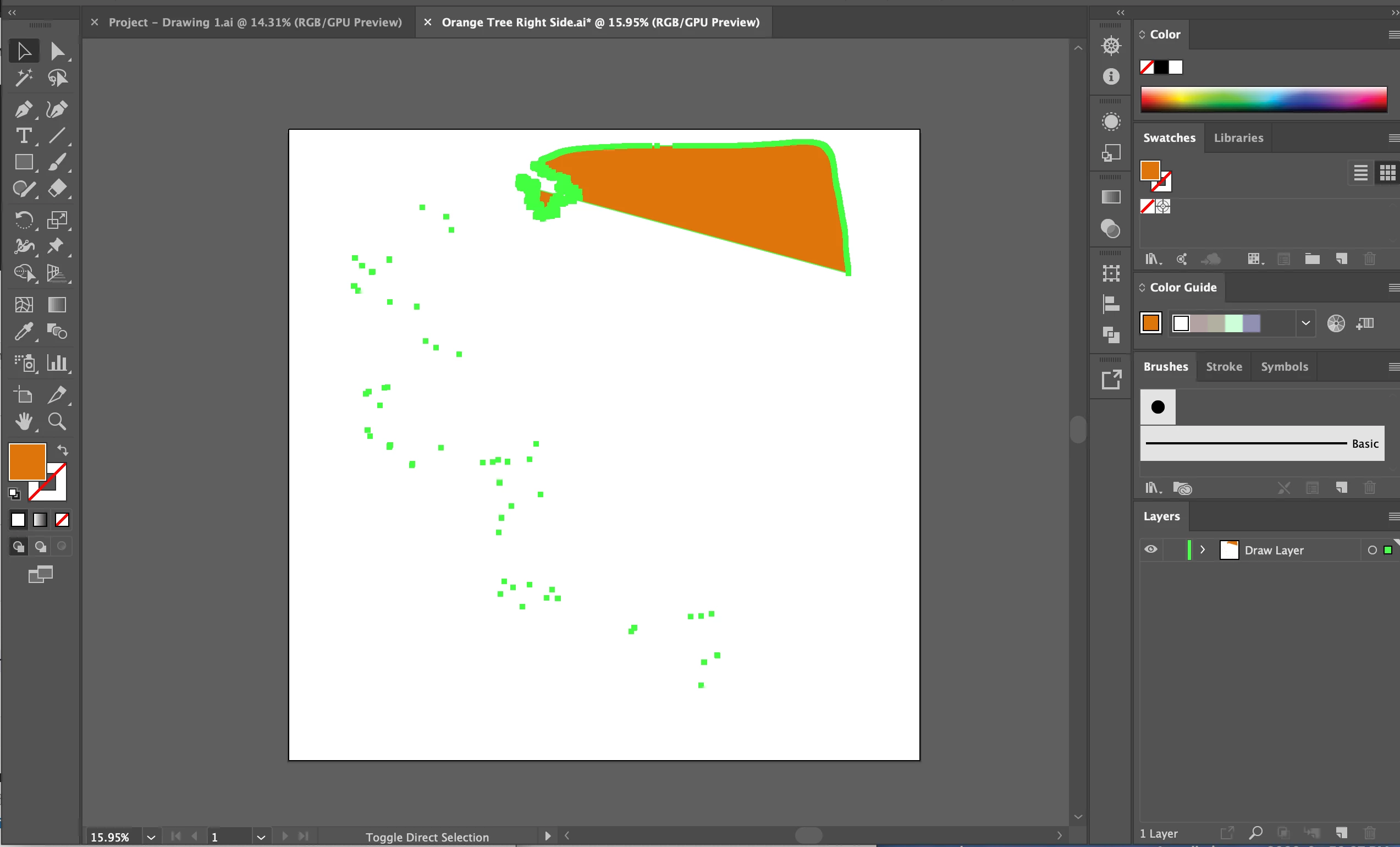
In theory, I should be able to merge these shapes using the unite tool, however I end up with a distorted result. Here are the steps I've taken with screenshots. (The same result occurs using the Shape Building Tool.)

I'm not good with Illustrator, so any advice on how I can merge these shapes, is helpful 🙂 Thanks!
This topic has been closed for replies.
Correct answer barbara_a7746676

As Larry said, it would be helpful to see your file.

In the meantime, make sure that all shapes have a Fill color. Try Pathfinder > Unite with just 2 shapes at a time. If the shapes are grouped, you can either Object > Ungroup them or use the Group Selection tool to select individual parths within the group.

3 replies

Monika Gause
Community Expert
Community Expert
June 2, 2020

How many anchor points are there? On all the paths?

barbara_a7746676
Community Expert
barbara_a7746676Community ExpertCorrect answer
Community Expert
June 2, 2020

As Larry said, it would be helpful to see your file.

In the meantime, make sure that all shapes have a Fill color. Try Pathfinder > Unite with just 2 shapes at a time. If the shapes are grouped, you can either Object > Ungroup them or use the Group Selection tool to select individual parths within the group.

Larry G. Schneider
Community Expert
Community Expert
June 2, 2020

Can you post a copy of the AI version of the paths on something like dropbox or google drive so we can see directly what's going on?