
Answered
unlink text boxes in "illustrator"
How can I unlink threaded text boxes in Illustrator?
InDesign as a script called "split story" which allows to break the link and create individual non-linked text boxes.
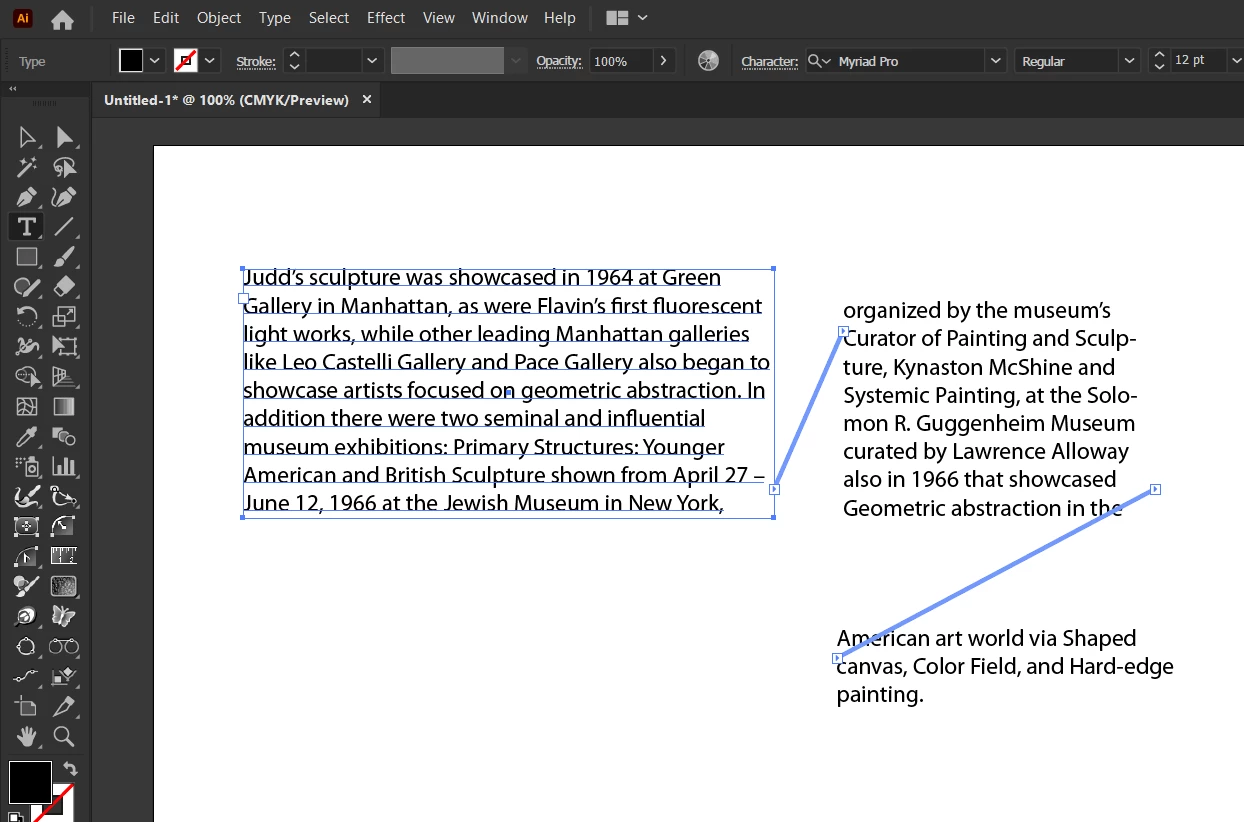

How can I unlink threaded text boxes in Illustrator?
InDesign as a script called "split story" which allows to break the link and create individual non-linked text boxes.
You'll find the command under the Type menu in Illustrator. Select the text frame and choose Type > Threaded Text > Remove Threading.
Already have an account? Login
Enter your E-mail address. We'll send you an e-mail with instructions to reset your password.
 AdChoices