
Inspiring
January 5, 2021
Answered

unlock?

  • January 5, 2021
  • 1 reply
  • 340 views

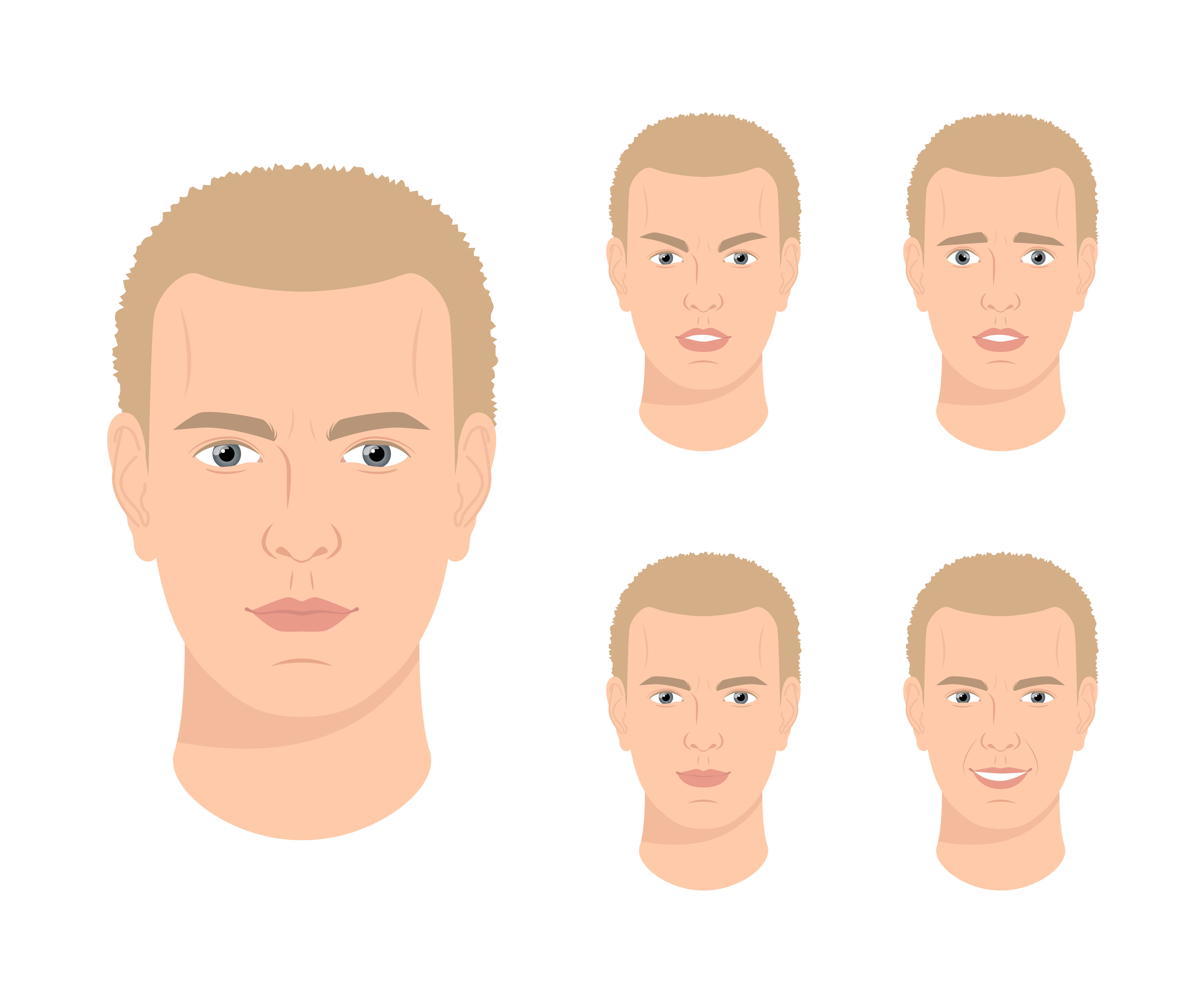
In stock pics like this one, how do you select individual parts mouth, ears, etc to move them?  When I click and try to drag something, everything moves.  It acts like the whole image is locked, but in the layers panel, nothing seems to be locked.  
This topic has been closed for replies.
Correct answer John Mensinger

It's a raster image; made up of pixels. You won't be able to select and move individual objects. It's one big object.

1 reply

Monika Gause
Community Expert
Community Expert
January 5, 2021

Can you show the layers panel?

Inspiring
January 5, 2021

Yes I can .  

John Mensinger
Community Expert
John MensingerCommunity ExpertCorrect answer
Community Expert
January 5, 2021

It's a raster image; made up of pixels. You won't be able to select and move individual objects. It's one big object.