
Question
Unwanted Fill
Hello, relatively new to illustrator, as you can see in the image I have a text logo that I rasterized then image traced and expanded. That went seemingly well, but when trying to use the fill function it fills in areas outside of the intended logo. I understand it may be because of the way the paths are creating other shapes, but I don't even know where to begin trying to find an answer to designate the areas I want to fill. Any help is very appreciated.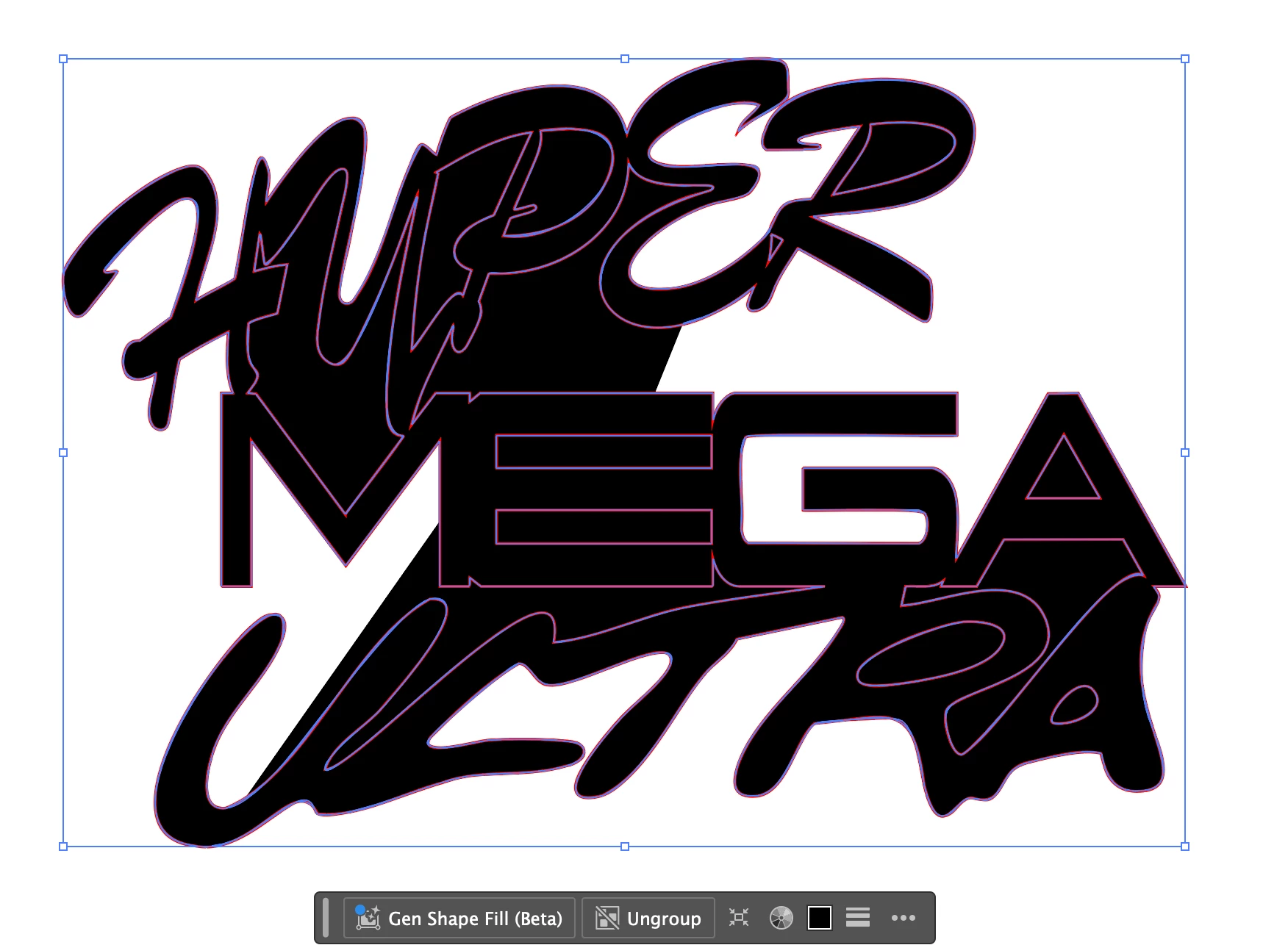


 AdChoices