Unwanted Pencil stroke....grrr
Hi guys, I'm sorry if this is already out there... I didn't see it so I thought I would start a new one.
I noticed today, after a week or so of not using the program and suddenly there is a a weird stroke around my pencil. So, naturally I check to see if I have one applied but... no. There isn't one, so I start checking my settings and nope there isn't anything that makes sense so I try changing them and that didn't help either. I use the program frequently and have never seen this issue, and I can't help but wonder if it was an intntional change on Adobe's part.... I really truly hope not because I like my smooth pencil tool. It is literally how I draw and make art on my Surface Pro and if I can't use the pencil tool I will have to completely change every thing I do and I'd really like to avoid that.... so HELP!
Below is what it looks like, it is a rough strange stroke.
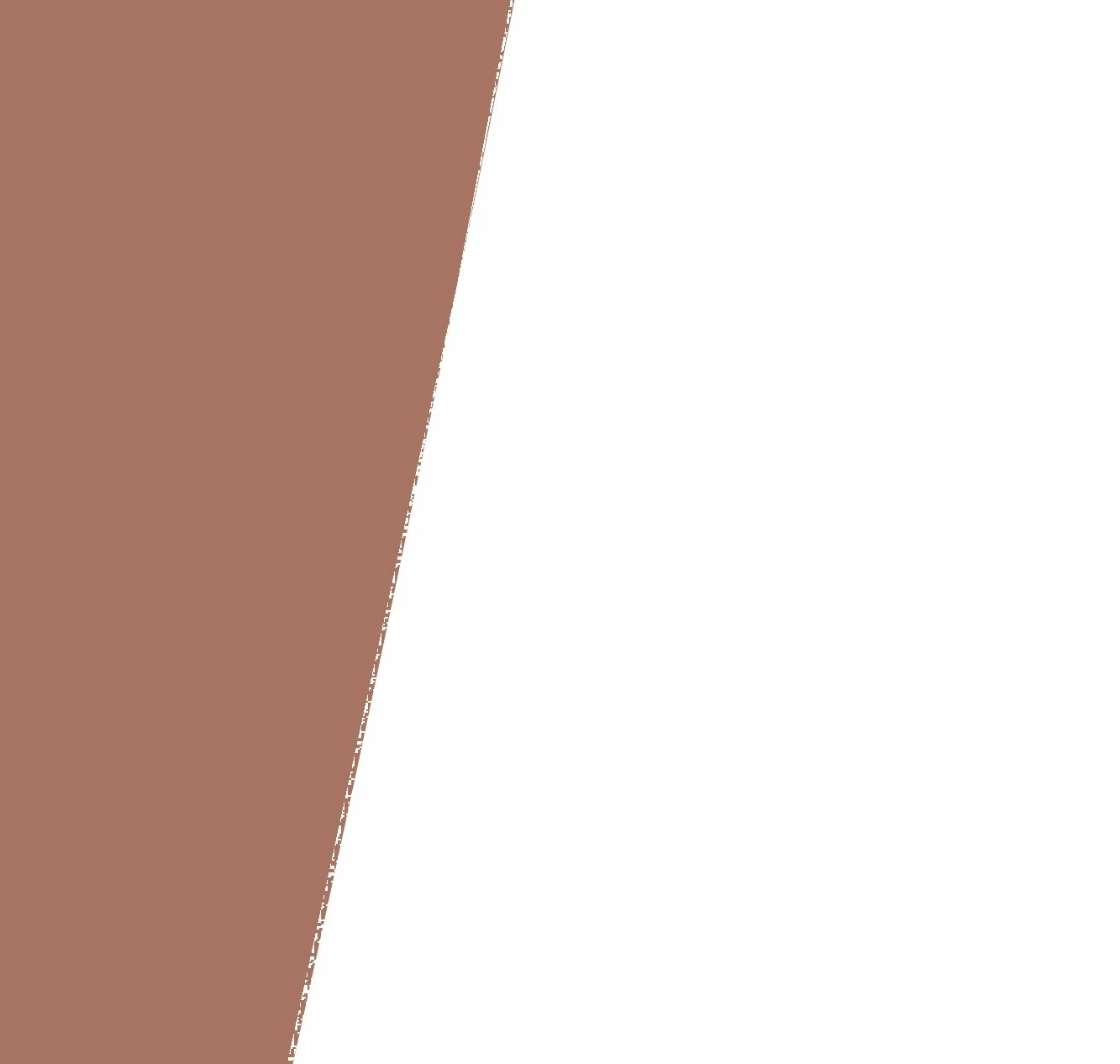
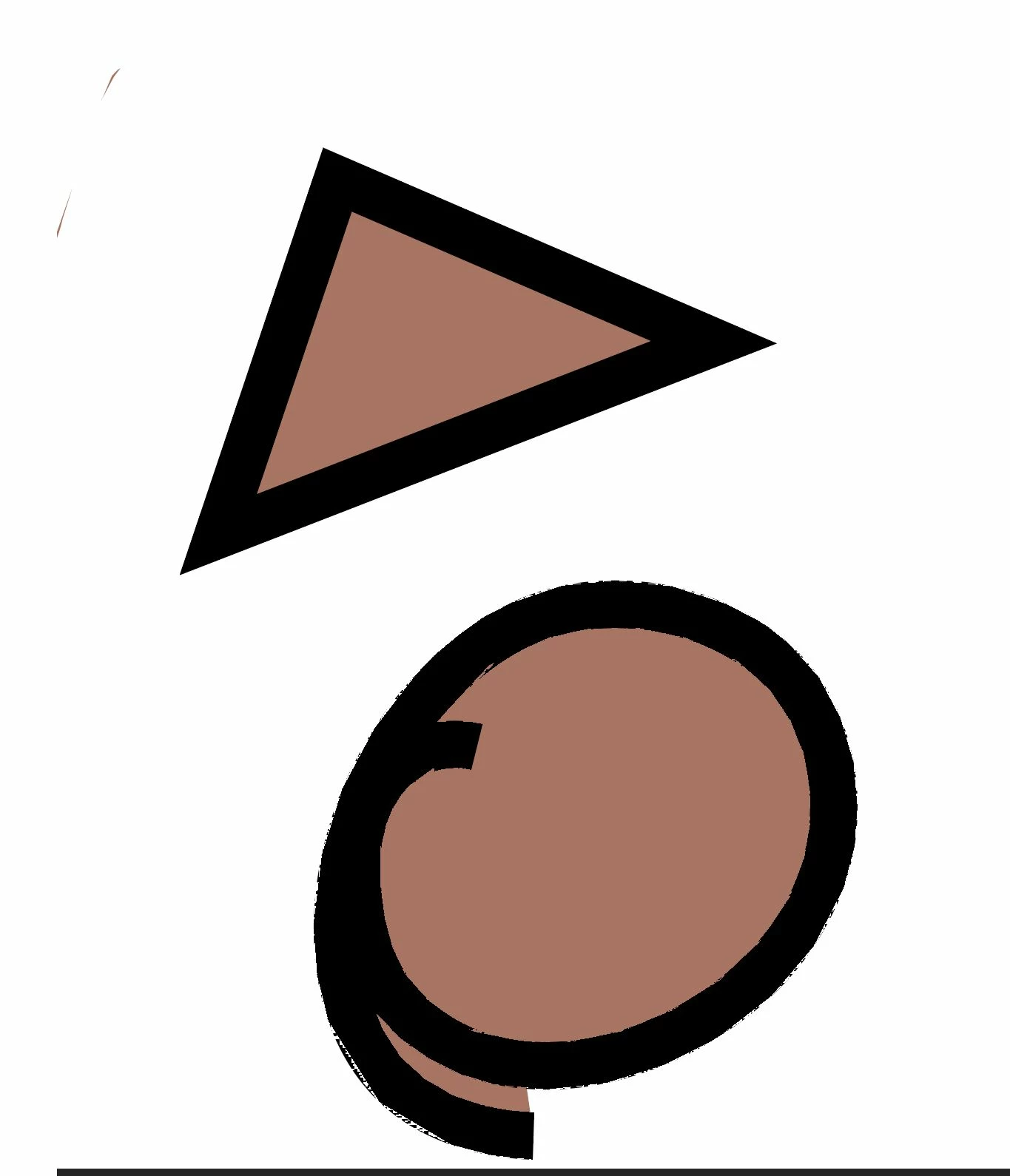
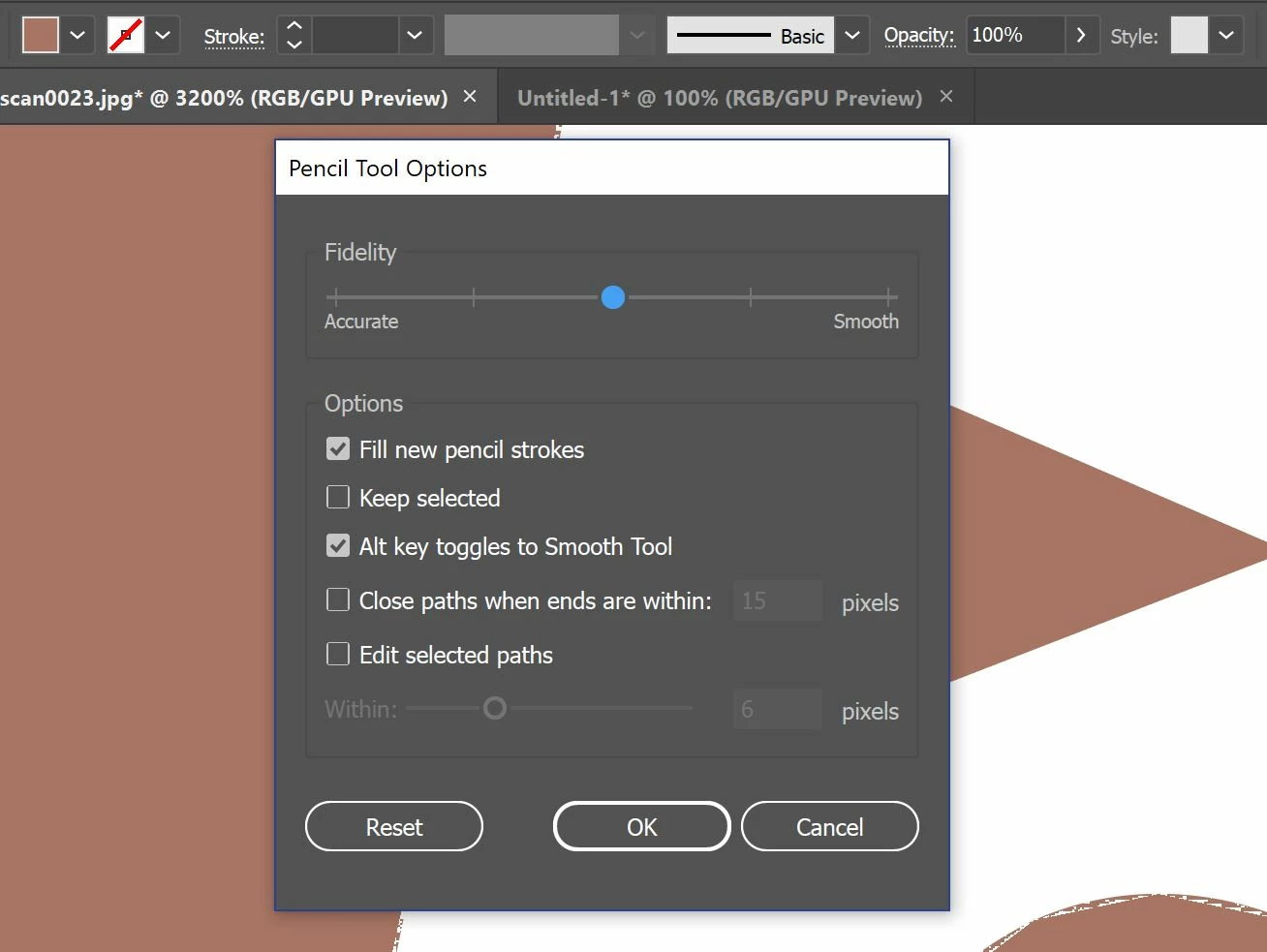
Also, it happens with this tool even if I DO add a stroke! I still get the jagged edges, and it doesn't do this when I use the pen tool either. I have an example of that, and of the setting I currently am using below. These are the same settings I have been using for pretty much years now.
Thanks guys.
 AdChoices