
Question
Update text object to match text layer name?
Looking for a way to (hopefully in mass) update a text object on the artboard (eg "101") to match its corresponding name in the layers panel after I change it (eg "101,A1")
So the text object on the artboard is "101" and I change the layer name to "101,A1", I am looking for a way to update the text object to "101,A1", without manually typing it into the text object.
Any scripts out there?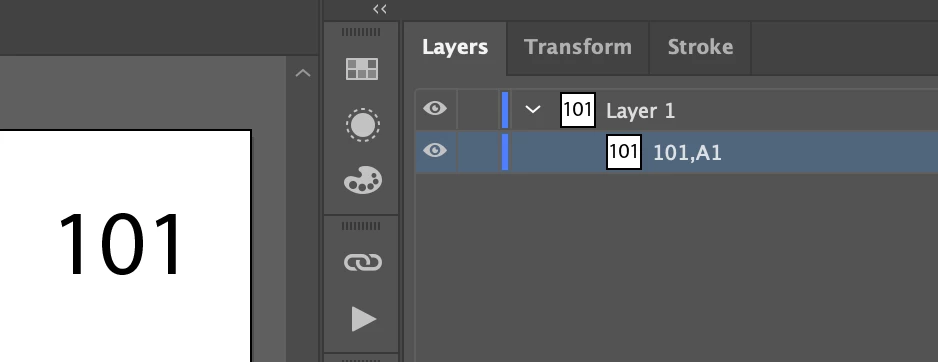
 AdChoices