Omineus
Known Participant
Aug 31, 2023 10:04 AM UTC
Answered

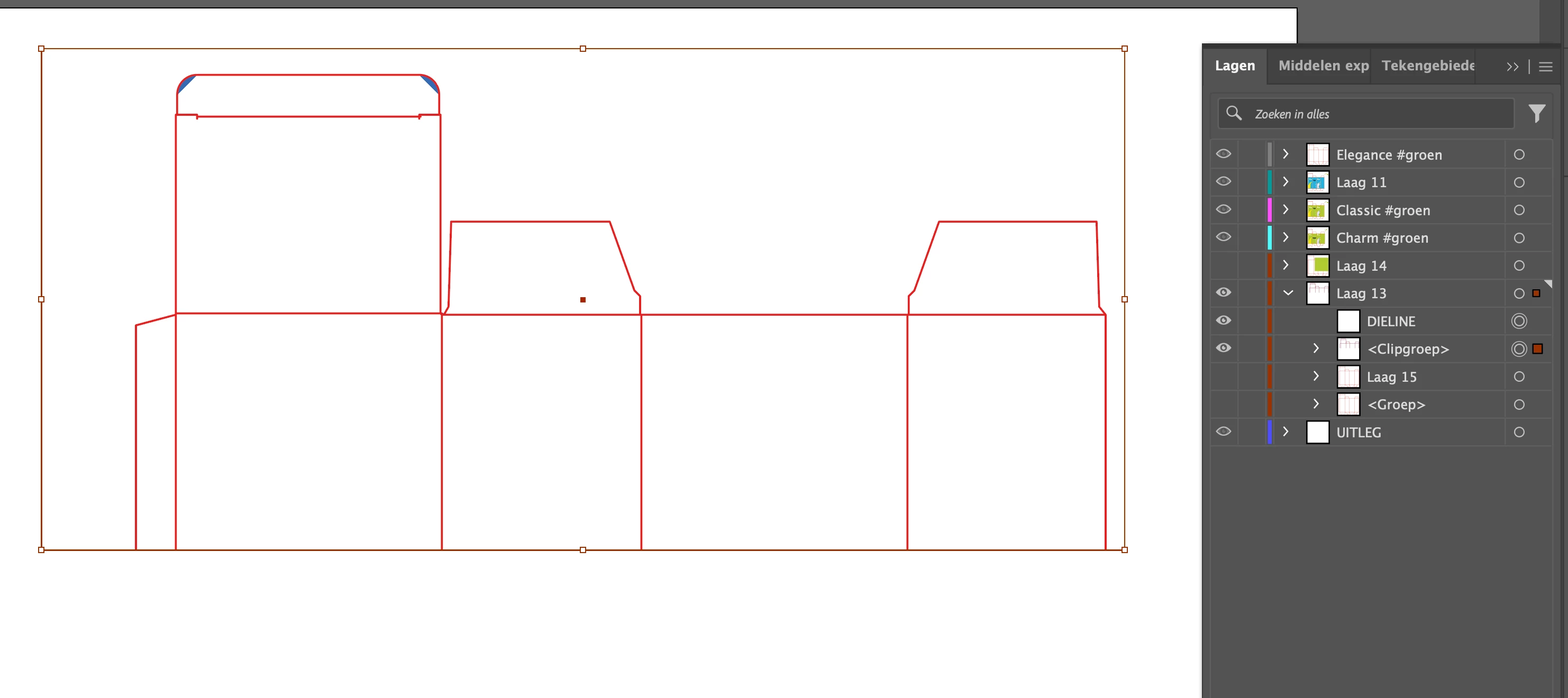
Use Dieline outline to shape background

I just can't get it to work.
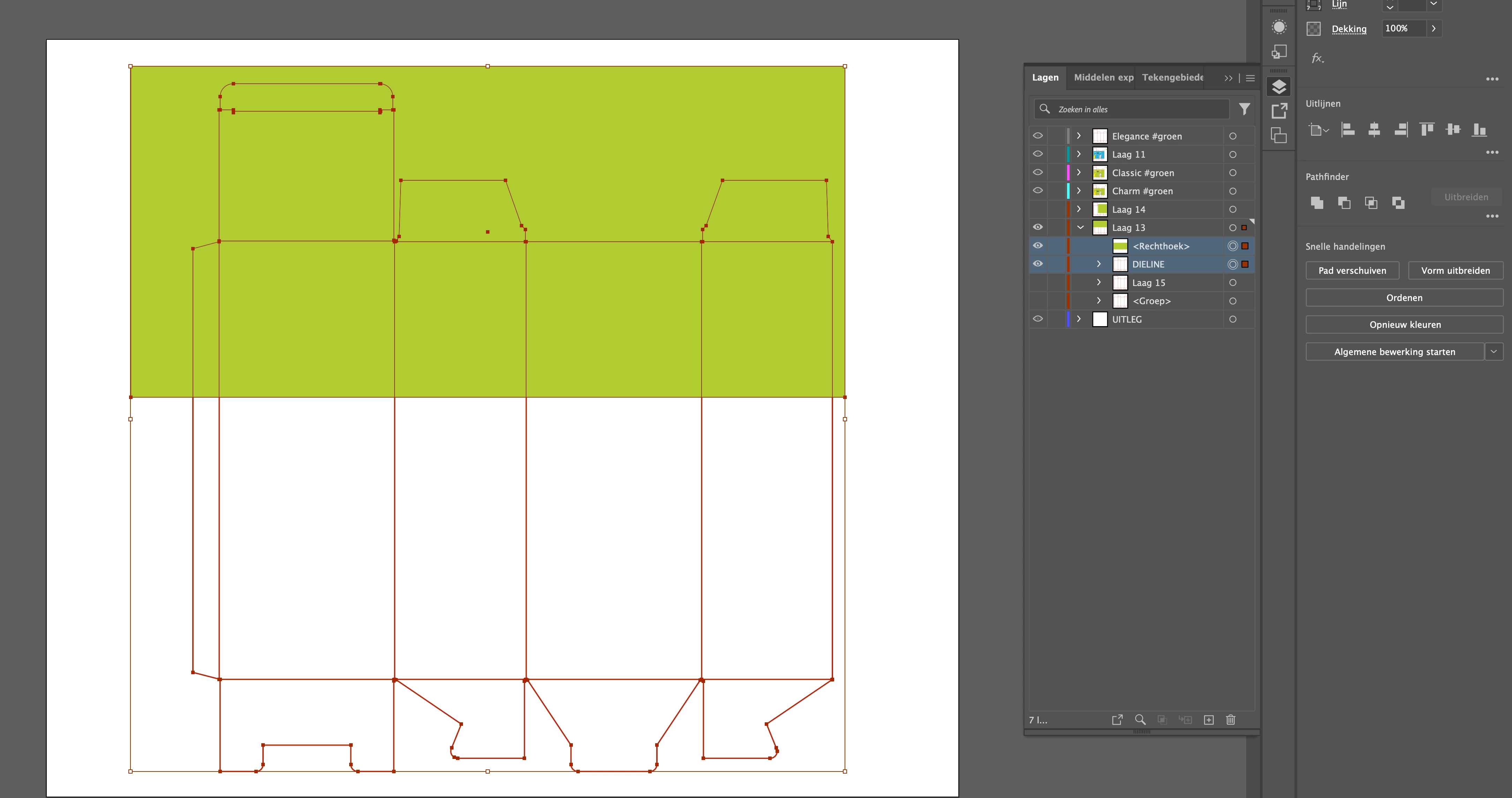
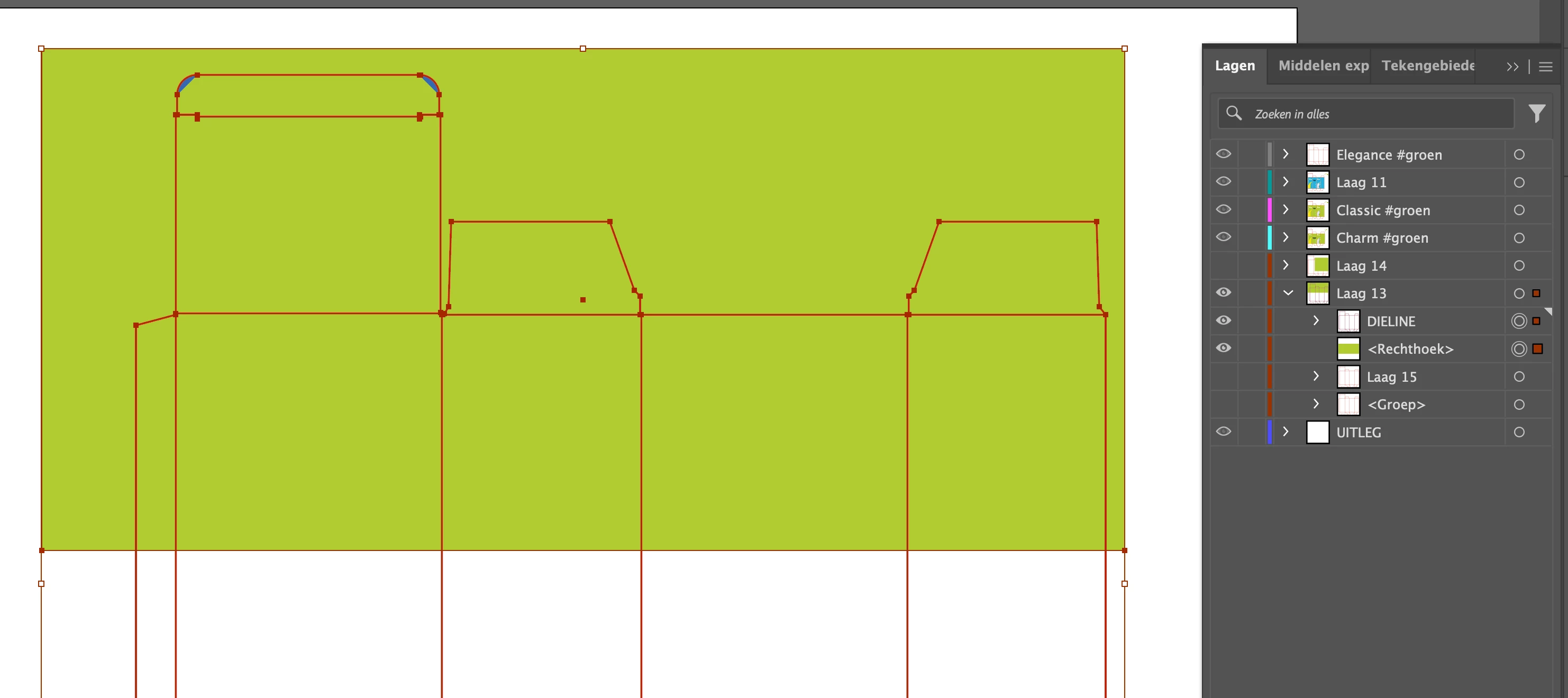
I would like to have the background under my dieline in the outline shapes.

Dieline has no padding (this is not possible) so it only has an outline.


The following steps don't work:

1. Group [Command + G
2. Composite path
3. Create cutout path
 

kphotopage
kphotopageCorrect answer
Legend
Sep 7, 2023 9:49 AM UTC

Of course! 

I just uploaded the Ai file via wetransfer. See the link here

I hope that is good too! I am very curious to see if you can solve the problem, as I work with this kind of dieline files more often.


Omineus, Hi.

Thank you for uploading your file.

I see your Laag layer has 70 open paths and 0 closed paths


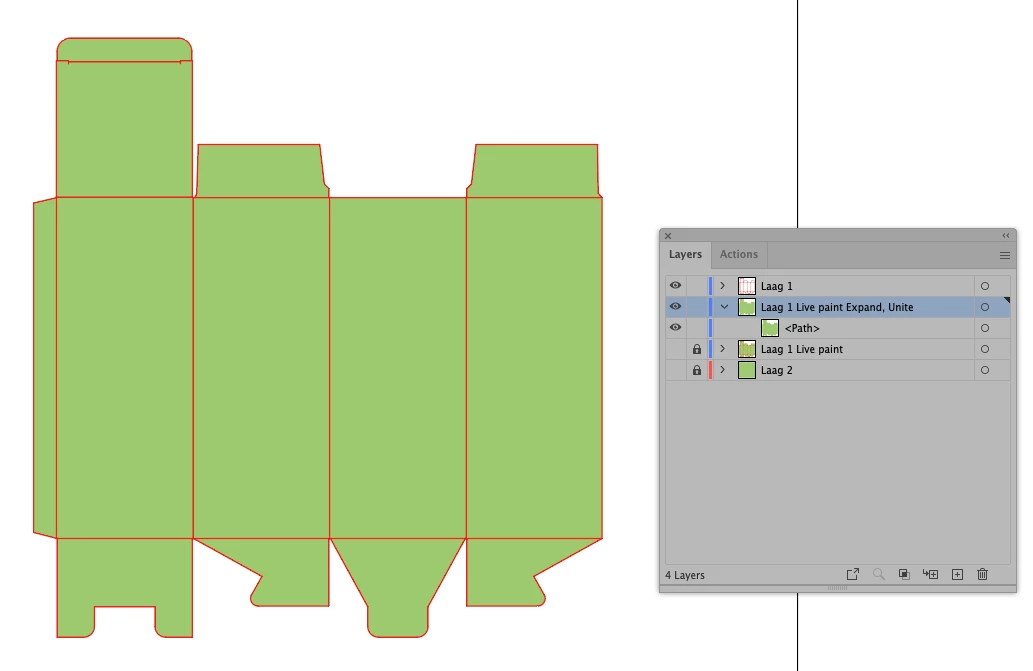
Here I duplicated your Laag layer

Next Object>Live Paint. I used your green to Fill.

Expand Live Paint. Delete the strokes

Pathfinder’s>Unite. Now you have one closed path, green color

Move your original Laag Layer to the top


K

16 replies

Monika Gause
Community Expert
Community Expert
Aug 31, 2023 10:08 AM UTC

Do all those anchors meet precisely? 

In that case: Select all of them and hit the Pathfinder divide (bottom left in the panel.

Ungroup + delete what you do not need and then unite the rest.

Translate
Omineus
OmineusAuthor
Known Participant
Sep 5, 2023 11:02 AM UTC

Hi Monika, 


Thanks for your response, excuse me that I reply so late!


Yes all anchors meet precisely. When I select the layers I get this error message: "The filter command gave no result. Select two overlapping paths."


Maybe its because the dieline (outline) is made with multiple layers? 

I work alot with Photoshop, and there we can make a 'Smartlayer' so that its just one layer. 
Maybe its also possible to do this in Illustrator?

Translate
Monika Gause
Community Expert
Community Expert
Sep 5, 2023 12:41 PM UTC

Please share the file.

On Dropbox or the like, since you cannot upload AI files here.

Translate