Answered
use script to convert jpg to vector
Hello.
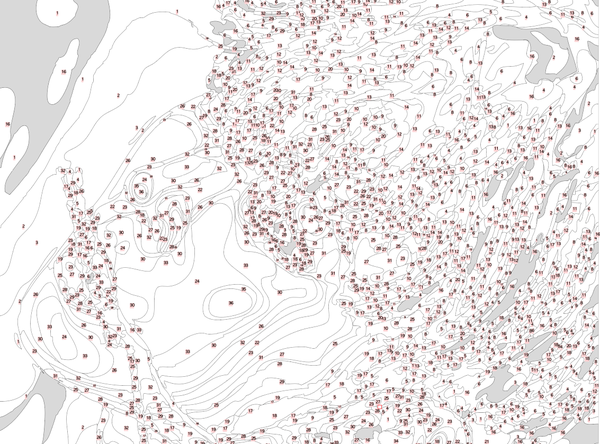
I want to convert jpg to vector like above image.
Now i have call expandTracing, but how can i use script to group these path by filled color and labeled by group number?

Hello.
I want to convert jpg to vector like above image.
Now i have call expandTracing, but how can i use script to group these path by filled color and labeled by group number?

No, after image tracing and expand, there are many circle like this , how to use script to add text in this?
Hi, Here is the thread where i found your question and it answers. You can check that and check your answer there.
Script. Insert text number in the middle of visible bounds of the each object
Thanks.
Already have an account? Login
Enter your E-mail address. We'll send you an e-mail with instructions to reset your password.
 AdChoices