
Question
Using external SSD as scratch disk in illustrator causes black boxes to appear on images
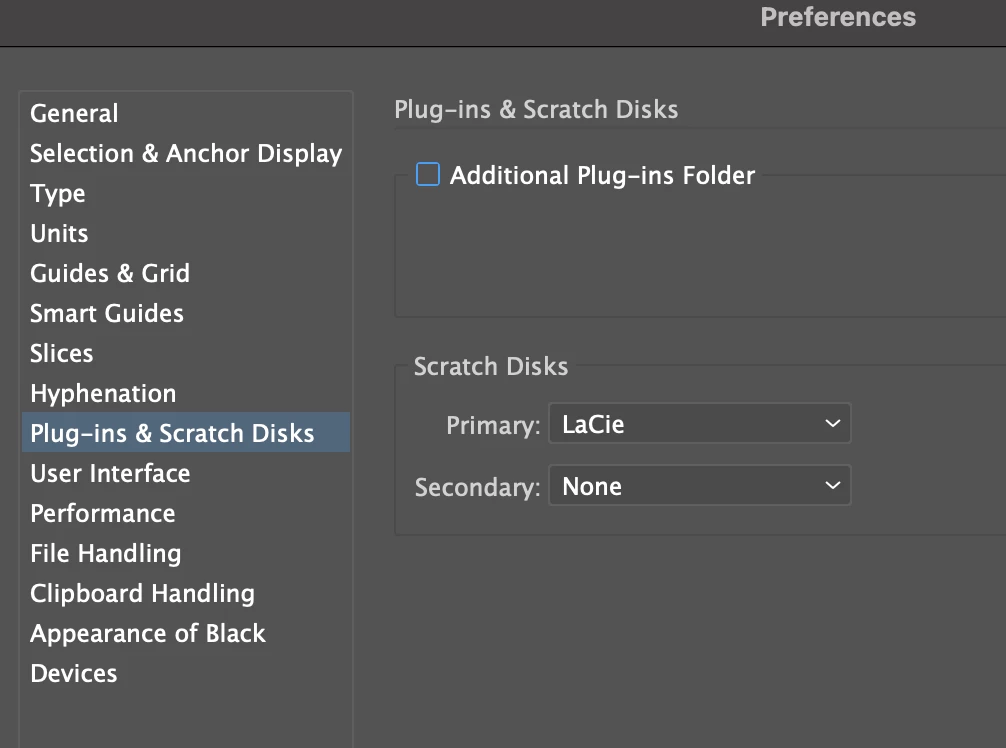
I had regular issues with "scratch disk full" errors in Adobe Illustrator when opening/previewing larger files. I purchased a LaCie External SSD Pro 4TB and set this as my primary scratch disk in the Adobe Illustrator settings.
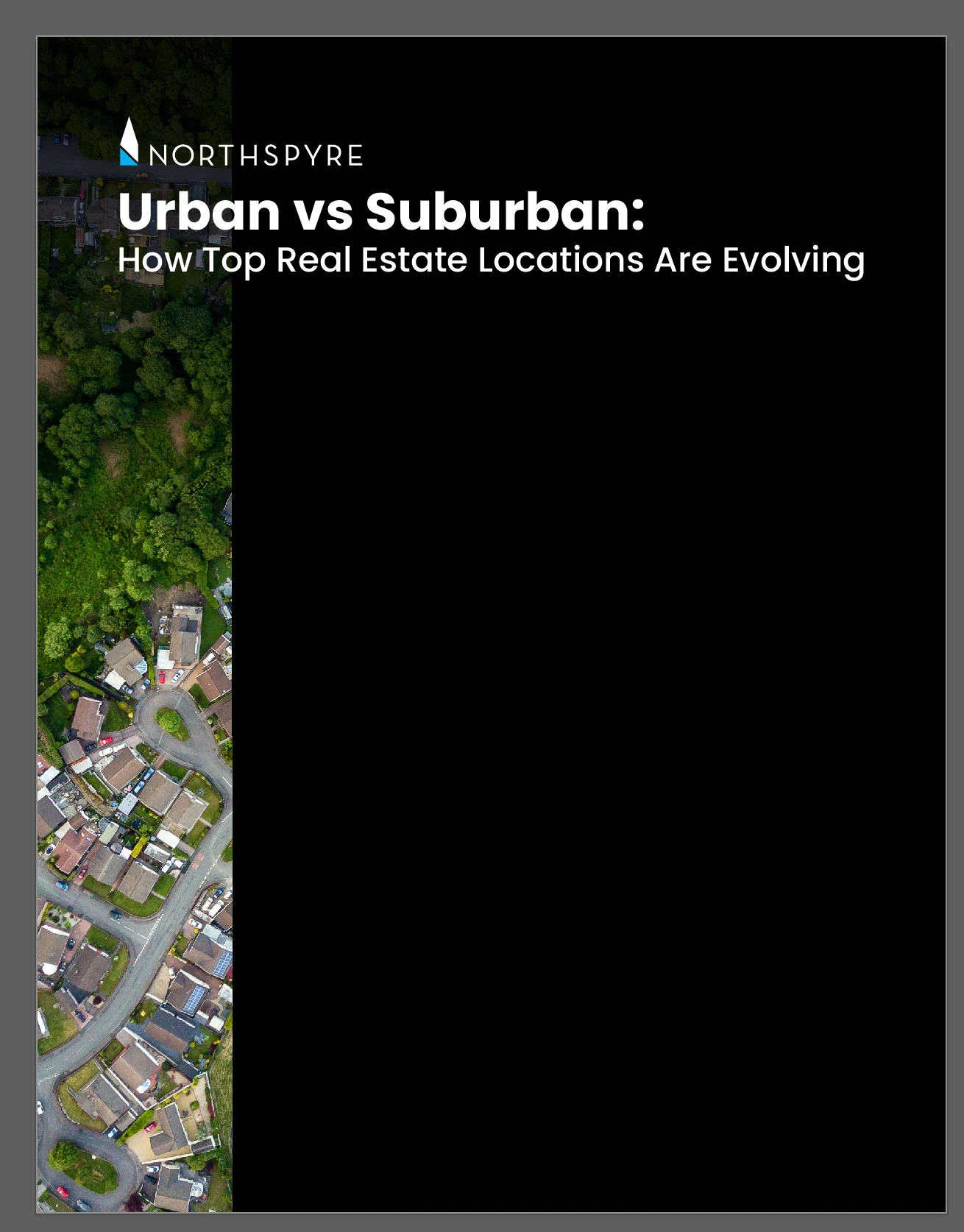
Now, whenever I open a file, I don't get a scratch disk error, but there are black boxes on all linked images in the file. When I relink an image, it shows the full image temporarily, and by the time I relink the next one, there are black boxes on the one I just did. I have to save this file as a PDF, but when I do, the black boxes are even on the PDF.
iMac 24-inch, M1, 2021 8GB | macOS Sequoia 15.0.1 | Adobe Illustrator v 29.0.1
Current settings:
This is supposed to be a full bleed image- but it turns black:


 AdChoices