



Using Image Trace to reference an alpha channel to make a silhouette
Ihave a PSD file that with transparency. The background has been cleany erased. How do I use Image Trace to reference that alpha channel and give me an outline of the silhouette?
I know there is a way to accomplish it in InDesign using Clipping Mask Options, then reference the alpha channel, and then convert the clipping mask to a frame.
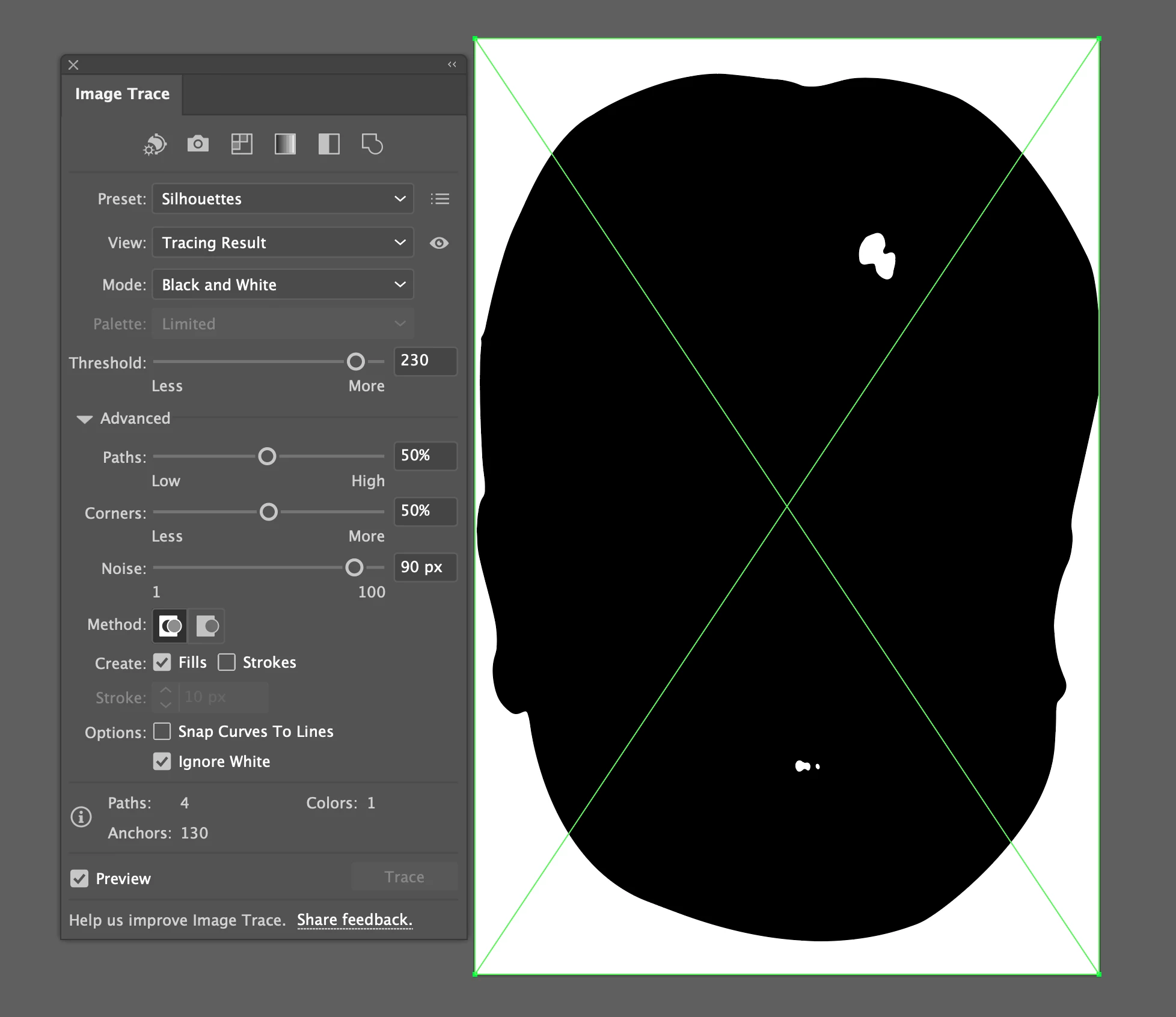
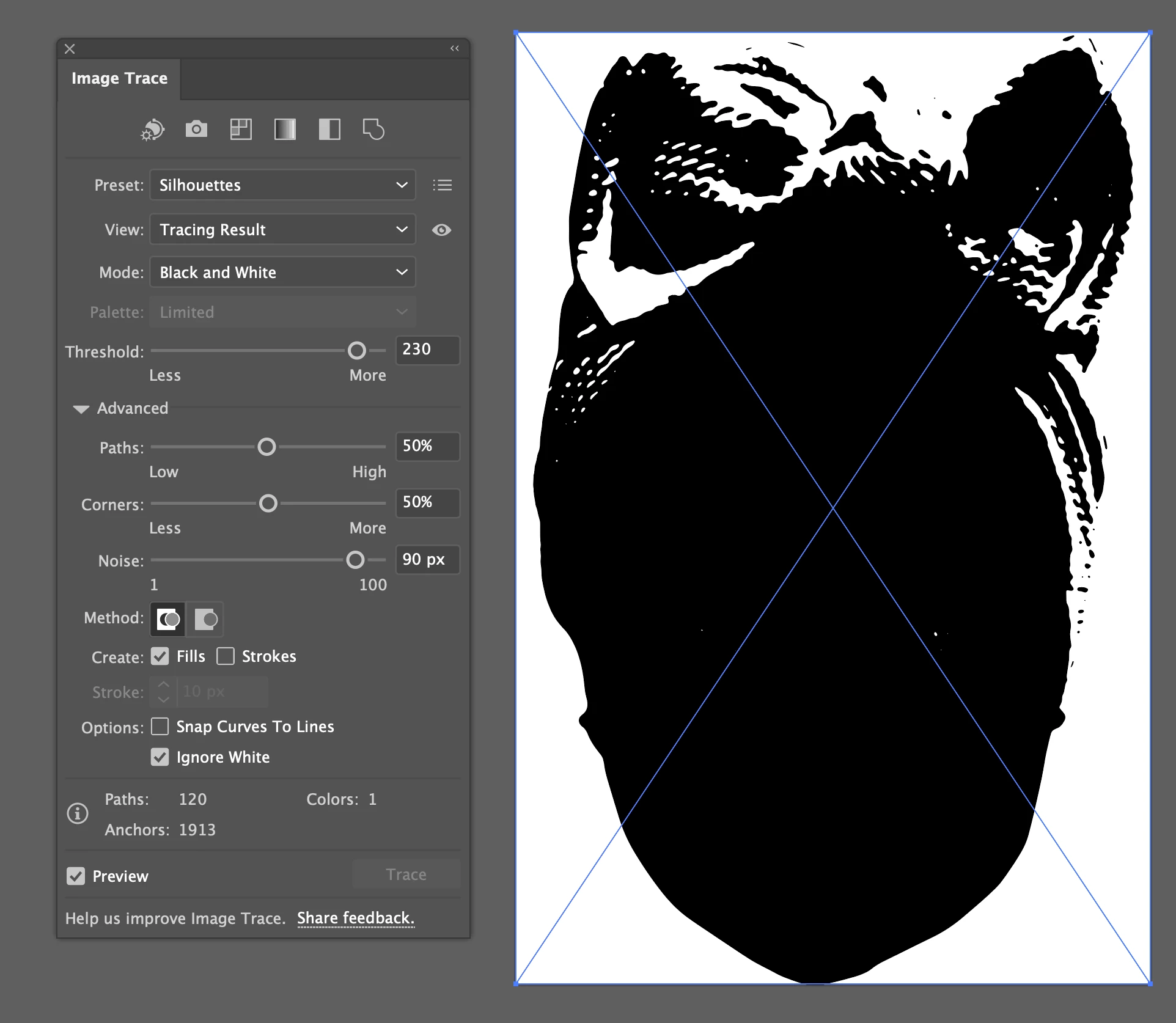
But how can I accomplish this in Illustrator? I am using the Silhouette preset for Image trace, but where there are white areas in the source image, they get traced. I want to somehow specify all non-transparent areas are referenced as black. This happens even if I change the threshold amount to 100px.
Sometimes the whiteareas are inside the black areas (like as with a shiny face), but othertimes, the white area is outside the face (like a baby wearing a white hair bow).


 AdChoices