
Question
Using Javascript, how can I disable colour management in illustrator?
Hi all,
I'm currently trying to work out how to disable colour management in Illustrator, which should reset the selection back to 'Emulate Adobe® Illustrator® 6.0'. Looking at the documentation online I've found the only way to disable colour management is by loading an empty .csf file (according to the documentation below).
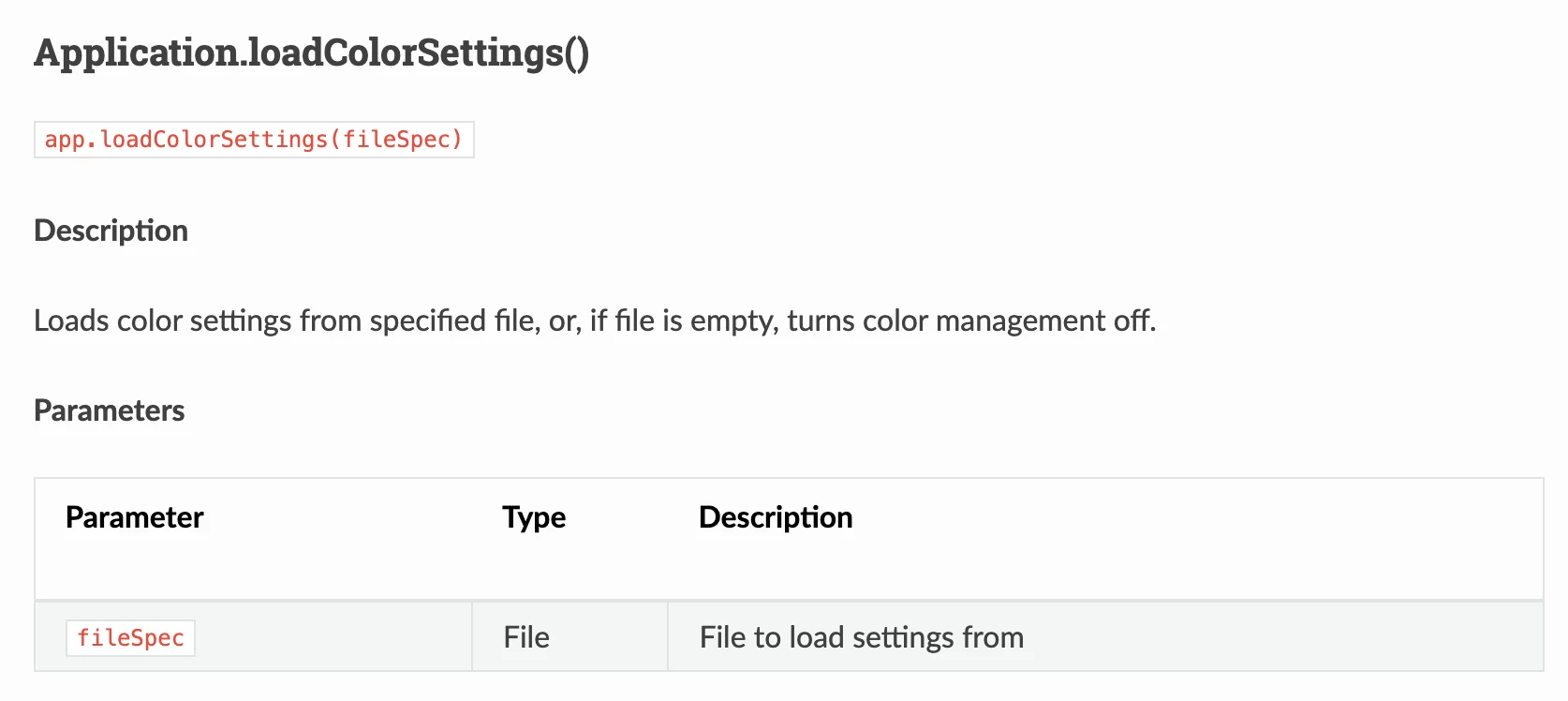
When the term 'file is empty' is being used, does this mean empty of any data, as by doing this results in an error, instead of the desired disabling of colour management...
var fileSpec = new File('/Users/first.last/Desktop/BlankColourProfile.csf');
app.loadColorSettings(fileSpec)
The Indesign equivalent of this is app.colorSettings.enableColorManagement = false; but couldn't seem to find anything as simple for Illustrator for some reason...
As always, any help would be much appreciated,
Cheers,
Sam


 AdChoices