
Participant
May 8, 2024
Answered

(v28.5) Can't export knockout group's transparency

  • May 8, 2024
  • 2 replies
  • 348 views

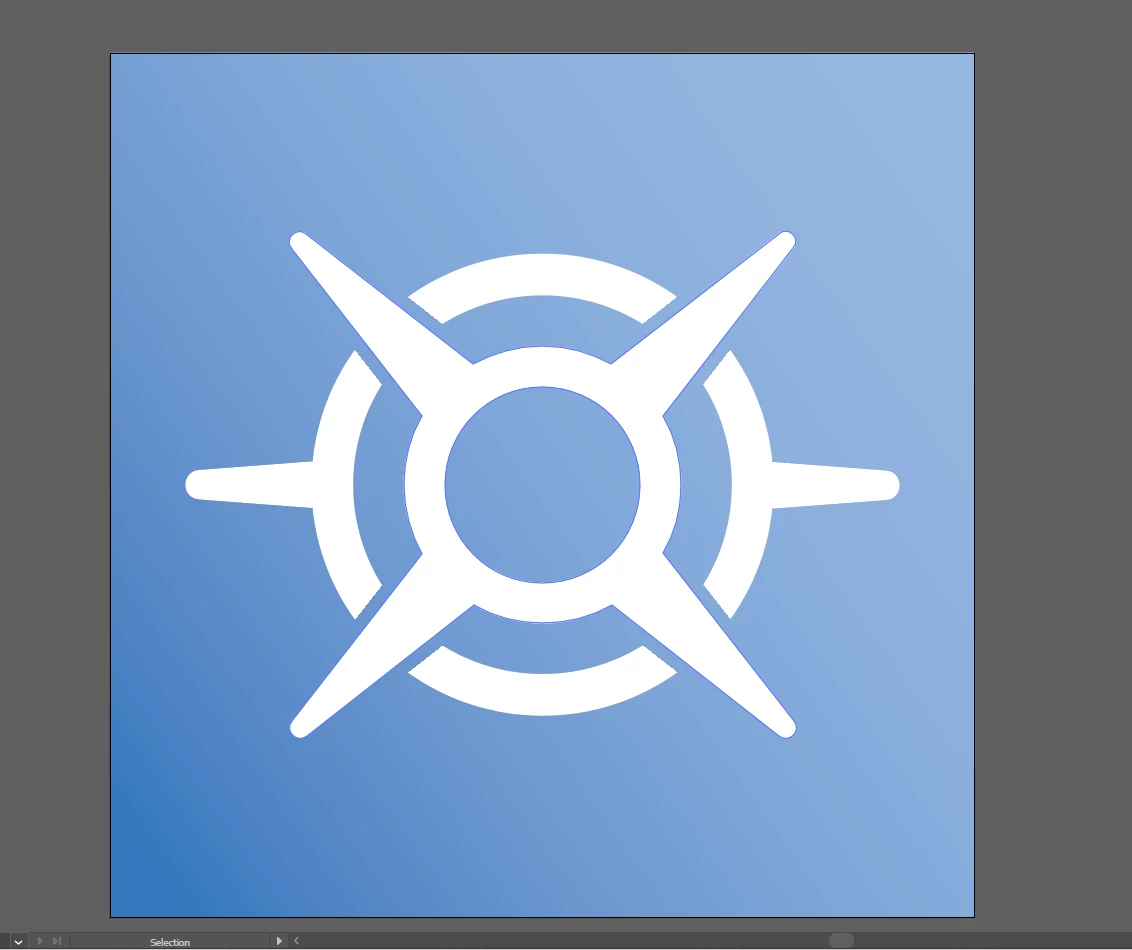
I'm trying to export the icon I've made, but can't find any export preset that retains the knockout group transparency. Attached is a screenshot of how it appears in illustrator, an exported PNG, and the .ai file's link (here)
 

This topic has been closed for replies.
Correct answer Monika Gause

Wow! That was weird.

The cause of the issue are the inside groups.

You do not need them. Ungroup the compound paths and apply this directly to them.

Also: For a knockout group, you need no blend mode. Just set opacity to 0%

And for the knockout group: just that. You d o not need the other options.

And then it works.

2 replies

Monika Gause
Community Expert
Monika GauseCommunity ExpertCorrect answer
Community Expert
May 8, 2024

Wow! That was weird.

The cause of the issue are the inside groups.

You do not need them. Ungroup the compound paths and apply this directly to them.

Also: For a knockout group, you need no blend mode. Just set opacity to 0%

And for the knockout group: just that. You d o not need the other options.

And then it works.

Participant
May 8, 2024

This worked, thank you so much!

Doug A Roberts
Community Expert
Community Expert
May 8, 2024

Not sure exactly where the problem was, but there were several nested groups with different transparency settings. I simplified it and the export worked fine: