
Vector artwork printing as bitmap
Dear all,
I have a Brother HL1212W Mono Laser Printer and I am trying to print some vector artwork from Adobe Illustrator 27.2. However, the prints are being output as bitmap by the printer:
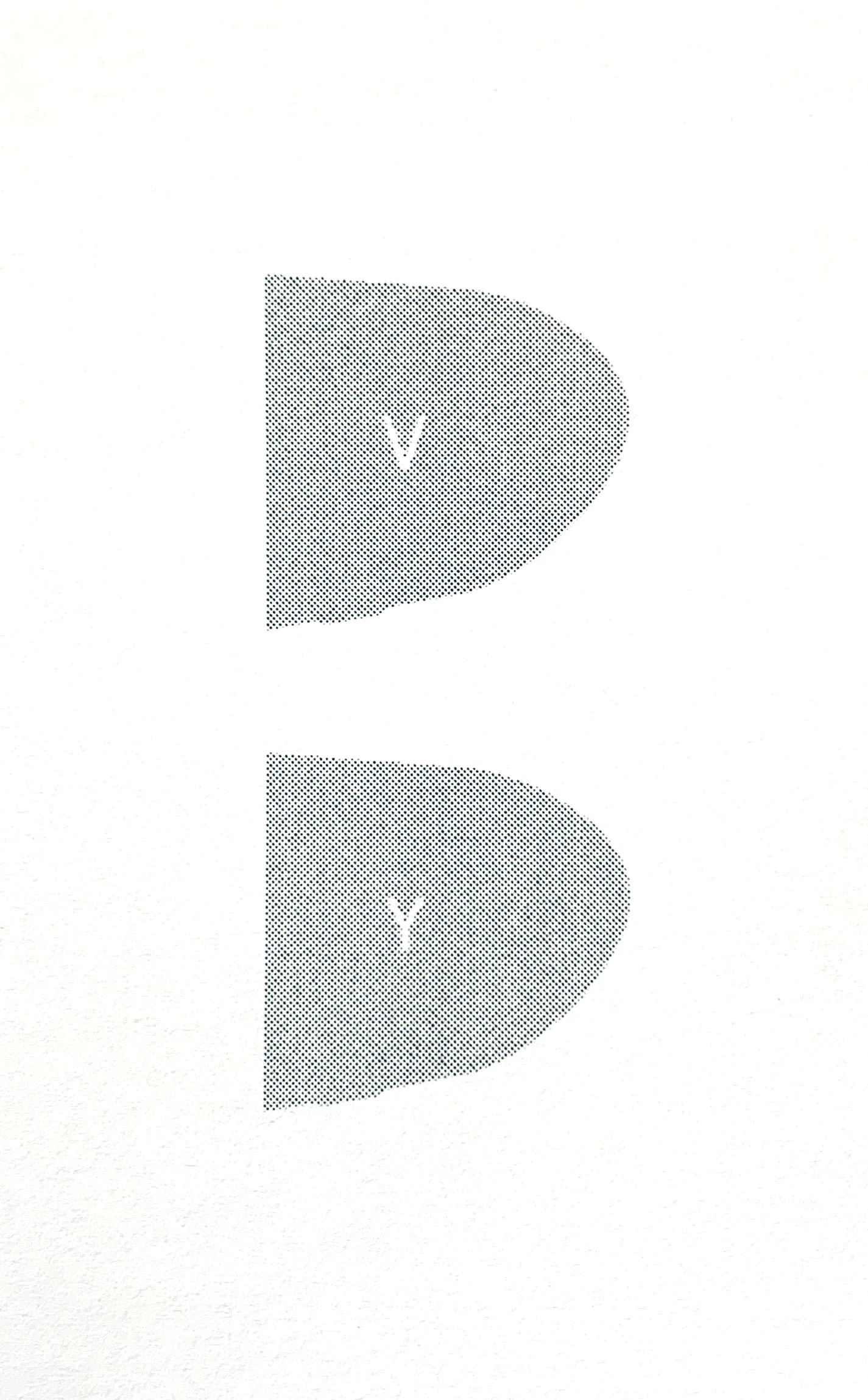
The artwork comprises of a spot colour and I have also tried it as 100% Black (K), but it prints as above.
In the print settings (Advanced), when I uncheck the 'Print as Bitmap' option, the checkbox is visibly unchecked
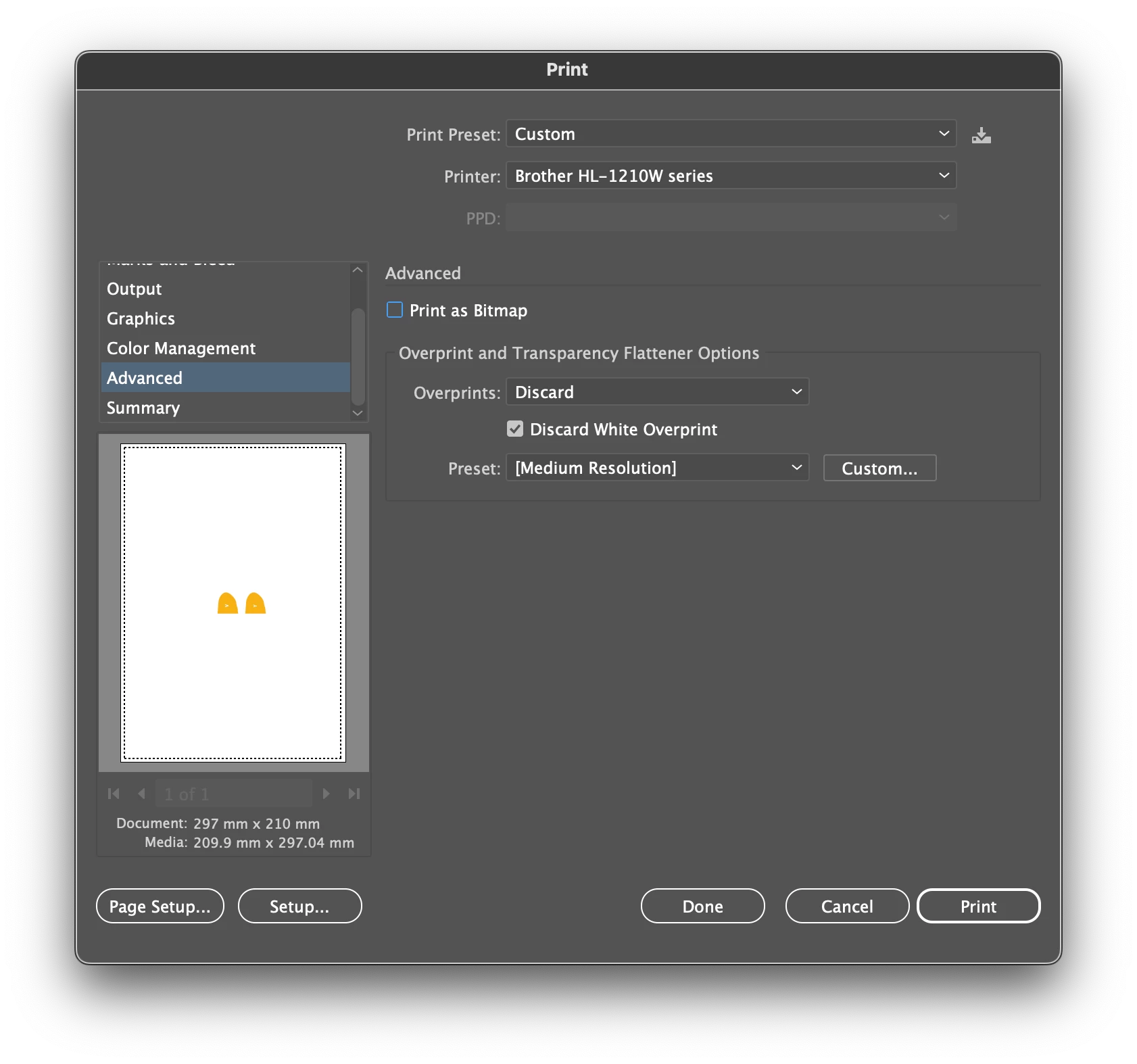
However, when I go to the print summary, the 'Print as Bitmap' option is showing as being activated:
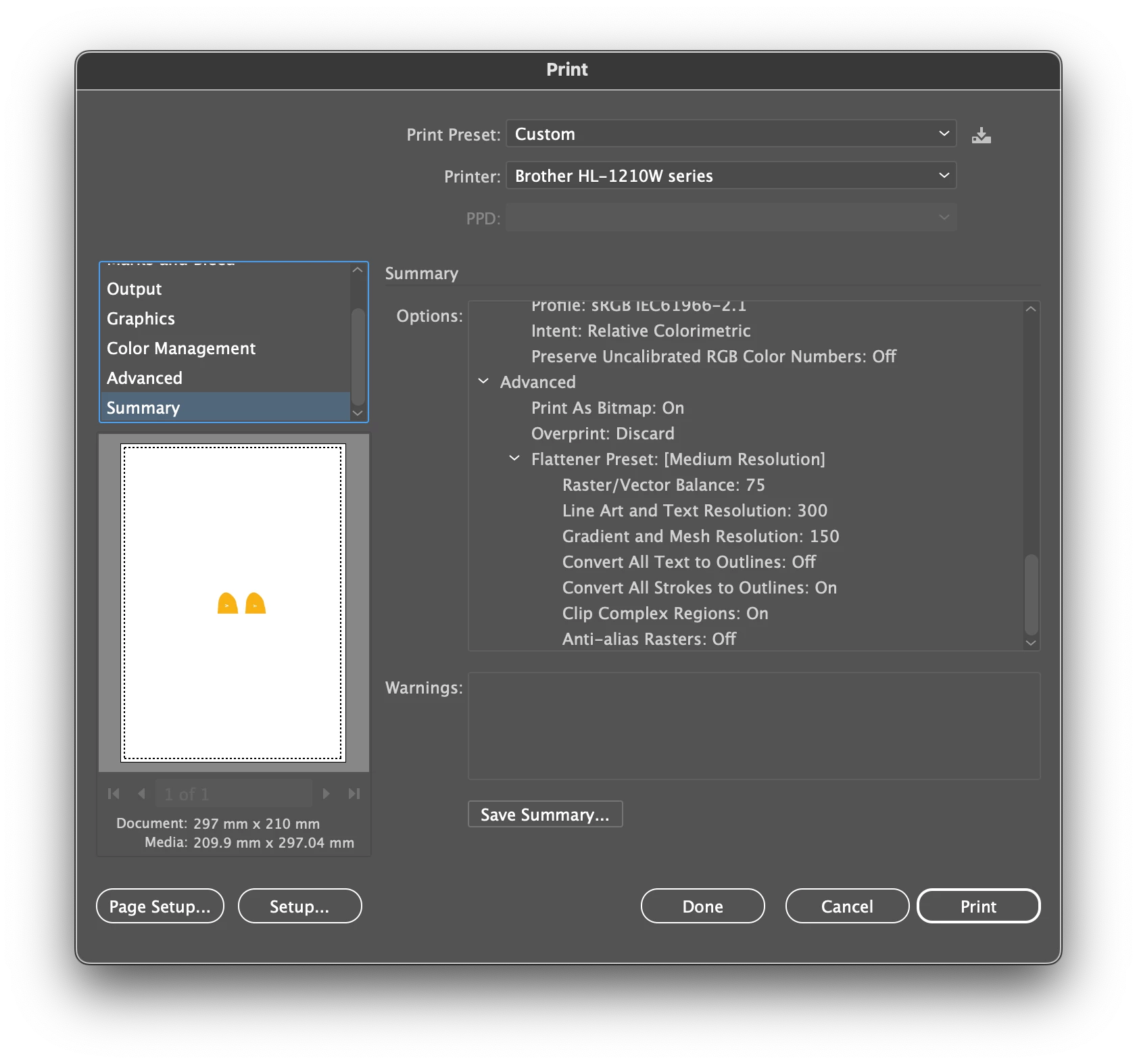
When going back to the Advanced print settings the 'Print as Bitmap' option is still unchecked, but for some reason Illustrator sends the artwork to the printer with the 'Print as Bitmap' option selected as per the print summary.
I have saved the artwork as a pdf file and then tried to print that, but the artwork still prints as a bitmap. I tried to access some of the printing options in the pdf to see if I could access the separations section, but anything other than composite is not accessible:
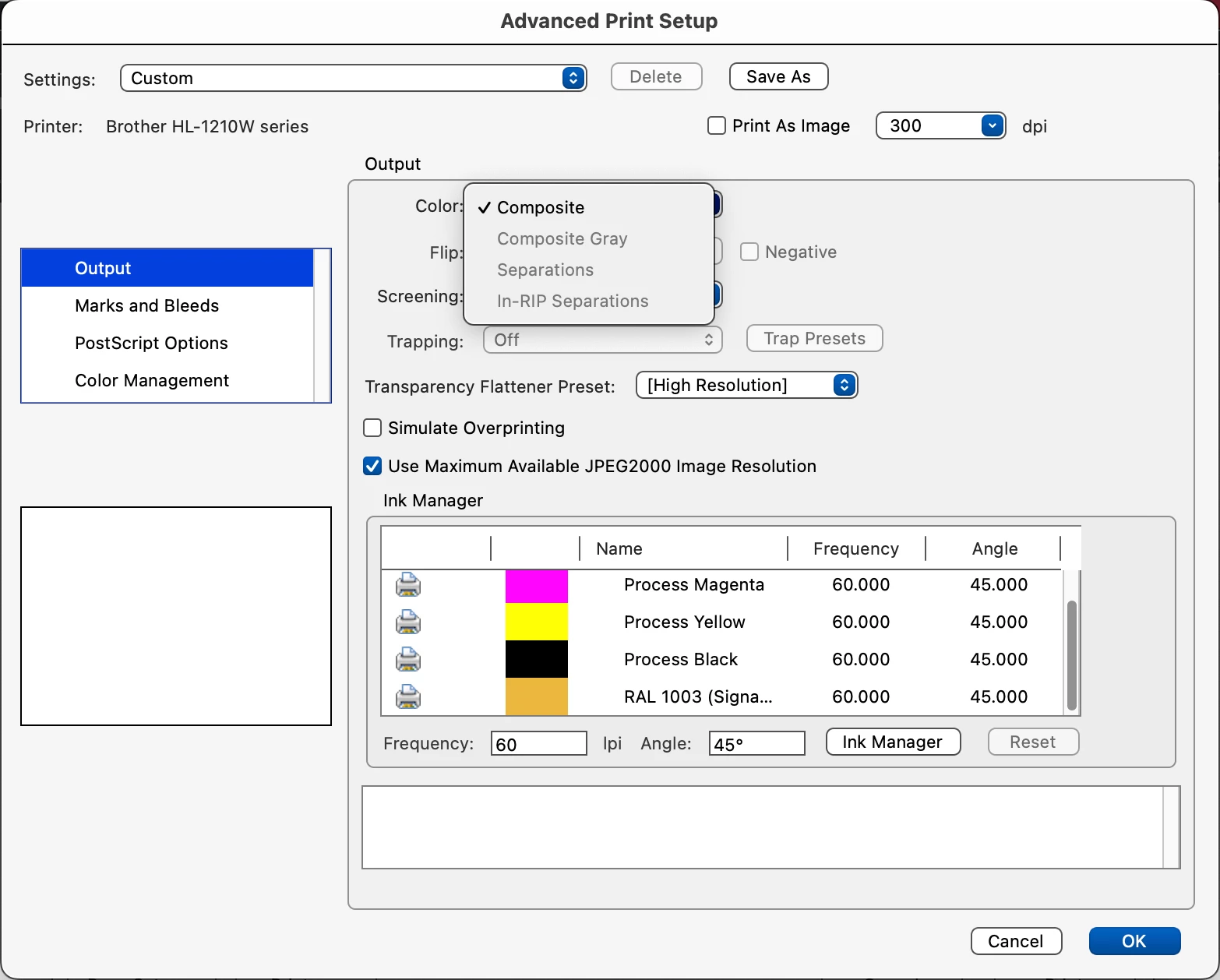
I simply cannot work out how to print to the printer while retaining the vector/Postscript quality instead of converting to bitmap.
Any help would be appreciated.


 AdChoices