Question
Vector File not showing white in laser engraver program (Beamo)
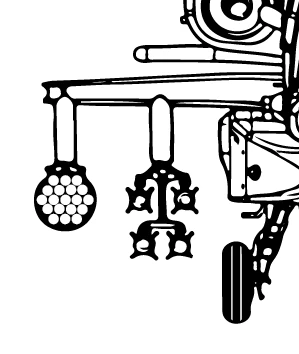
This is what it looks like in Adobe Illustrator. I added the white circles in the rocket pod because the Image Trace distorted the circles to the point it did not look good. I also added the 2 white lines on the tires because I wanted some added detail.
This is a vector file I need in order to laser engrave this image for a customer. But not sure why the Beamo program shows this, below.
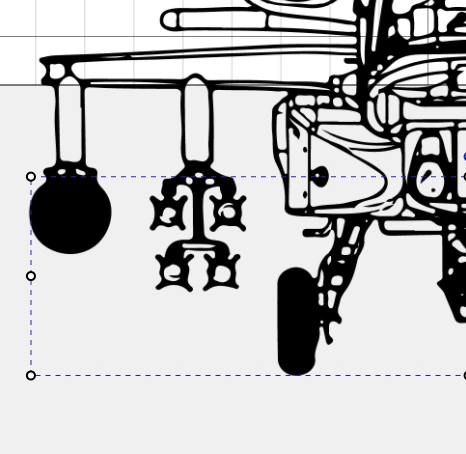
Note the missing white portions on the tire and the rocket pod.
Not sure what is causing it, need help figuring it out.
 AdChoices