
Vector Quality problems
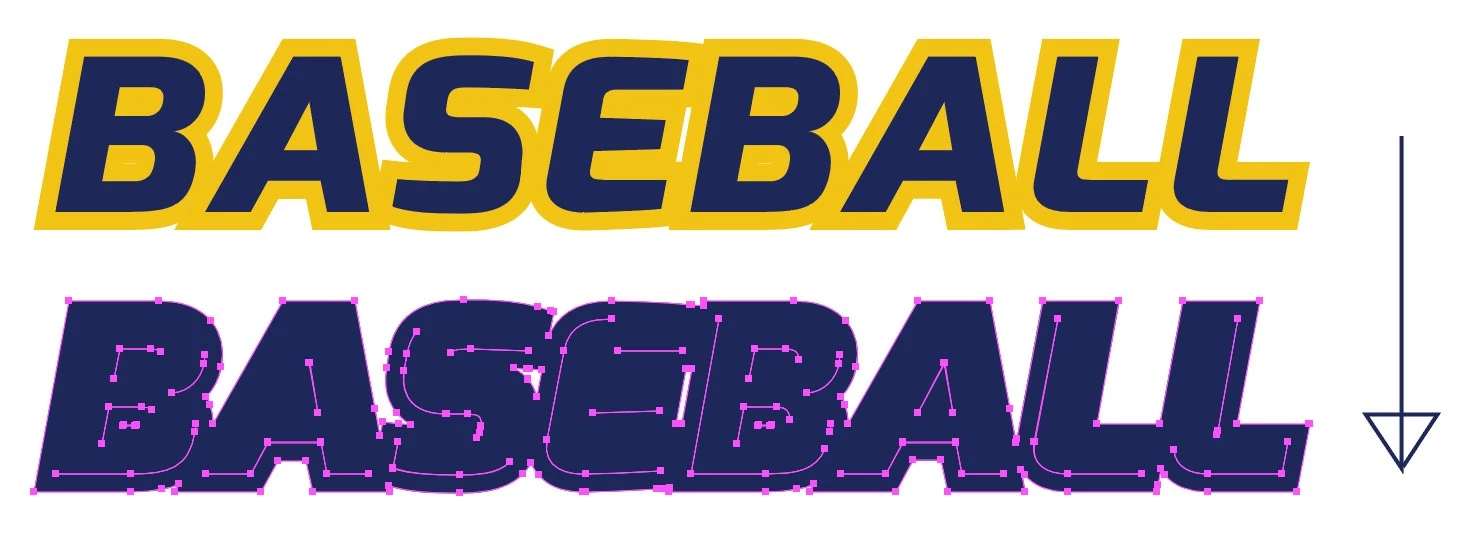
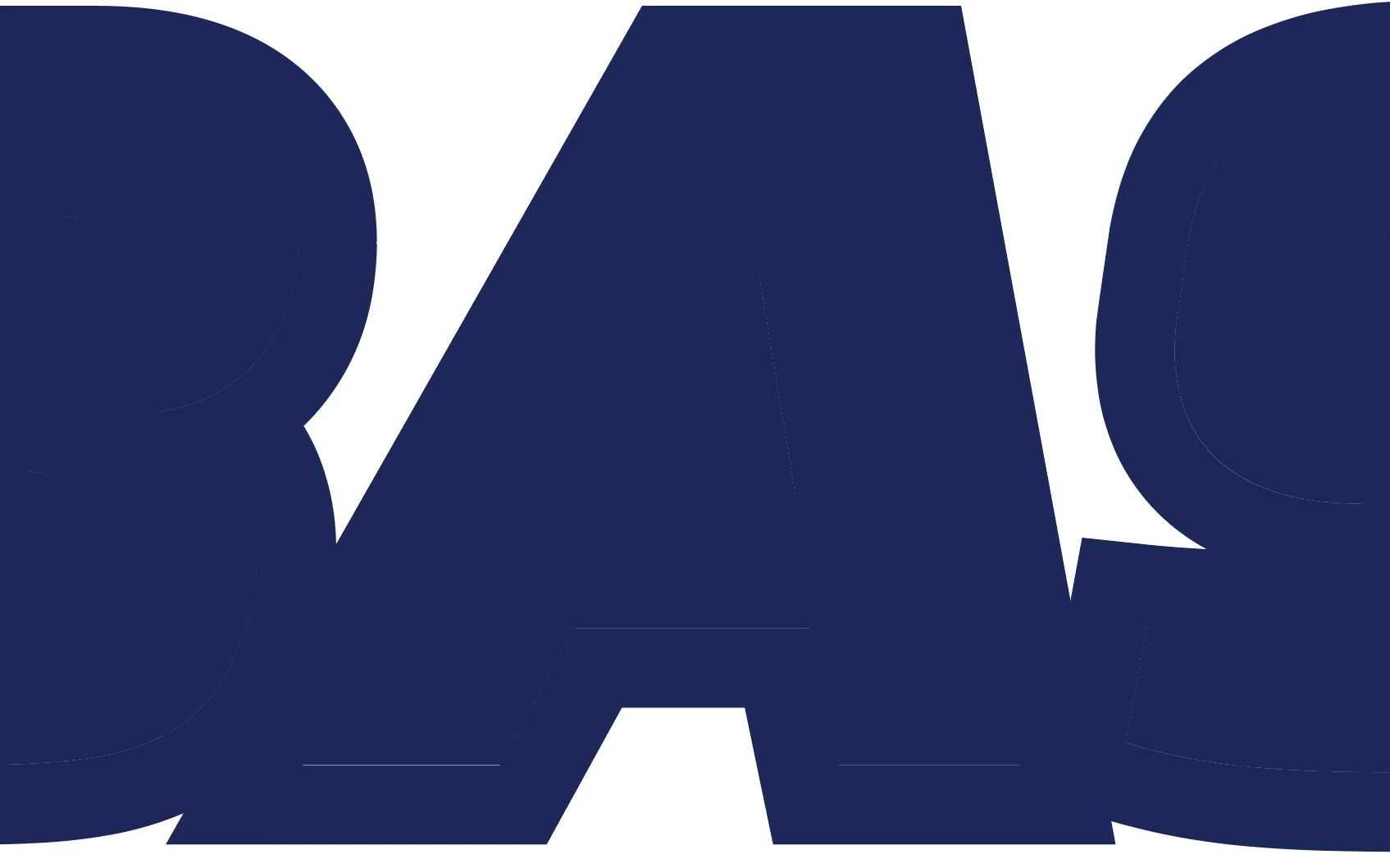
This is becoming increasing the norm for me. In decades of using Illustrator, I did not have issues like this and I'm not sure why it's happening now. But, it may coincide with what I've been seeing visually in Illustrator. Anyway, I start with a piece of text or other object. I use the Appearance panel to put a stroke on the text, mostly stroke behind or outside. Eventually I will expand the appearance, then unite the whole thing. Normally it would be a single solid object with no gaps between the two colors, but this is the result I get regularly now. A lot of gaps as if the two colors were never perfectly aligned. If you look at the close up image below, you can see small gaps where the two colors are supposed to meet perfectly. Something seems to have caused the quality of the vectors in Illustrator to become less perfect. This problem is causing me A LOT of time in trying to clean it up before I can move on with my processes. The one thing that coincides with this problem for me is my increasing use of the Appearance panel for adding strokes to objects. In the past I did not use the Appearance panel nearly as much as I have in the past few years and maybe that is related to this problem.
 AdChoices