Participating Frequently
April 23, 2022
Answered

vectorize part of an image

  • April 23, 2022
  • 2 replies
  • 1294 views

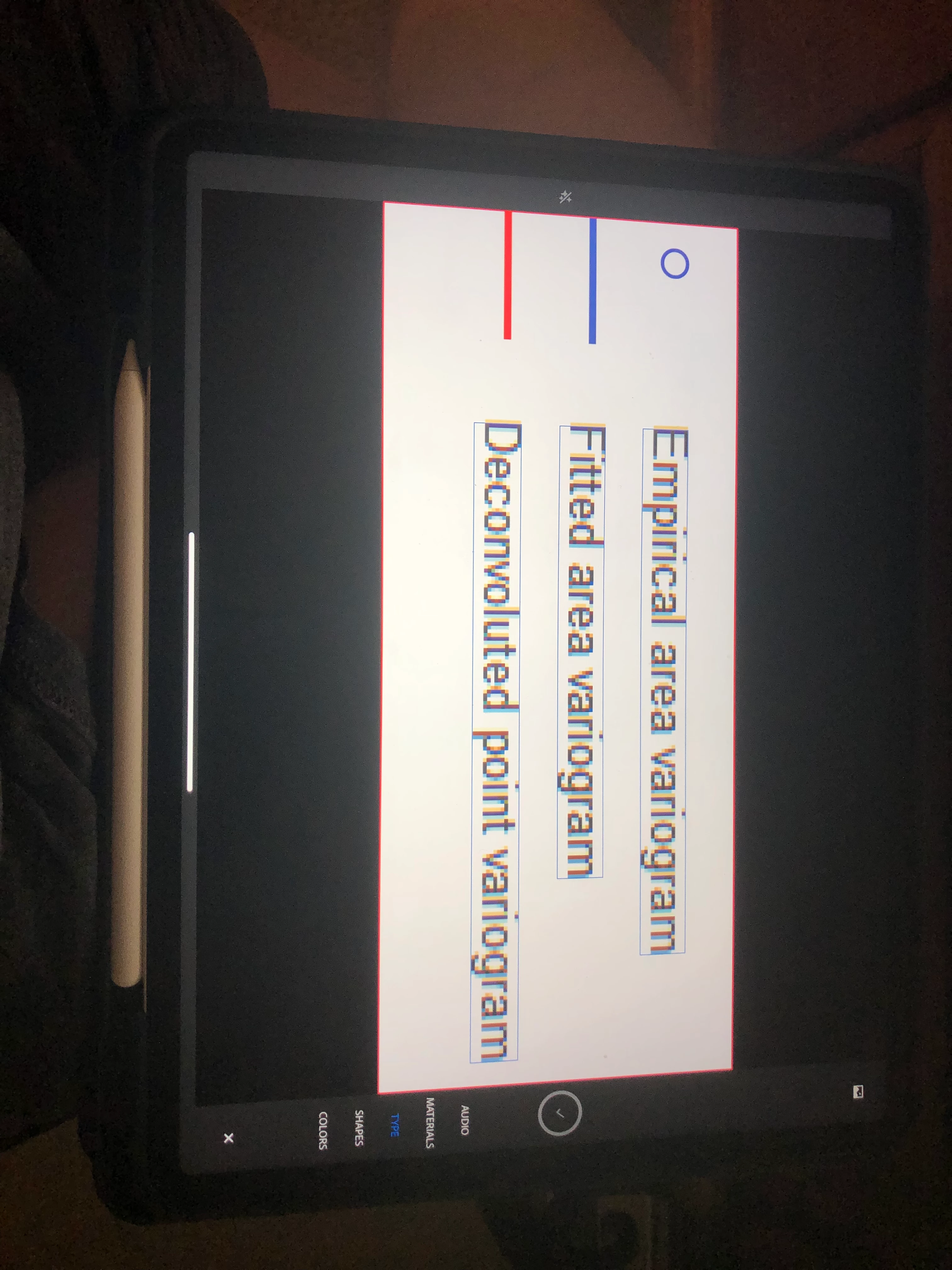
Hi, new to illustrator here. I'd like to vectorize part of an image because it is very 'pixeleted'. As you can see in the attatched image the letters looks pixeleted. How can I vectorize them? I tried using 'image trace' and 16 bit color but it changes the colours of the lines on the left hand side of the image.
This topic has been closed for replies.
Correct answer chanaart

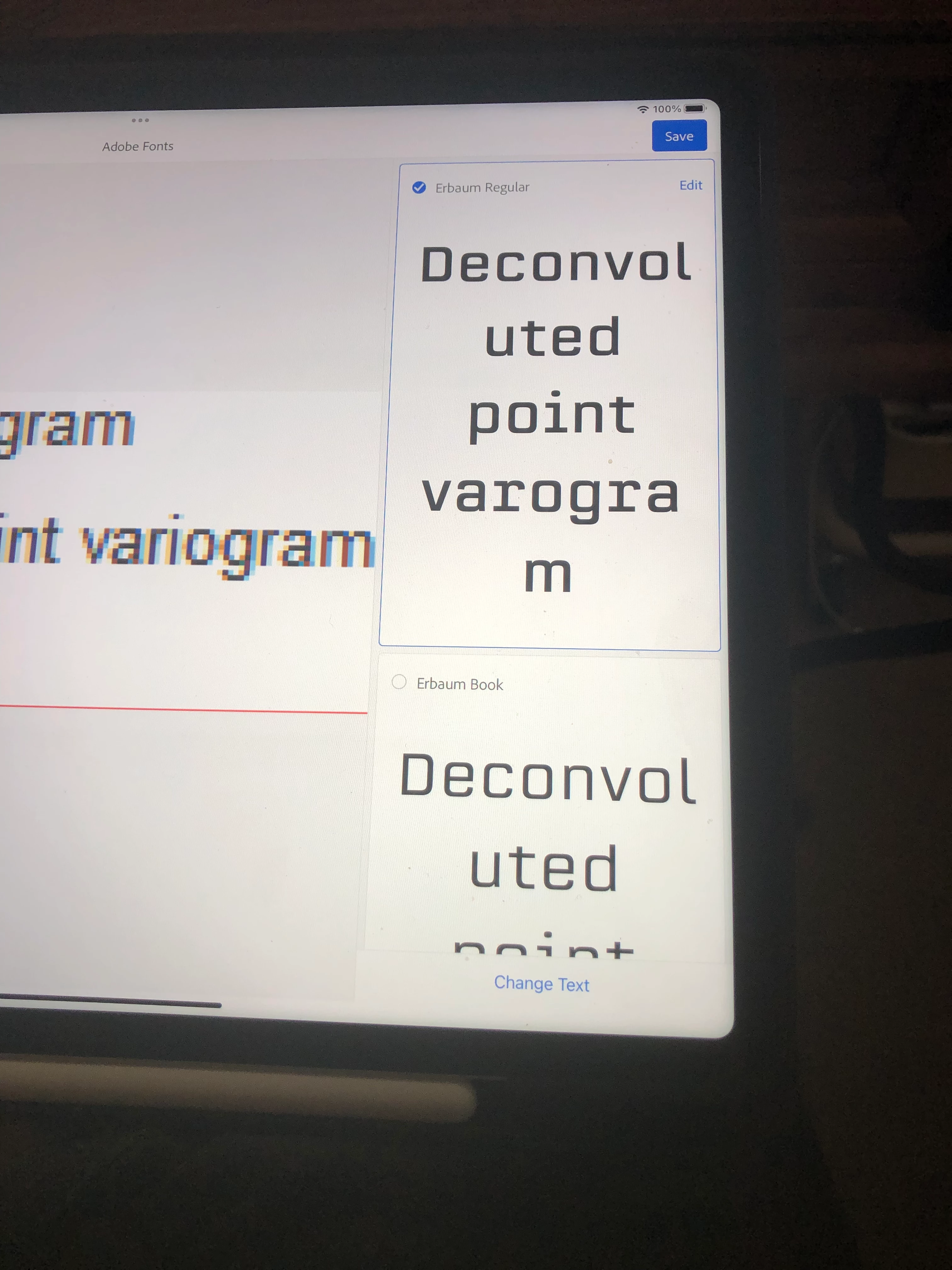
Here images from Capture on the ipad or on the iphone

2 replies

chanaart
Community Expert
Community Expert
April 23, 2022

Do not Vectorize it. Image trace is not so great with Type.

2 options. 

in Photoshop on the file.

TYPE>Match Font

and see the result.,


Another is to do the same in Adobe Capture. (free mobile app)

Upload the fileto the application and in the TYpe tab activate and wait to see the result.

Save in the library.


Nikos5C56Author
Participating Frequently
April 23, 2022

@chanaart I'll check the mobile app and I'll post the result here. Cheers

Ton Frederiks
Community Expert
Community Expert
April 23, 2022

I would just retype them in a typeface like Arial.

Nikos5C56Author
Participating Frequently
April 23, 2022

Hi Ton, thanks for the reply. This is what I did eventually but imagine a situation where you have 20-30 graphs with the same problem (pixeleted text). That's why I asked if there is a faster way to vectorize a portion of an image.

Ton Frederiks
Community Expert
Community Expert
April 23, 2022

That is too low a resolution to vectorize.

I don't know where the graphs come from, is it possible to get a vector version or a higher resolution file?