Participant
September 22, 2022
Question

Vectors and Fonts Are Squished even in Export

  • September 22, 2022
  • 2 replies
  • 248 views

Hey all,


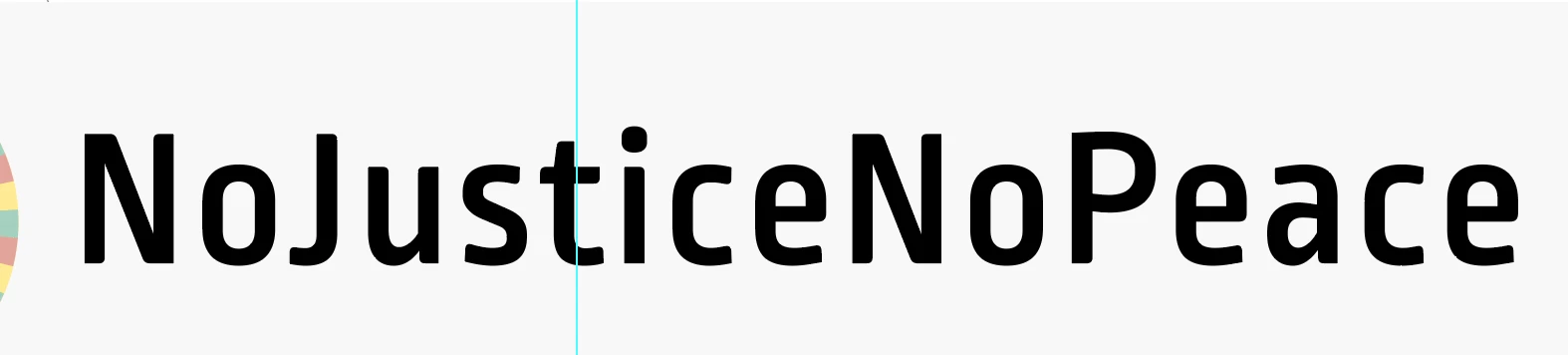
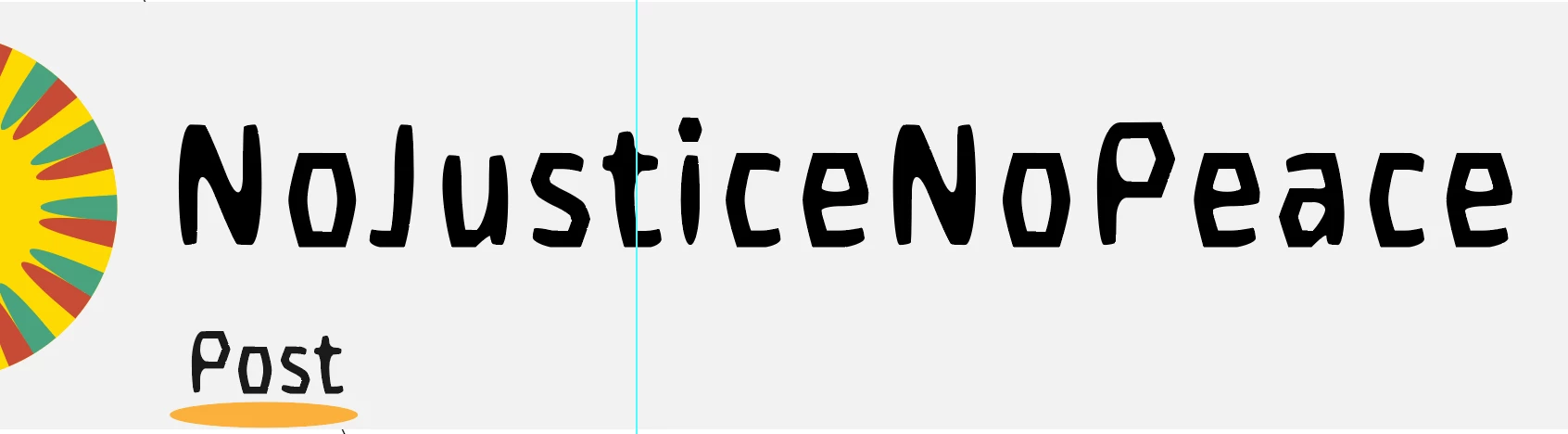
Hoping for some help with this one. Select fonts and vector images are appearing squished / bloated. I thought perhaps it was a memory saving technique, but it shows up in exports - png, pdf - so I feel like something bizarre is going on. I've attached images because I'm rubbish at describing this. 


The top one is the strange squish effect and the bottom is how the font should properly look. 


Thank you for the help! 

This topic has been closed for replies.

2 replies

Monika Gause
Community Expert
Community Expert
September 22, 2022

Does it get better when you View > Preview on CPU?

Ton Frederiks
Community Expert
Community Expert
September 22, 2022

Does it look the same in Outline View?

When did that happen?

Emily5D87Author
Participant
September 22, 2022

Hey - it doesn't happen in Outline view - font and vectors appear correctly. I attached an image. I would say it started happening maybe midway through the 2nd full day I was working on the project. 

Ton Frederiks
Community Expert
Community Expert
September 22, 2022

That is strange, did you try restarting your machine, resetting Preferences?

https://helpx.adobe.com/illustrator/using/setting-preferences.html