Known Participant
March 24, 2023
Answered

visual glitch when I paste pathes
  • March 24, 2023
  • 2 replies
  • 209 views


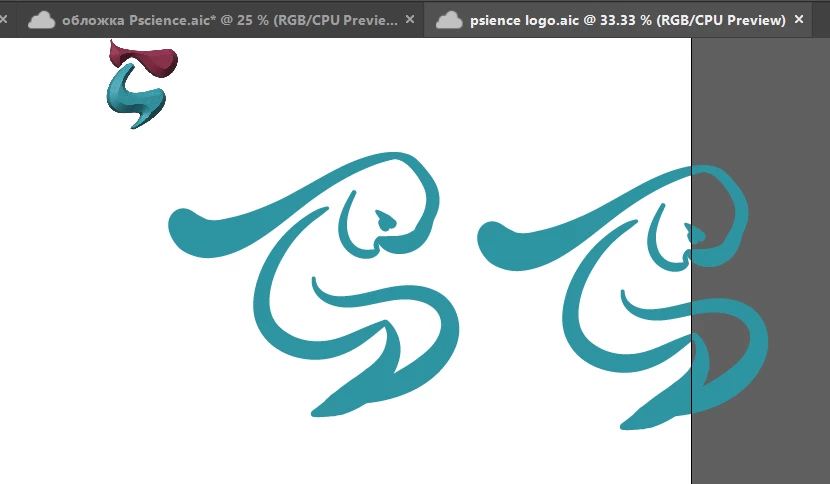
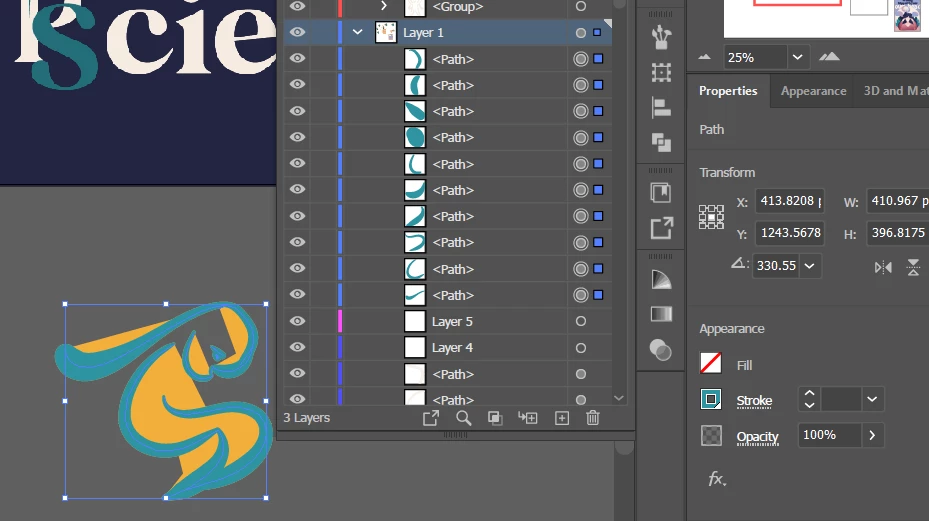
for unknown reason, when I'm trying to duplicate these pathes from the same file or from origin file (2) to the other file, it looks like this and this extrafills can't be removed since there's no sucj things (3), aand attempt to refill it leads to this artifacts:

I tried restarting - it didn't helped me as well as pasting different ways

in a nutshell: I have this

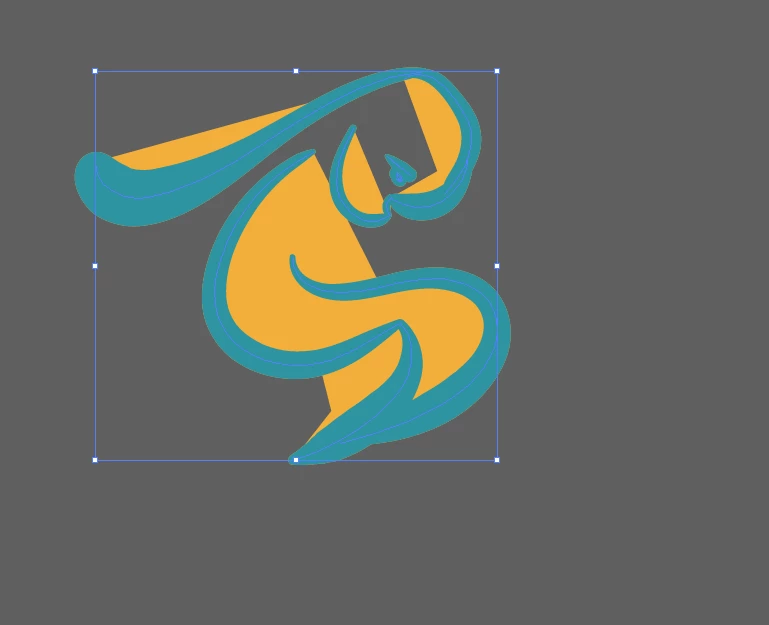
but if I duplicate it, I get this

 

This topic has been closed for replies.
Correct answer Jacob Bugge

fyliy,


I believe that you ought to have only 3 blue(ish) paths in total; you have many, some of them open (ending where the straight sides of the yellow(ish) fills end).


So I believe the first thing to do is to Join the paths into 3 closed ones corresponding to the appearance.

2 replies

Anubhav M
Community Manager
Community Manager
March 24, 2023

Hello @fyliy,


We understand that encountering technical issues can be frustrating. Would you mind checking if Illustrator also behaves this way when copying from other/new files? If not, kindly share a sample file you're having trouble with here (https://community.adobe.com/t5/illustrator-discussions/share-your-files-in-6-simple-steps/td-p/12967531), so we can check it on our end.


Looking forward to your response.


Thanks,

Anubhav

Jacob Bugge
Community Expert
Jacob BuggeCommunity ExpertCorrect answer
Community Expert
March 24, 2023

fyliy,


I believe that you ought to have only 3 blue(ish) paths in total; you have many, some of them open (ending where the straight sides of the yellow(ish) fills end).


So I believe the first thing to do is to Join the paths into 3 closed ones corresponding to the appearance.