
Answered
Warning Signs in Swatch Options
Hi,
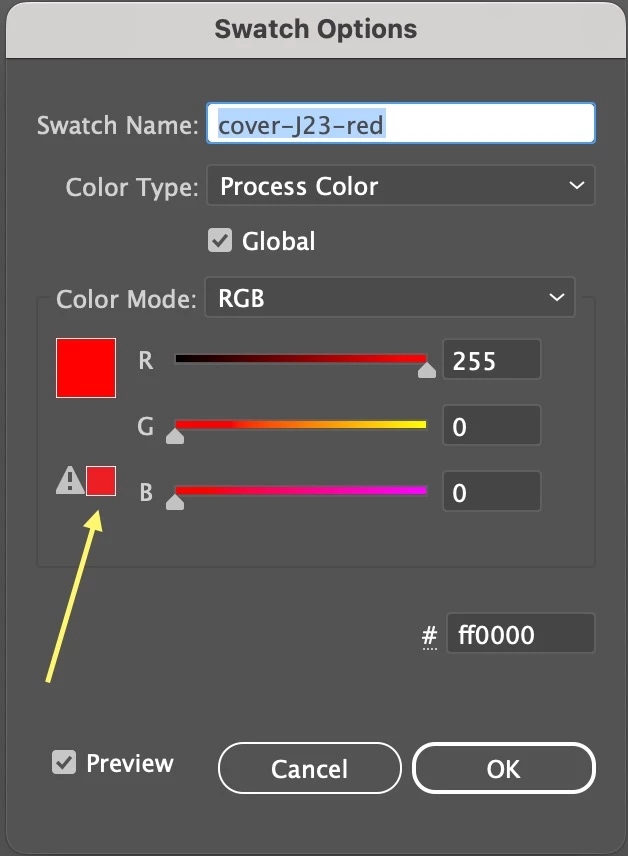
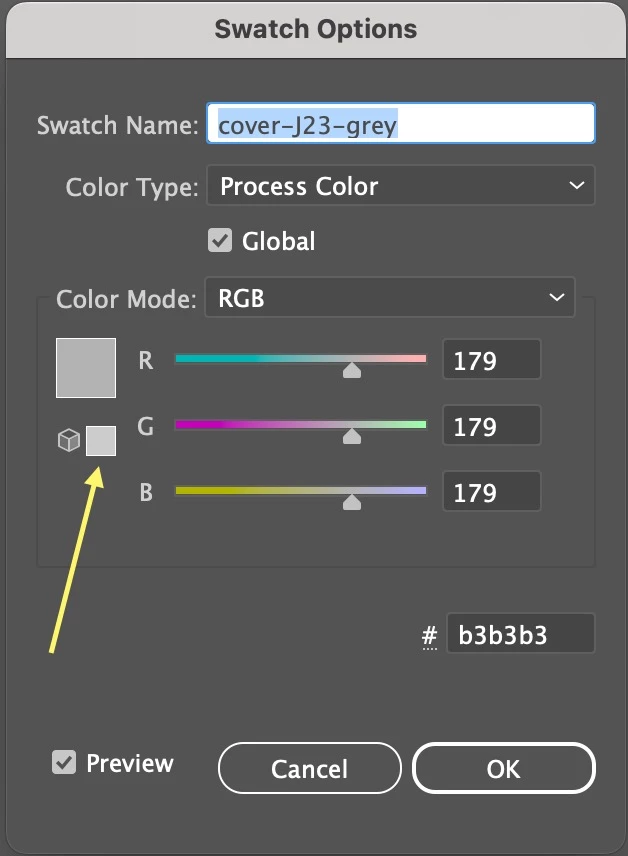
In Swatch Options, there are two warning signs (triangle and cube).
Can I use the colors with those signs unchecked?
I want to use #ff0000 and #b3b3b3.
Hosun
Screenshot 1
Screenshot 2

Hi,
In Swatch Options, there are two warning signs (triangle and cube).
Can I use the colors with those signs unchecked?
I want to use #ff0000 and #b3b3b3.
Hosun
Screenshot 1
Screenshot 2
The triangle symbol merely means that you would not be able to match that color very well, if at all, if you wanted to print it using 4 color process (CMYK). Any time you see that symbol it means that the color is outside the gamut of what is possible using process colors.
Already have an account? Login
No account yet? Create an account
Enter your E-mail address. We'll send you an e-mail with instructions to reset your password.


 AdChoices